

negozio online
prenotazioni
eventi
popup

Lumo Accessibility Toolbar
di
Light accessibility toolbar in 5 languages
5.0
Piano gratuito disponibile

Panoramica Lumo Accessibility Toolbar
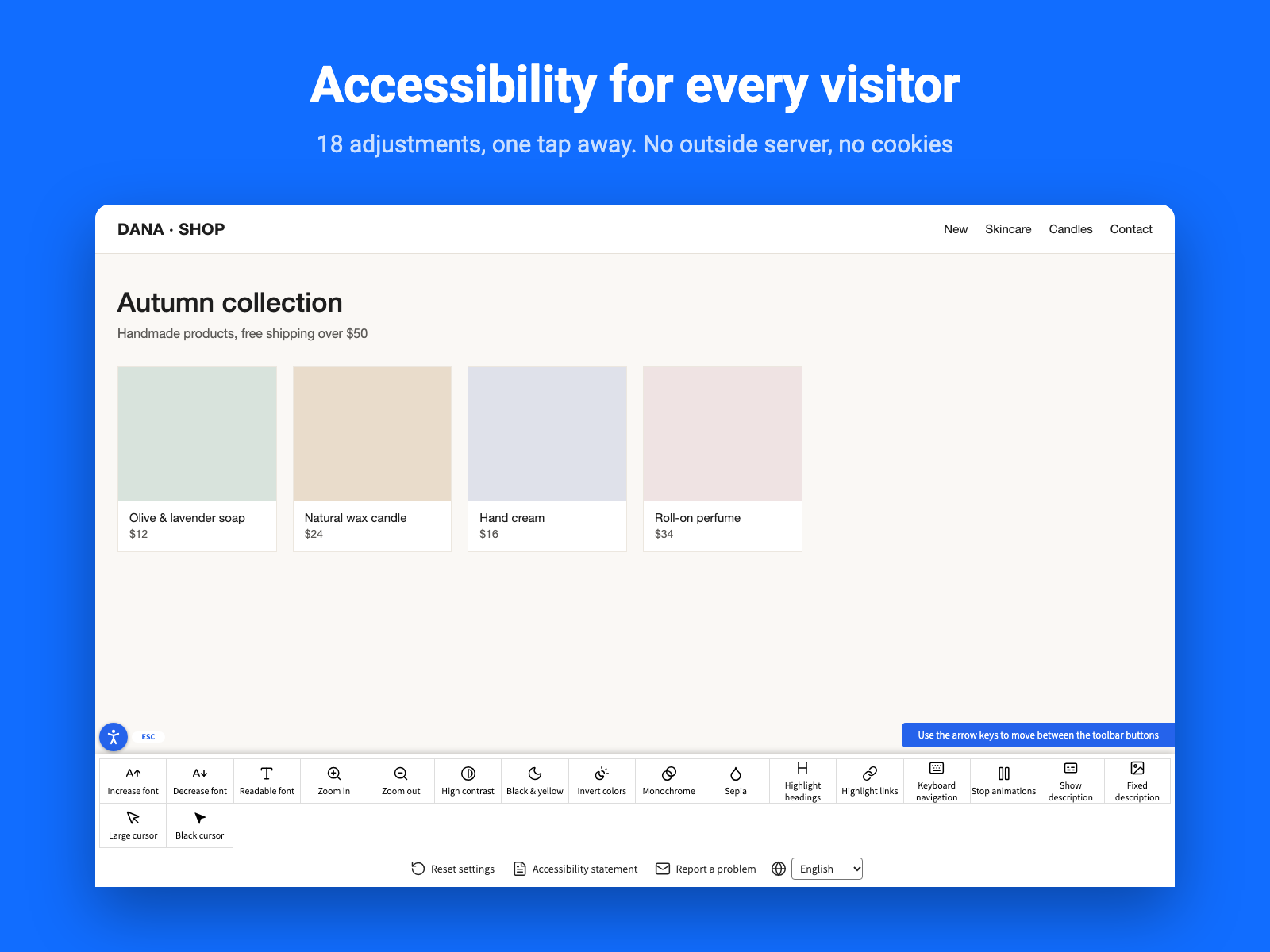
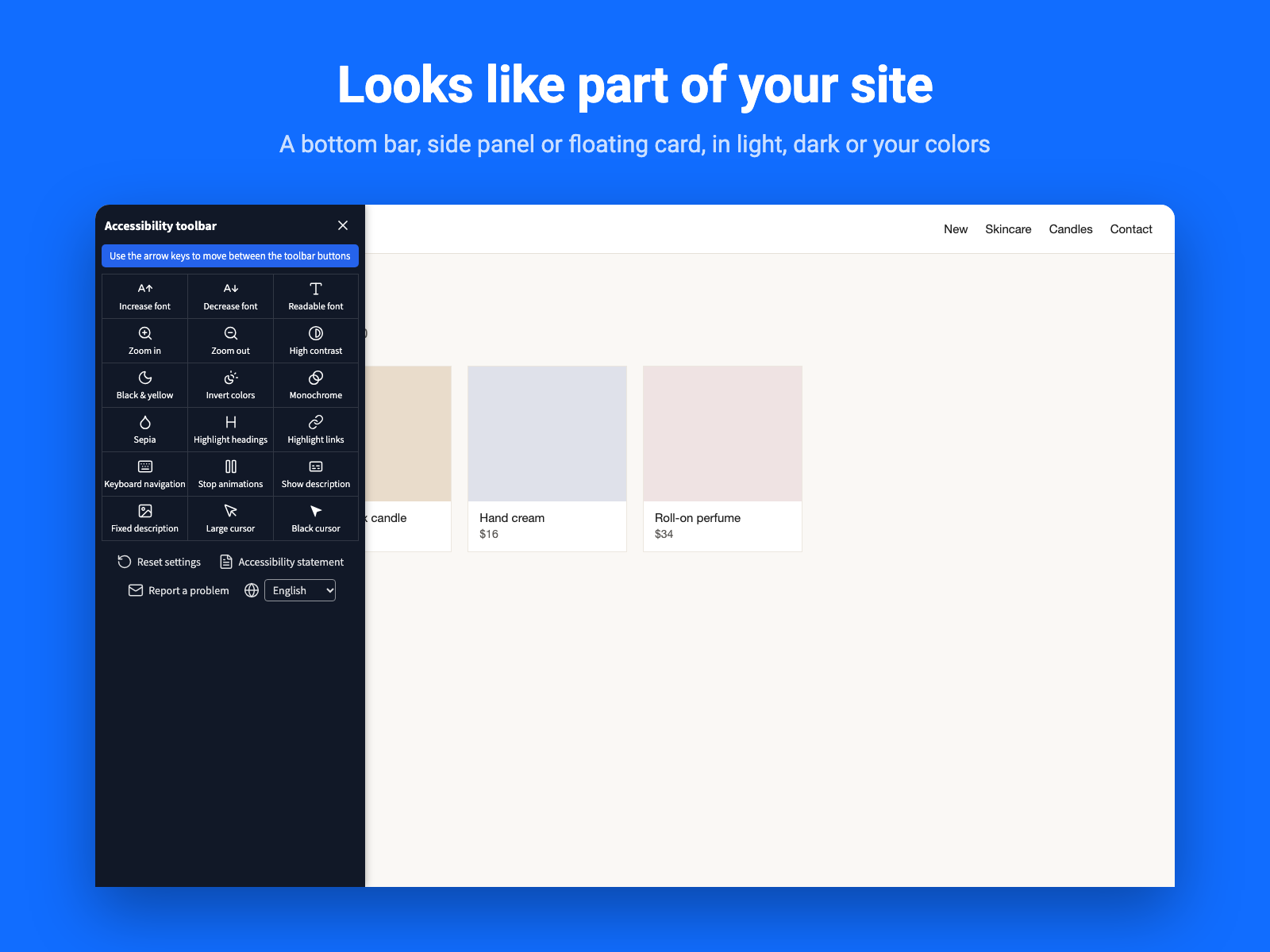
- 18 accessibility adjustments
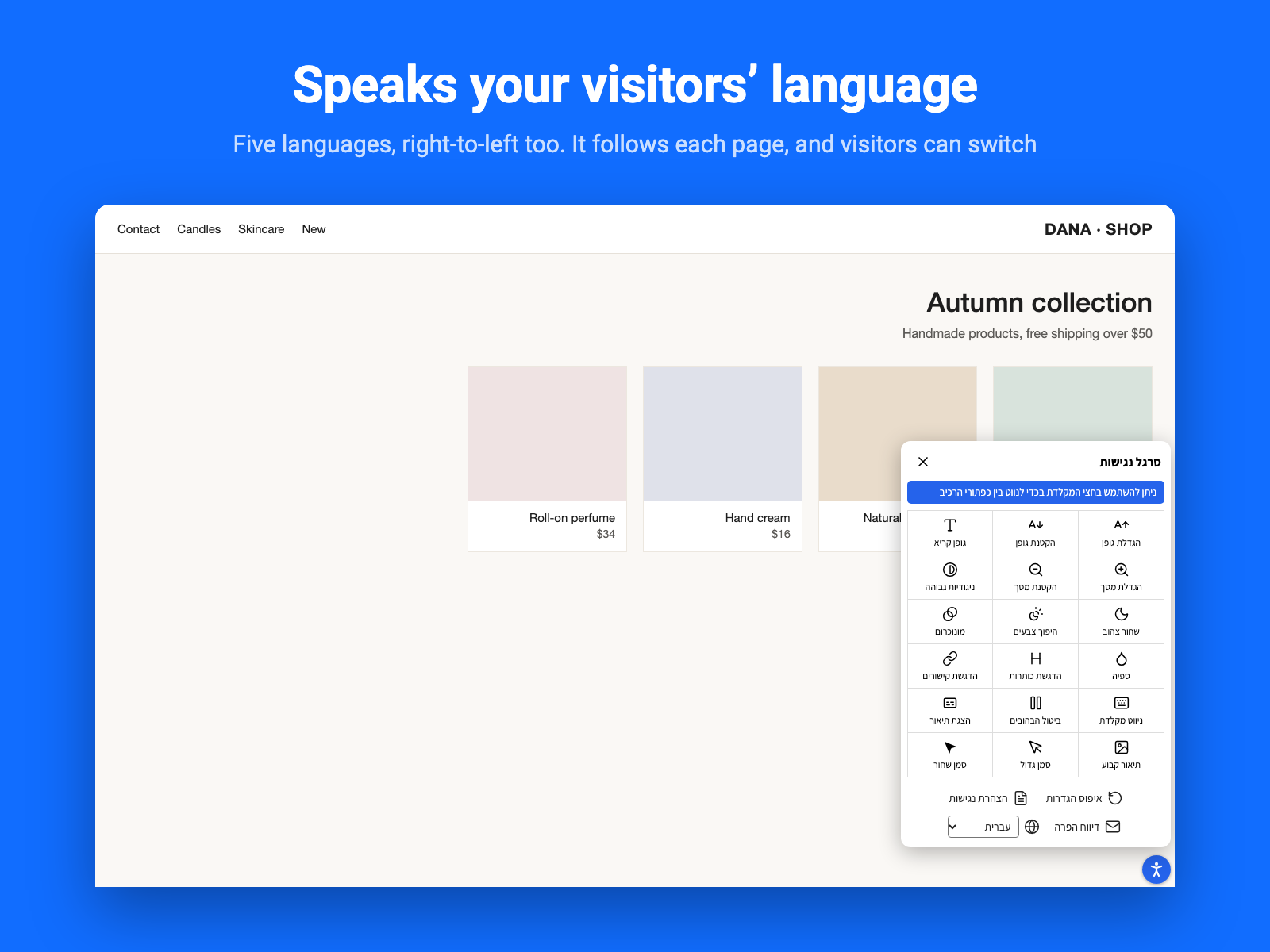
- Five languages, chosen by you
- No cookies, no outside server
- Statement and report links
Valutazione media 5.0
2 recensioni
5
2
4
0
3
0
2
0
1
0
Ordina per:
FM
Fmdmlawyers/ Nov 19, 2026
סרגל נגישות נעים ונוחמומלץ מאד למי שרוצה לאפשר לגולשים שלו נגישות מירבית באתר. והבונוס?
הוא מגיע עם עברית מצויינת לגולשים ובפאנל ניהול
(0)
Grazie per il feedback
ZI
Zielinskirozen/ Nov 19, 2026
highly recommended
(0)
Grazie per il feedback
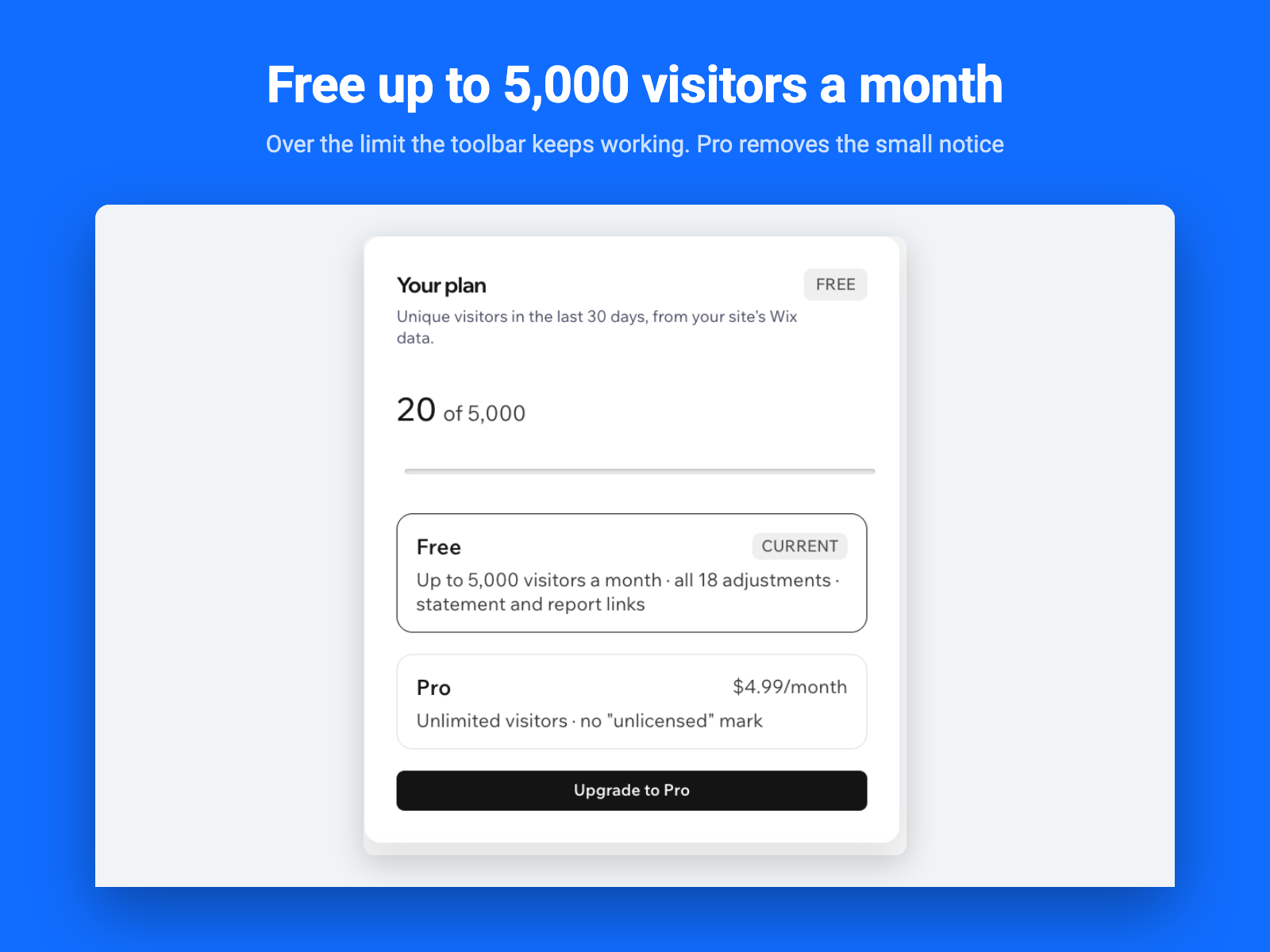
Piani e prezzi
Pacchetto Basic
Gratis
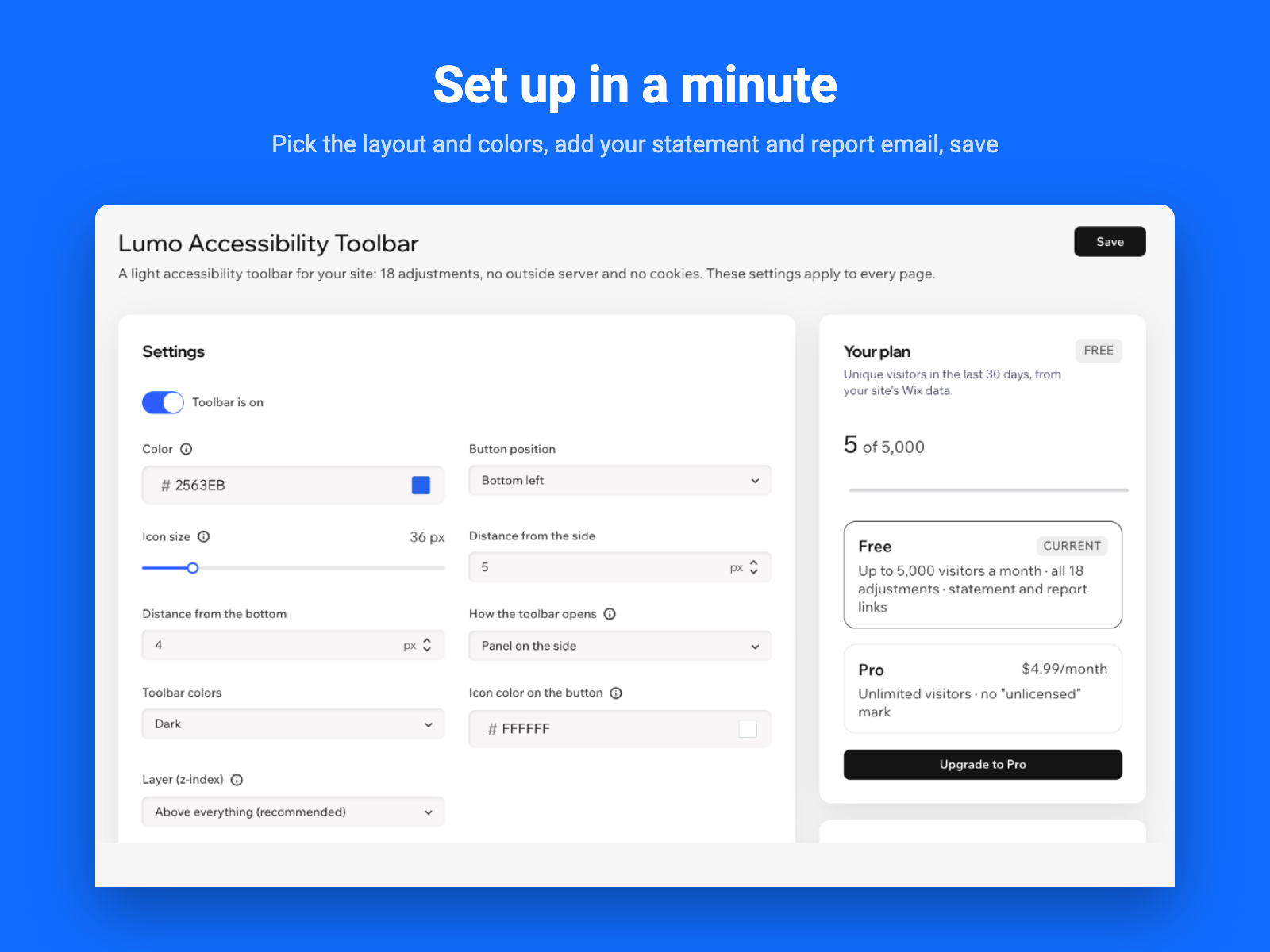
Up to 5,000 unique visitors a month
All 18 accessibility adjustments
Statement and report links
Pacchetto Pro
$
2
44
/mese
$408
Unlimited visitors
No "unlicensed" mark on the toolbar
All 18 accessibility adjustments
Statement and report links
* Il prezzo è in USD.