Describe an automation in plain words and Whenever builds it
Connect orders, forms, bookings and contacts to 1,400+ apps
Add AI steps to draft replies, sort leads or summarize orders
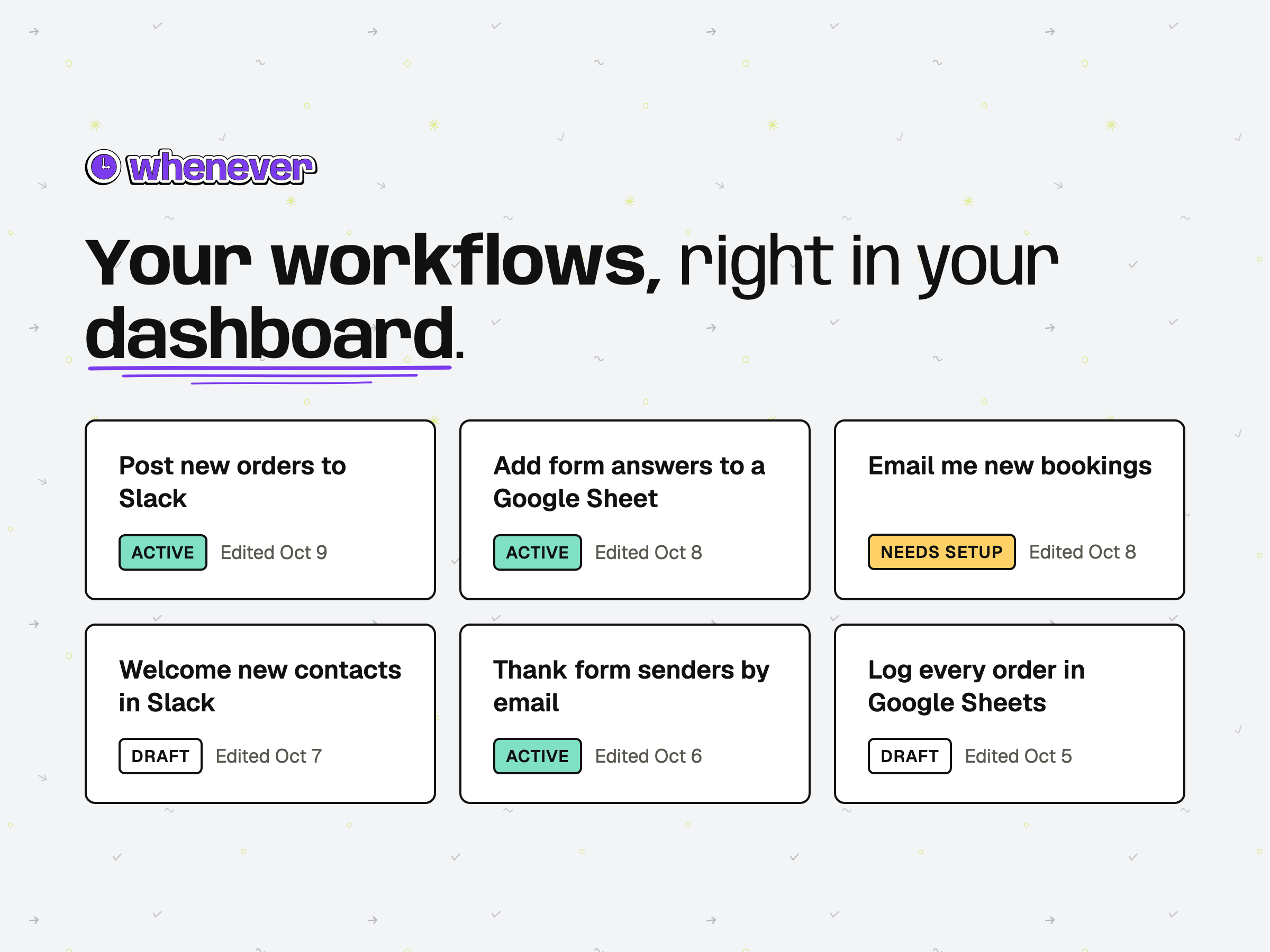
See status in your dashboard and get an email if a run fails
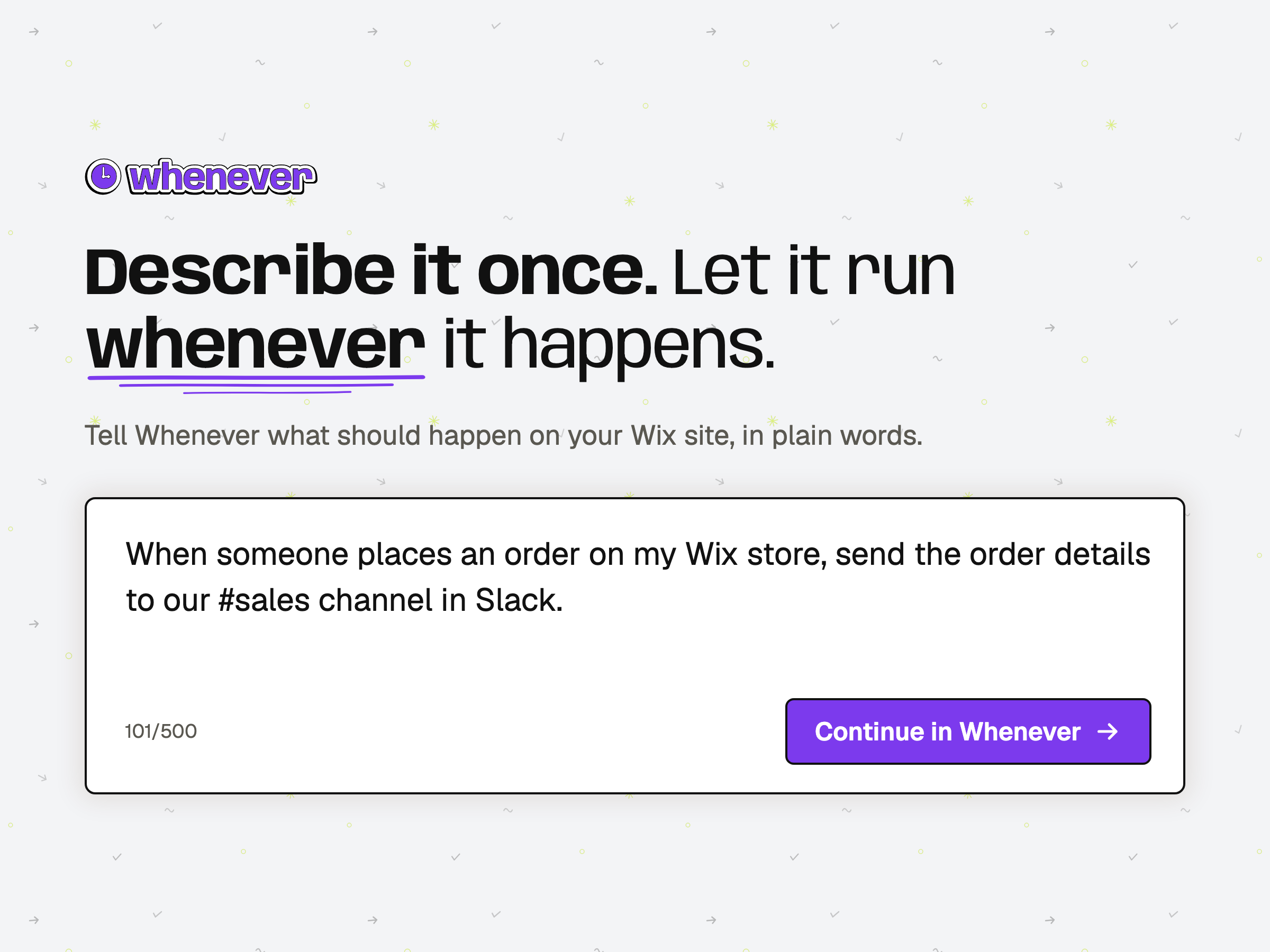
Whenever turns a sentence into a working automation for your site. Describe what should happen, like “When someone books a class, add them to my Google Sheet and message me on Slack,” and Whenever builds the workflow for you.
Connect site events such as orders, form submissions, bookings and new contacts to 1,400+ apps, including Slack, Gmail and Google Sheets. When a step needs judgment, add AI to draft a reply, sort a lead or summarize an order.
How it works:
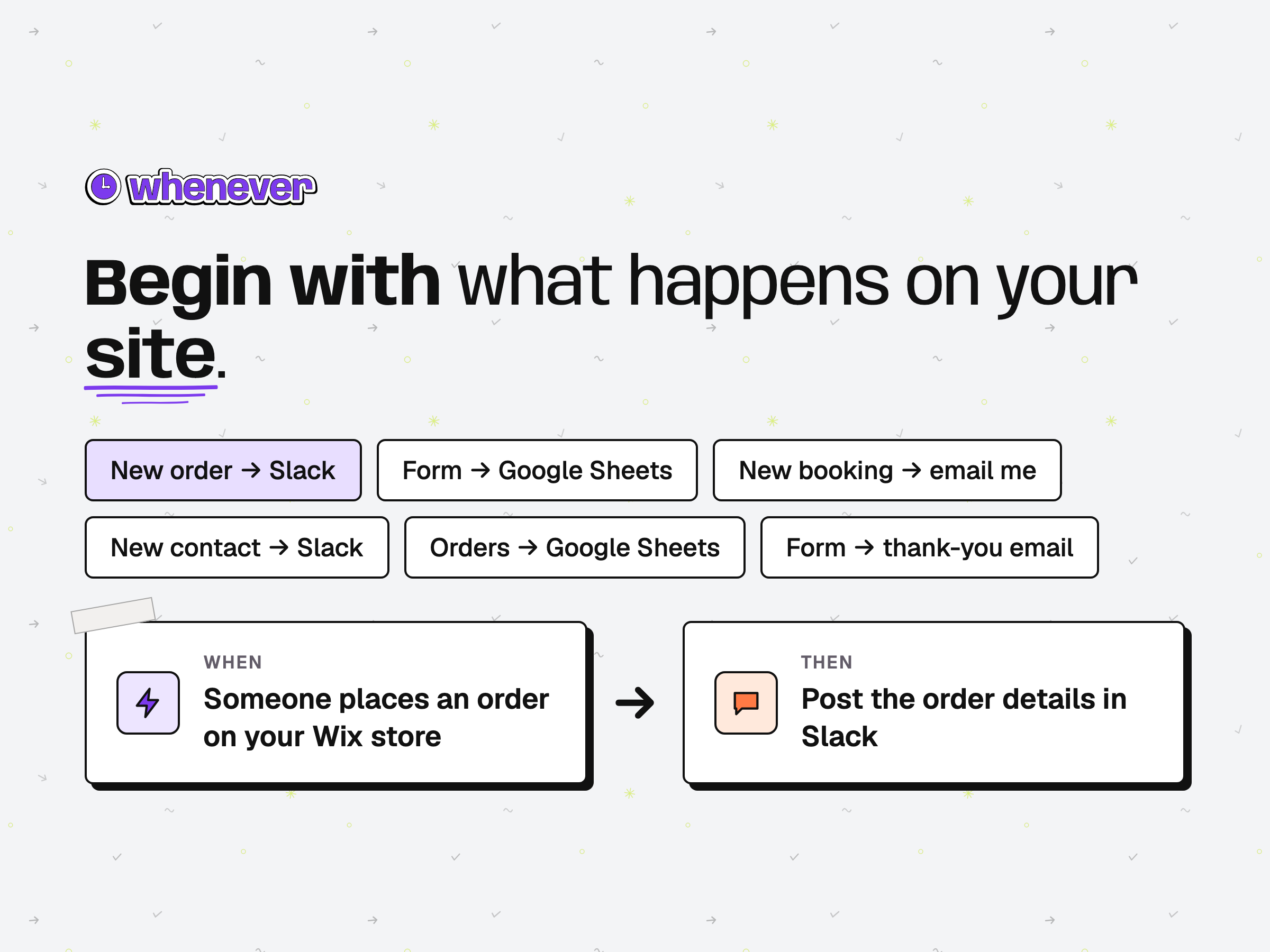
1. Type what you want in the prompt field on your dashboard, or start from an example for orders, forms, bookings or contacts.
2. Open it in Whenever to review the workflow, connect the apps it needs and choose when it runs.
3. Turn it on. Your workflows and their status appear in your dashboard, and you get an email if a run fails.
Each workflow runs as code, so it doesn’t improvise: your rules apply the same way on every run, with AI only in the steps where you add it. Pricing is per run, not per step. Start free with one active workflow and 100 runs a month, no credit card required.