

negozio online
prenotazioni
eventi
popup

SpendBoost
di
Boost your order value with smart discount tiers
Non ci sono ancora recensioni
Piano gratuito disponibile

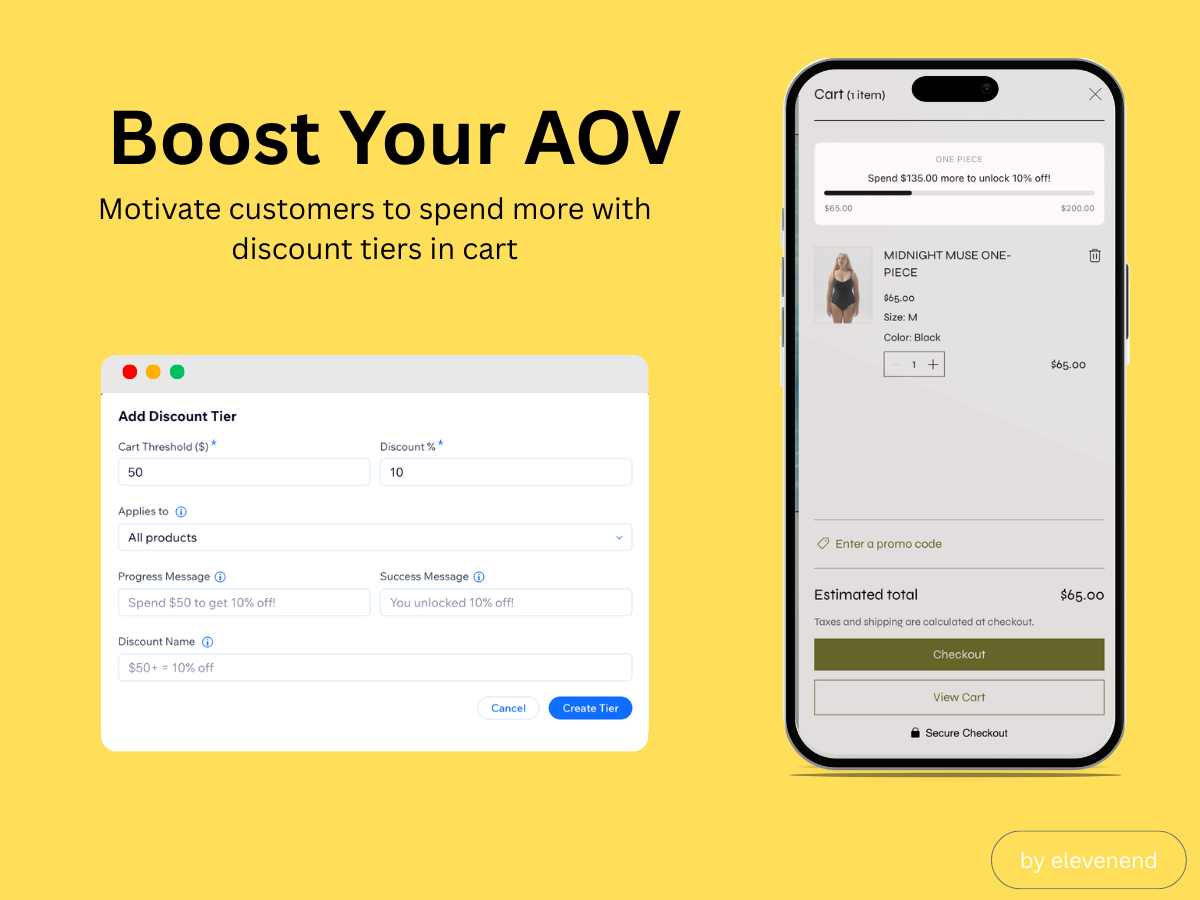
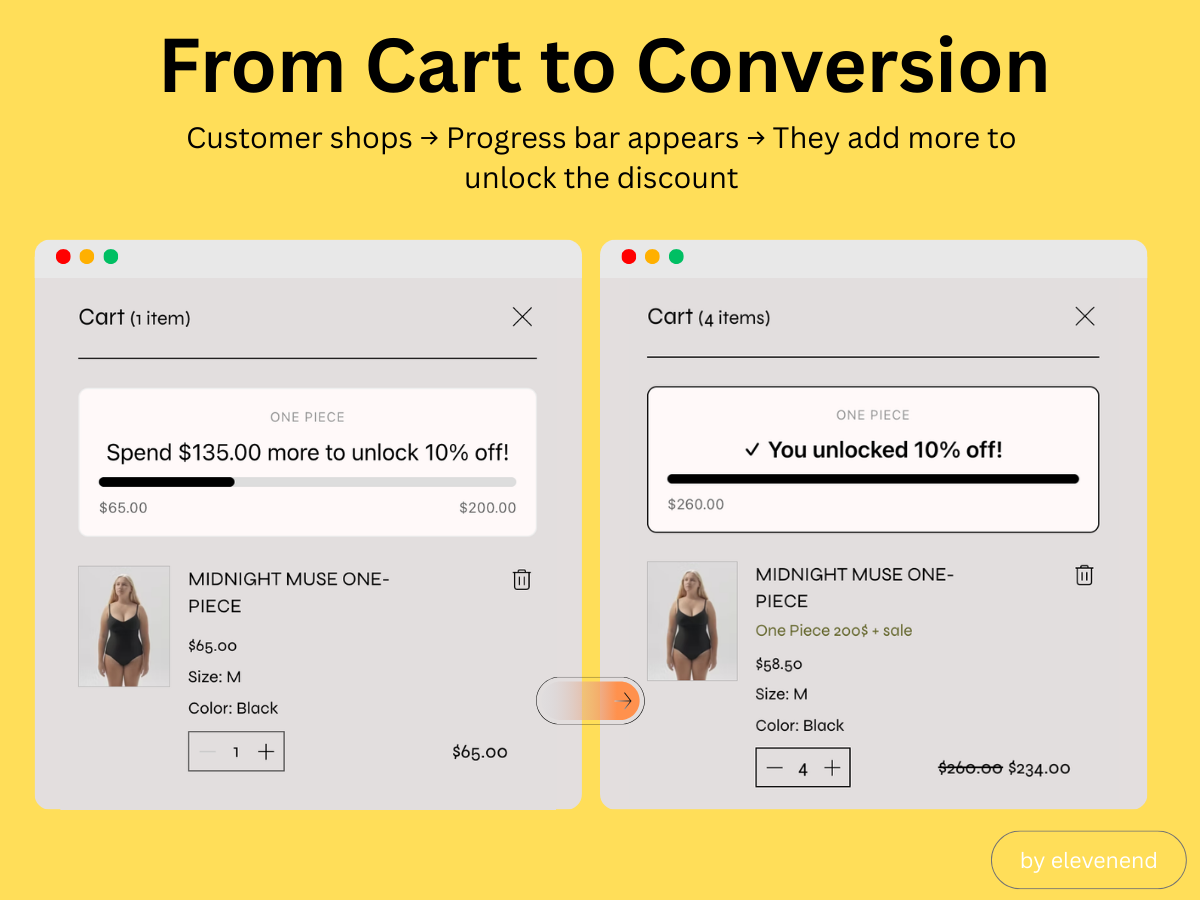
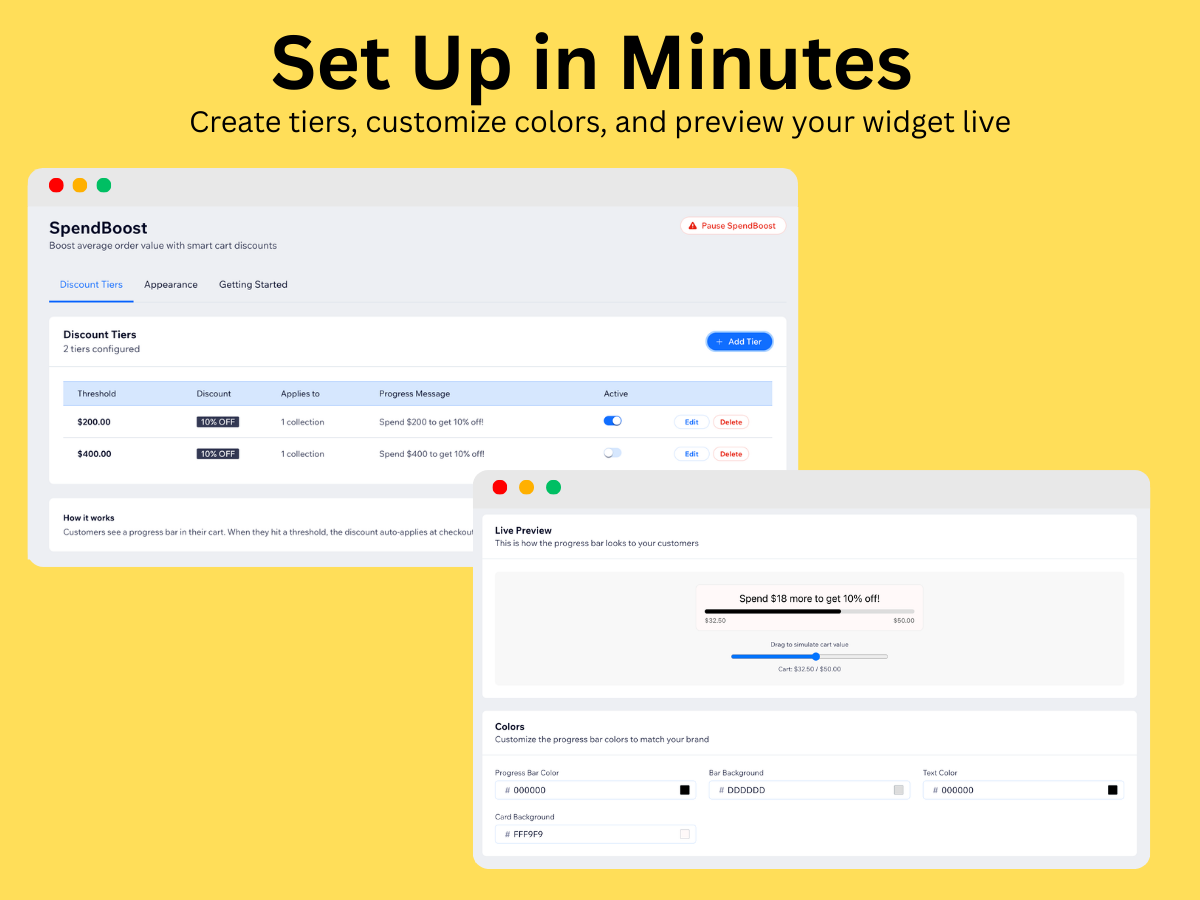
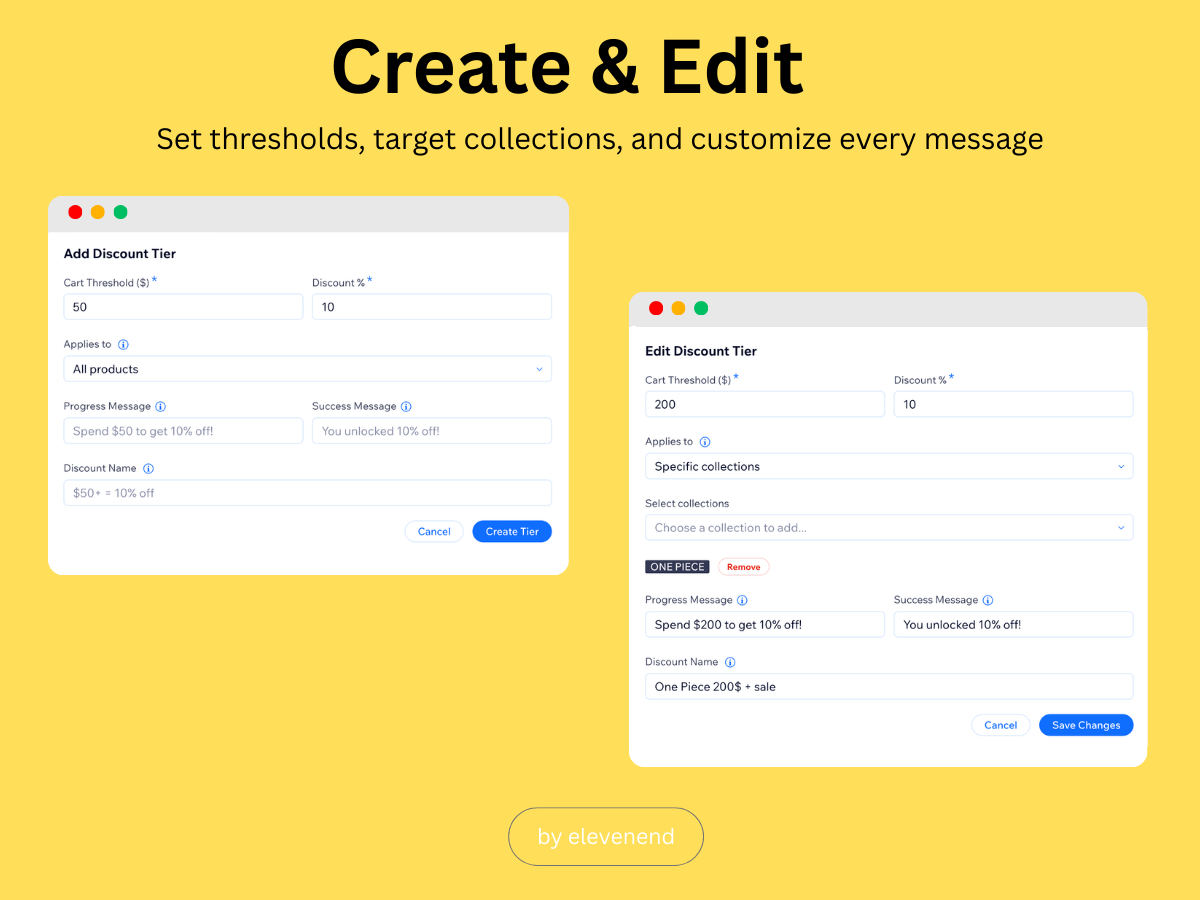
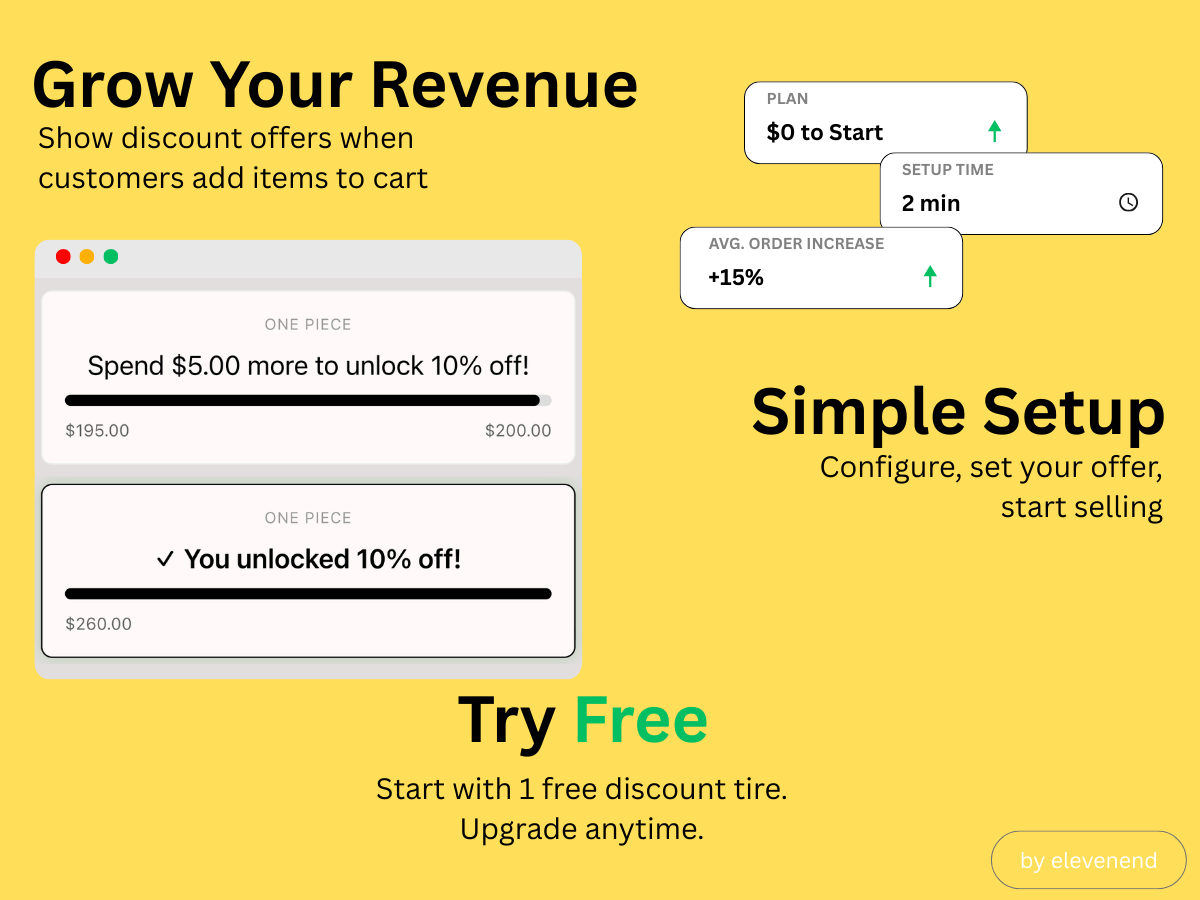
Panoramica SpendBoost
- Progress Bar in Cart - Show customers how close they are to unlocking a discount, motivating them to add more items
- Flexible Discount Tiers - Set spending thresholds with automatic percentage discounts that apply at checkout
- Target by Collection or Product - Create tiers for all products or scope them to specific collections and products
- Fully Customizable Appearance - Match your brand with custom colors, fonts, animations, and messaging
Categorie
Disponibilità:
L'app è disponibile in tutto il mondo.Lingue dell'app:
Inglese
Requisiti del sito:
-
In evidenza in
Valutazione e Recensioni
Questa app non ha ancora ricevuto recensioni: valutala prima di tutti.Piani e prezzi
Pacchetto Basic
Gratis
1 discount tier
Progress bar widget
Auto-apply at checkout
Easy 2-minute setup
Pacchetto Pro
$
5
00
/mese
Up to 10 discount tiers
Custom colors & styling
No SpendBoost branding
Priority email support
* Il prezzo è in USD.