

negozio online
prenotazioni
eventi
popup

Appointment Waitlist
di
Never miss a chance to get booked
2.1
Installazione gratuita

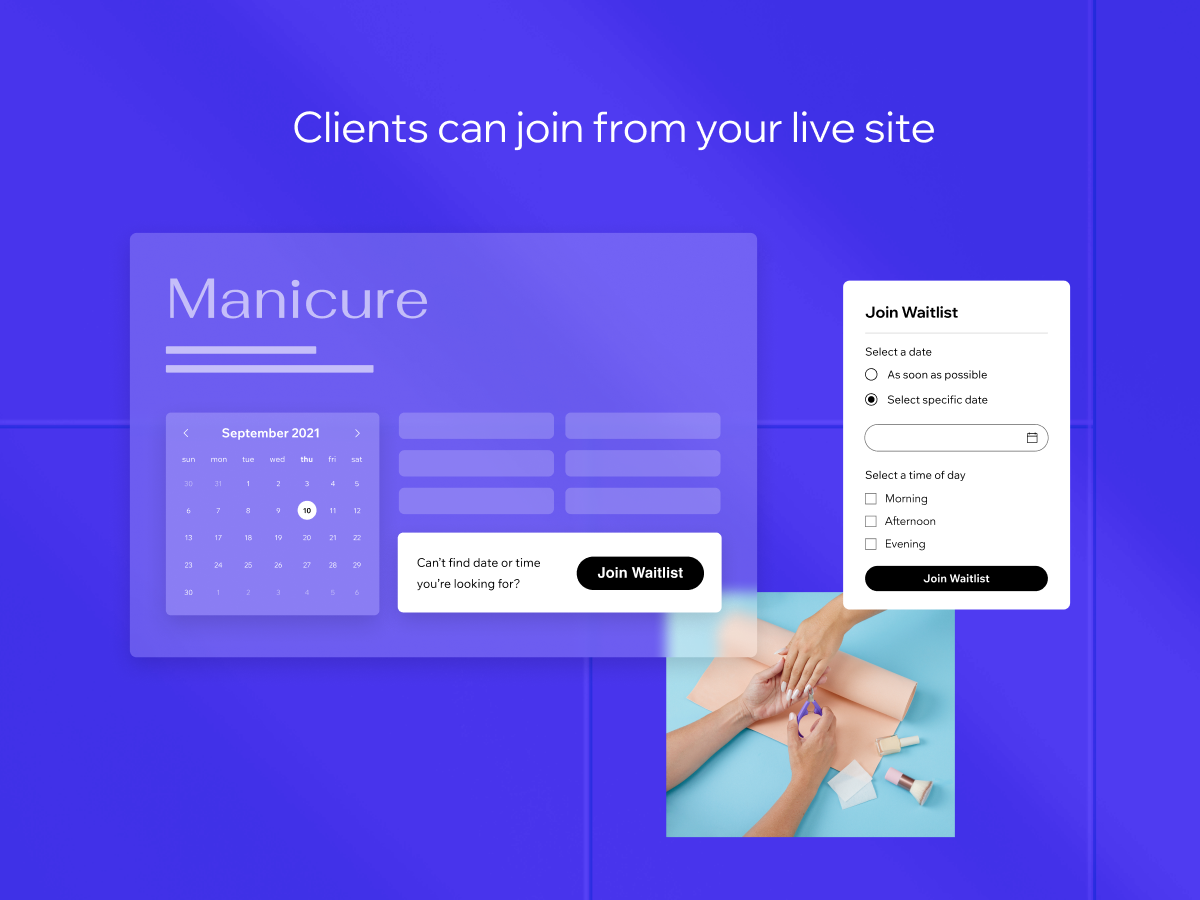
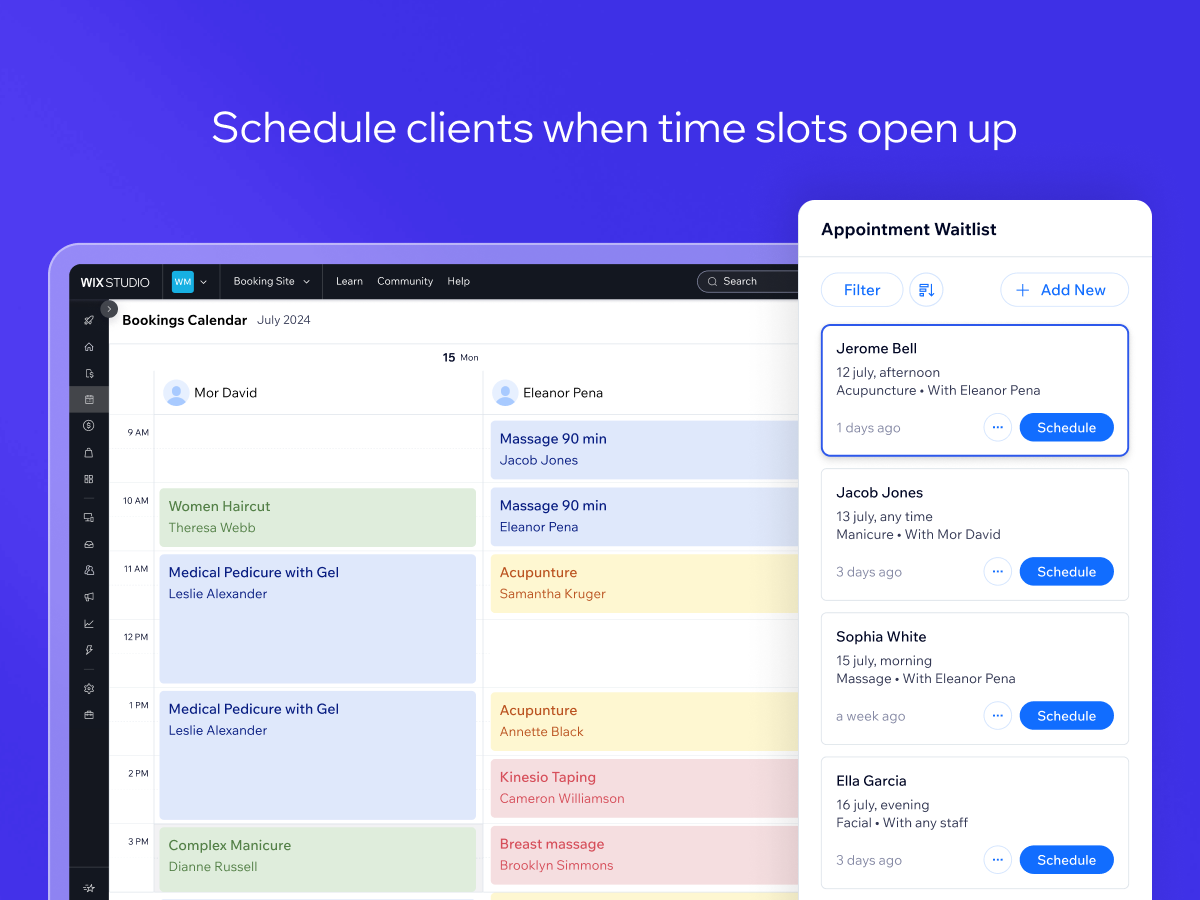
Panoramica Appointment Waitlist
- Let clients add themselves to a waitlist if they can’t find a time that works for them
- Let admins add clients to the waitlist through the Booking Calendar
- Easily turn spots on the waitlist into scheduled bookings
Disponibilità:
L'app è disponibile in tutto il mondo.Lingue dell'app:
Inglese
Requisiti del sito:
-
In evidenza in
Hipaa Supported Apps
Valutazione media 2.1
11 recensioni
5
2
4
0
3
1
2
2
1
6
Ordina per:
GI
Gigishairstudiohs/ May 9, 2026
Terrible..Its terrible. full stop, you're better off having nothing on, you dont get notifications and you can only view it on the website, I contacted Wix about this but nothign was done,...
(0)
Grazie per il feedback
AL
Altaliquidezconsul/ Feb 12, 2026
Travou o editor de sitesO aplicativo simplesmente travou o editor de sites e a equipe do WIX não tem competência técnica para removê-lo da própria suite gerenciada por eles. Extremamente desapontada, porque eu terei que fazer outro...
(0)
Grazie per il feedback
MA
Madpixel69/ Feb 8, 2026
TerribleCan't do anything with it. No notification, no automation, frustrated customers
(5)
Grazie per il feedback
PH
Phaedraflorou/ Jan 27, 2026
RubbishYou don't get notified when someone joins the waitlist. You can only view it in a tucked-away corner of the booking calendar, and only on desktop (not in Wix apps). So unless you...
(4)
Grazie per il feedback
CO
Coachstatonhitting/ Jan 21, 2026
Half Baked - Great PotentialWorks as a data collection point basically. You have to manually add clients to the booking instead of it being automated and sending out a notification to people on the waitlist. If that...
(1)
Grazie per il feedback