

negozio online
prenotazioni
eventi
popup

CMS Assistant
di
Analyze, Plan and Secure your CMS
Non ci sono ancora recensioni
Gratis

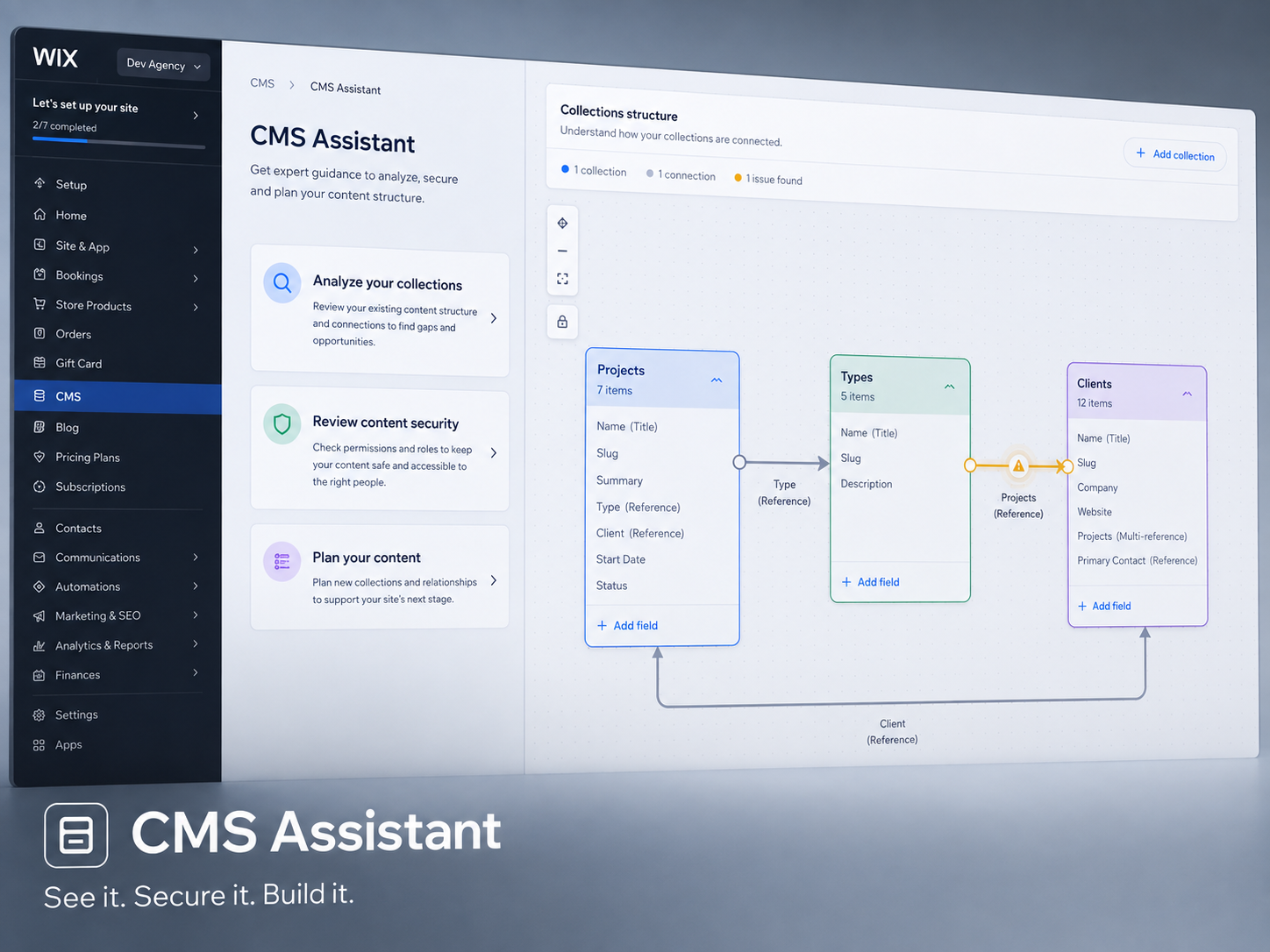
Panoramica CMS Assistant
- Analyze your CMS — See your collections, how they connect, and a structure diagram with actionable findings
- Audit security — Know exactly who can view, add, edit, or delete your data. Spot overly open permissions before they become a problem, review a clear permissions matrix, and tighten access with confidence
- Plan collections with AI — Describe your content needs in plain language and get a recommended CMS structure to review
- Create on your site — Approve the plan and create collections and fields directly on your site, ready to use in the CMS
Disponibilità:
L'app è disponibile in tutto il mondo.Lingue dell'app:
Inglese
TW
App sviluppata daThe Wix Wiz
Visita il nostro sito webContatta l'AssistenzaInformativa sulla privacy
The Wix Wiz garantisce il rispetto delle leggi commerciali UE.