

negozio online
prenotazioni
eventi
popup

Calendly Scheduling & Booking
di
Embed Calendly Scheduling & booking on your site
5.0
Piano gratuito disponibile

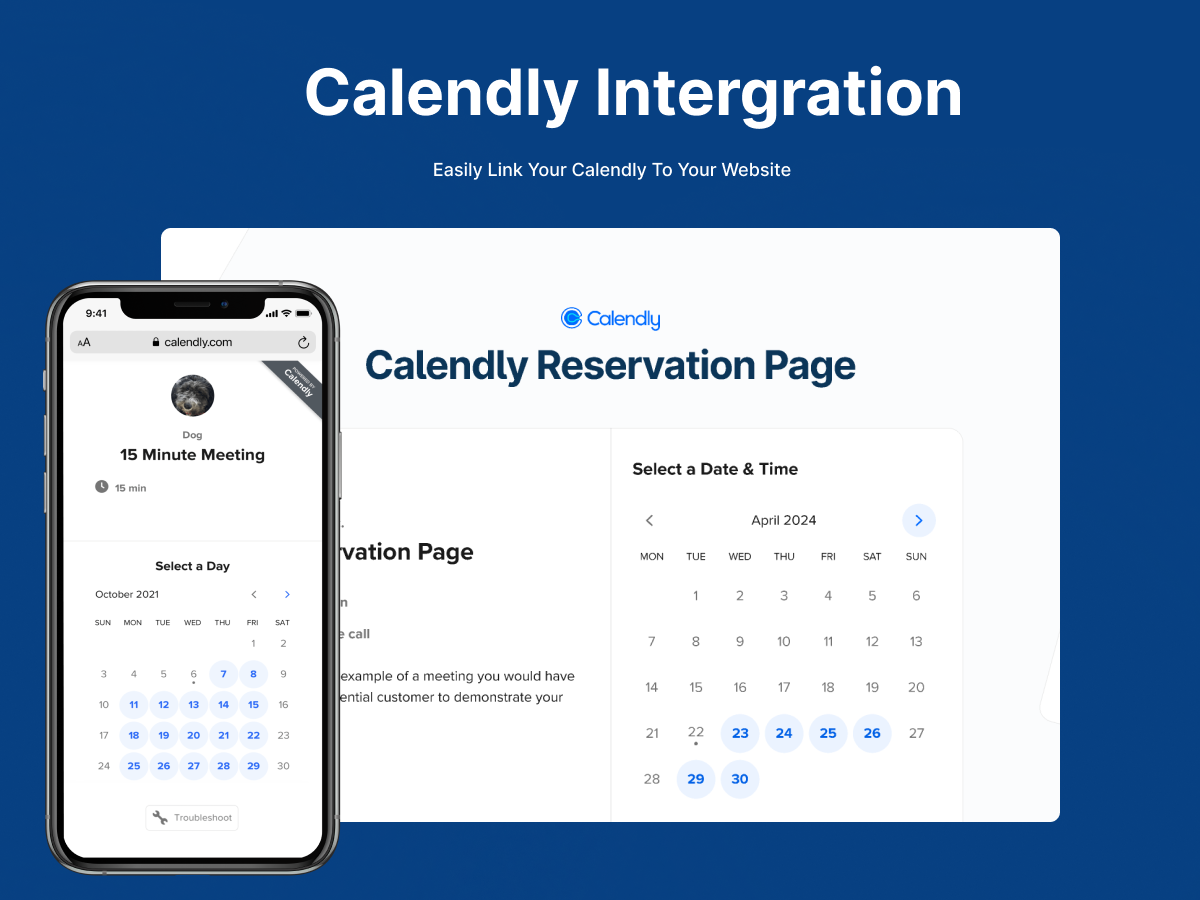
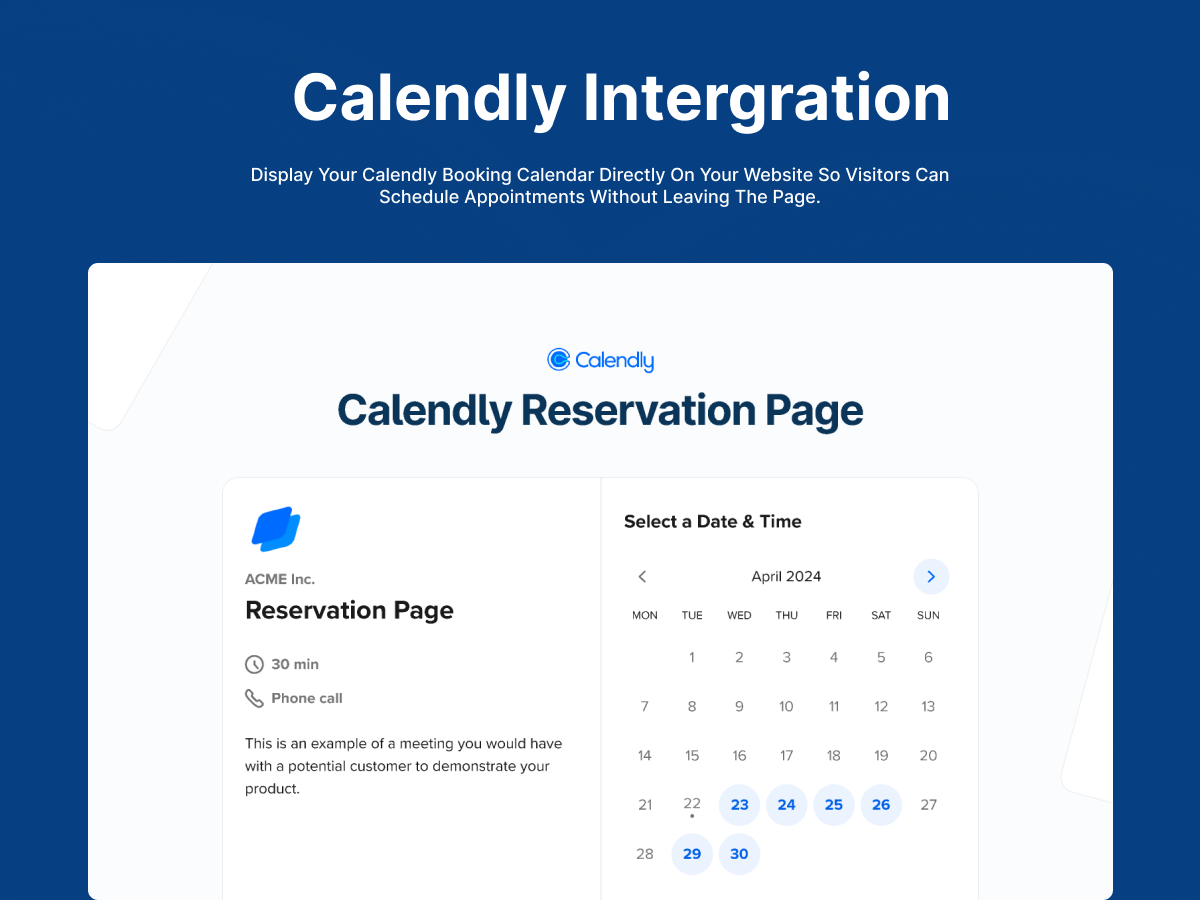
Panoramica Calendly Scheduling & Booking
- Add a live Calendly booking widget directly to any page on your site
- Customize background, text, and accent colors to match your site's design
- Simply paste your Calendly link in the settings panel — no coding required
- Enjoy prefilled data for smooth booking process for free
Valutazione media 5.0
2 recensioni
5
2
4
0
3
0
2
0
1
0
Ordina per:
YA
Yatcht/ Oct 25, 2026
Lovely and easyLovely and easy
SW
team Swift Panther
Thank you!(0)
Grazie per il feedback
EL
Ellah77/ Oct 25, 2026
Lovely Design and fast to setup
SW
team Swift Panther
Thank you!(0)
Grazie per il feedback
Piani e prezzi
Pacchetto Basic
Gratis
Calendly embed widget
Basic color customization
UTM Parameter for campaigns
Watermark Branding
Pacchetto Premium plan
$
1
99
/mese
No watermark
Auto prefilled data
Data Analytics dashboard
Priority support
* Il prezzo è in USD.