

negozio online
prenotazioni
eventi
popup

StoreBoost
di
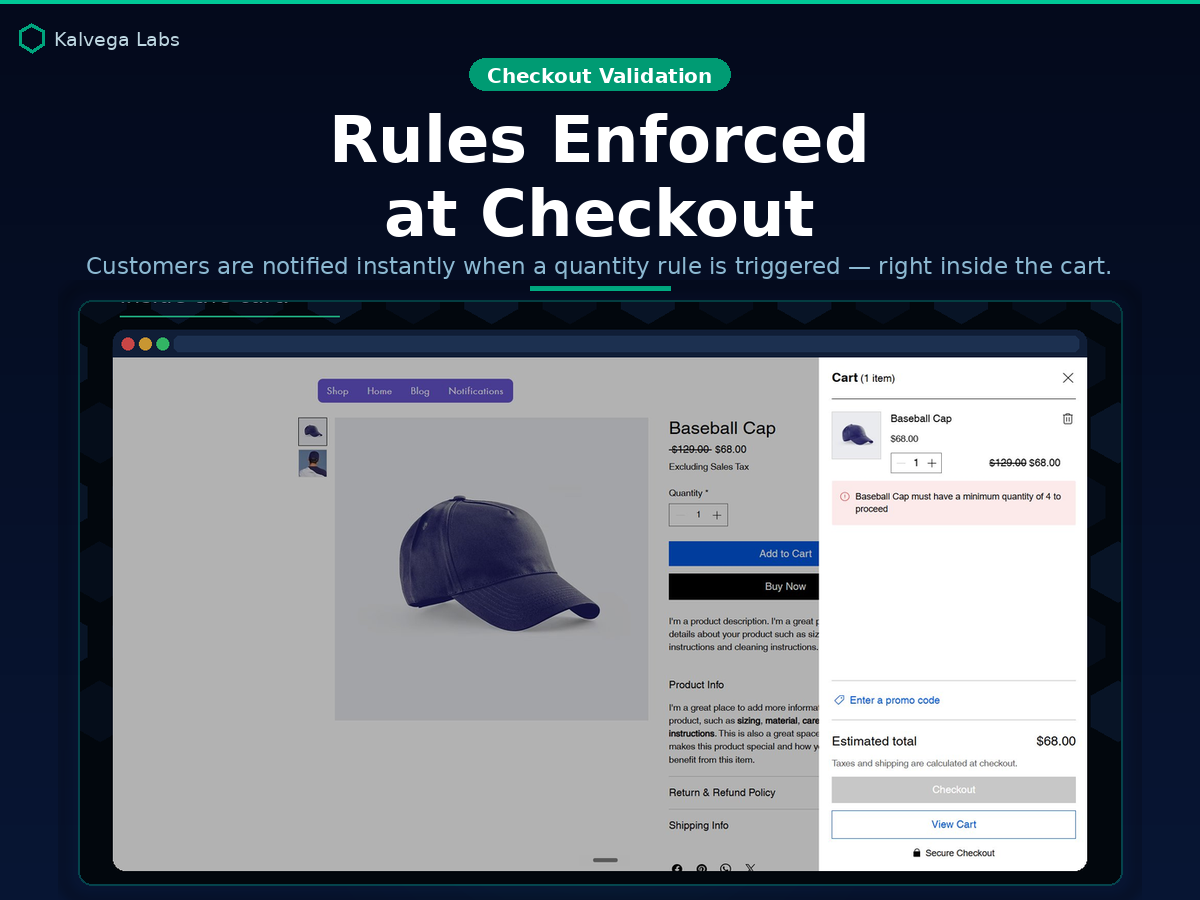
Min & max order rules, enforced at checkout
Non ci sono ancora recensioni
Piano gratuito disponibile

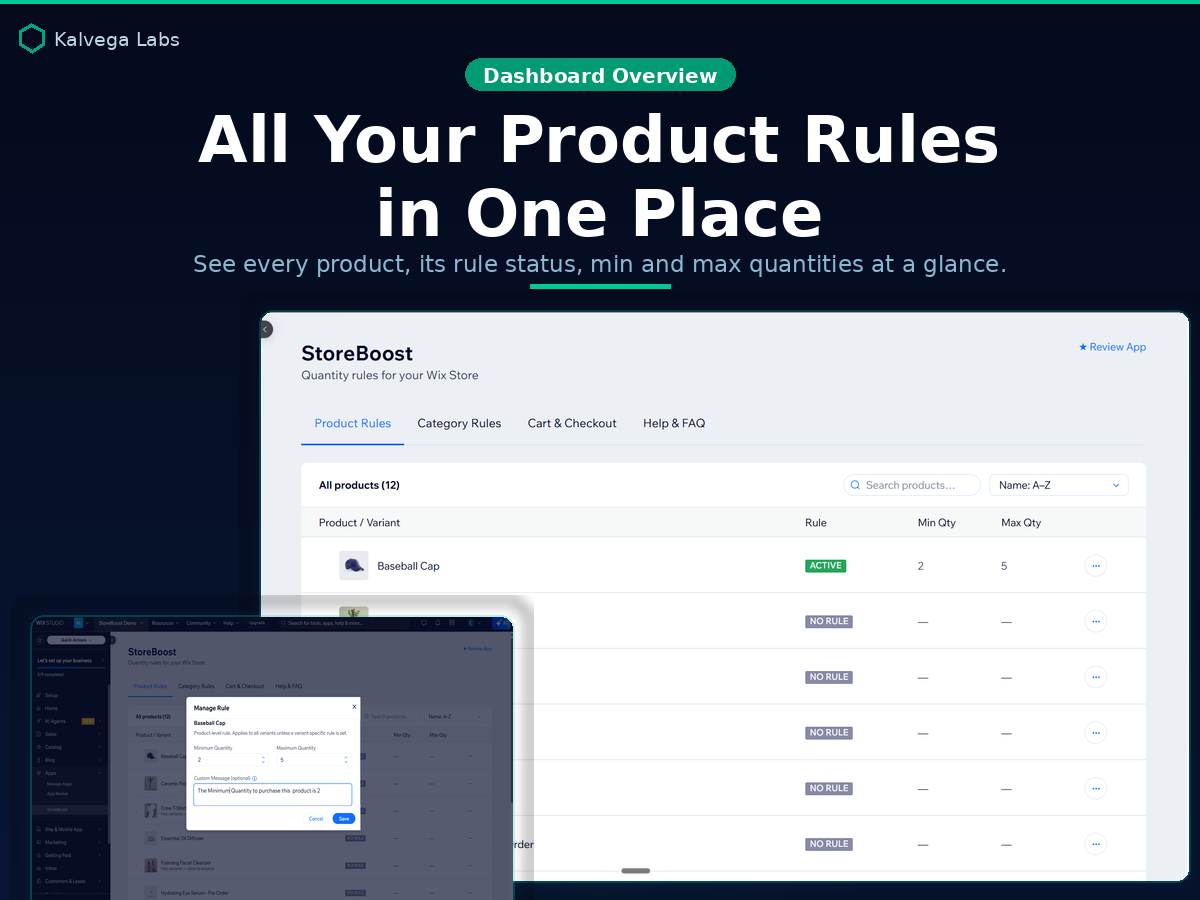
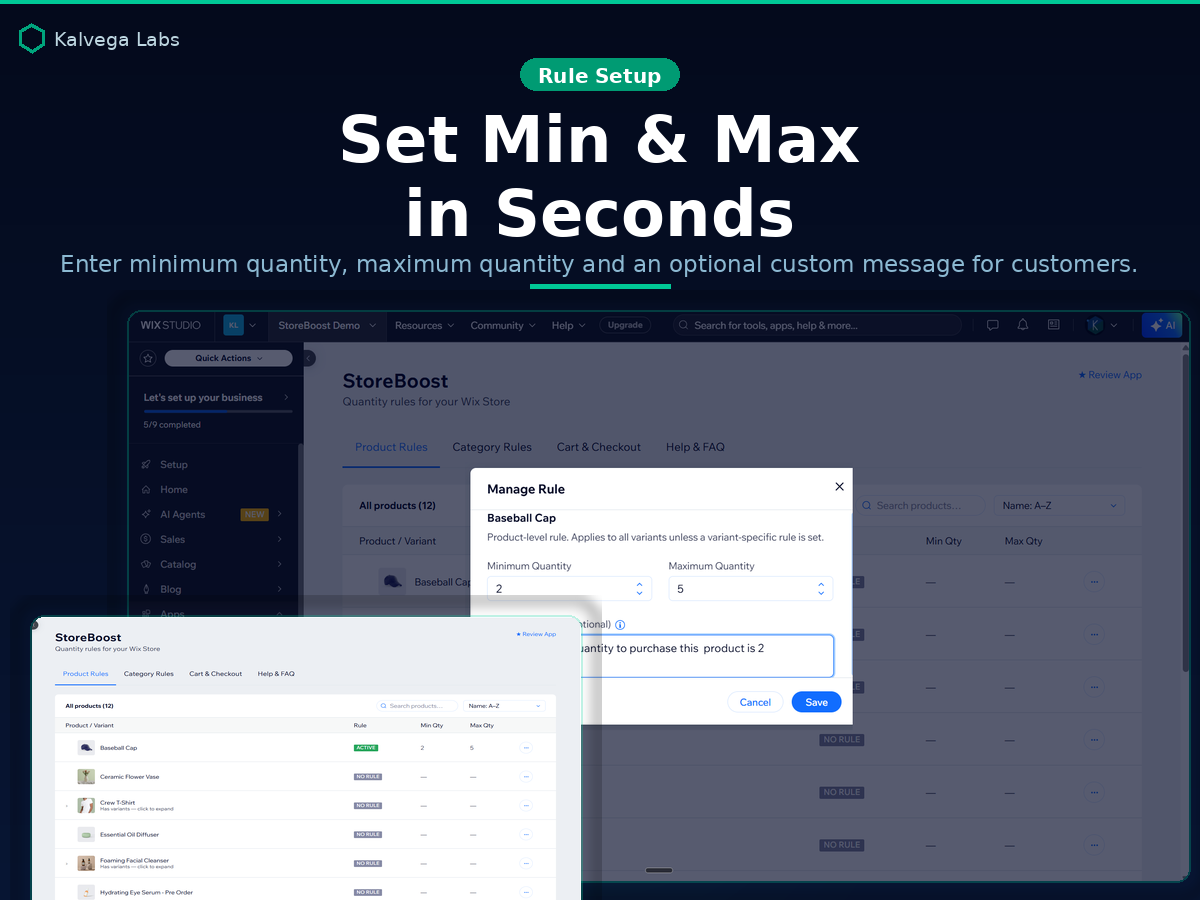
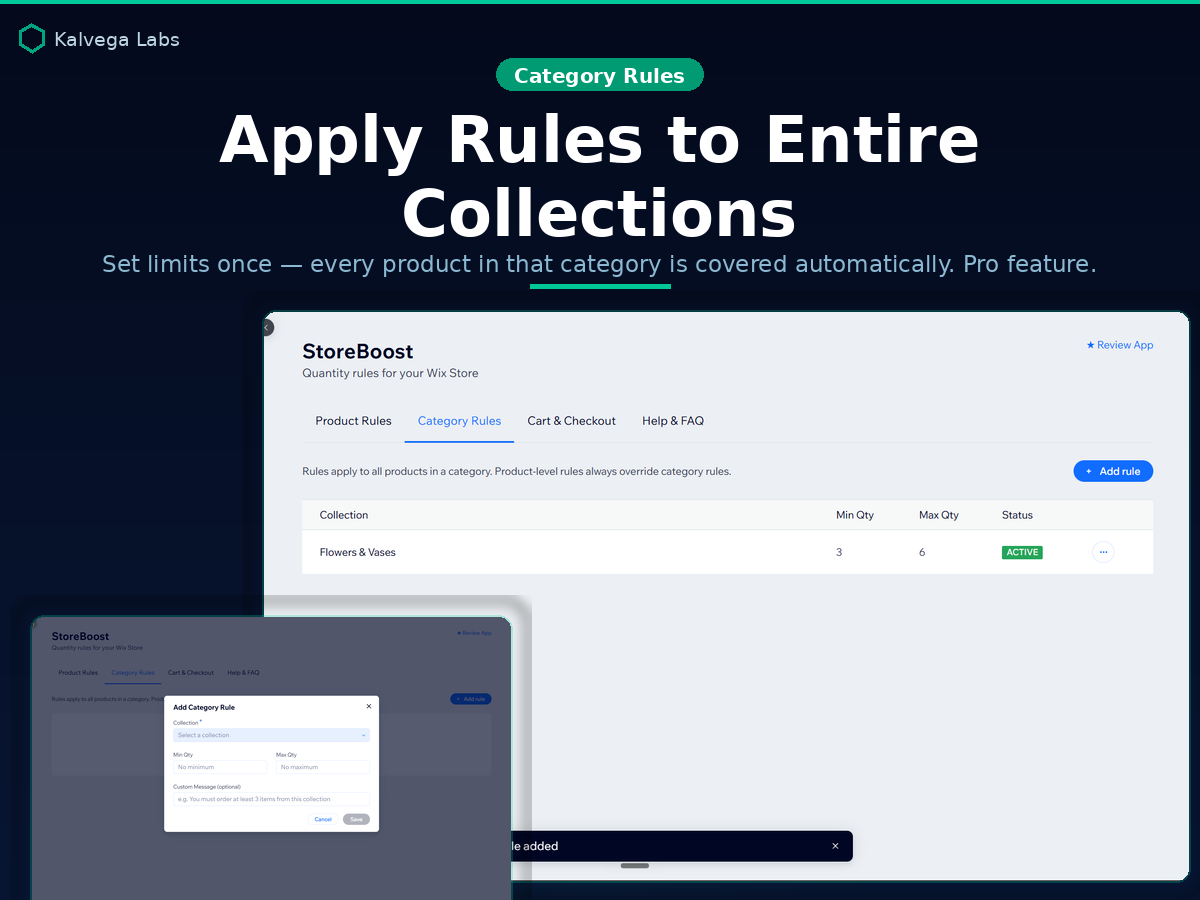
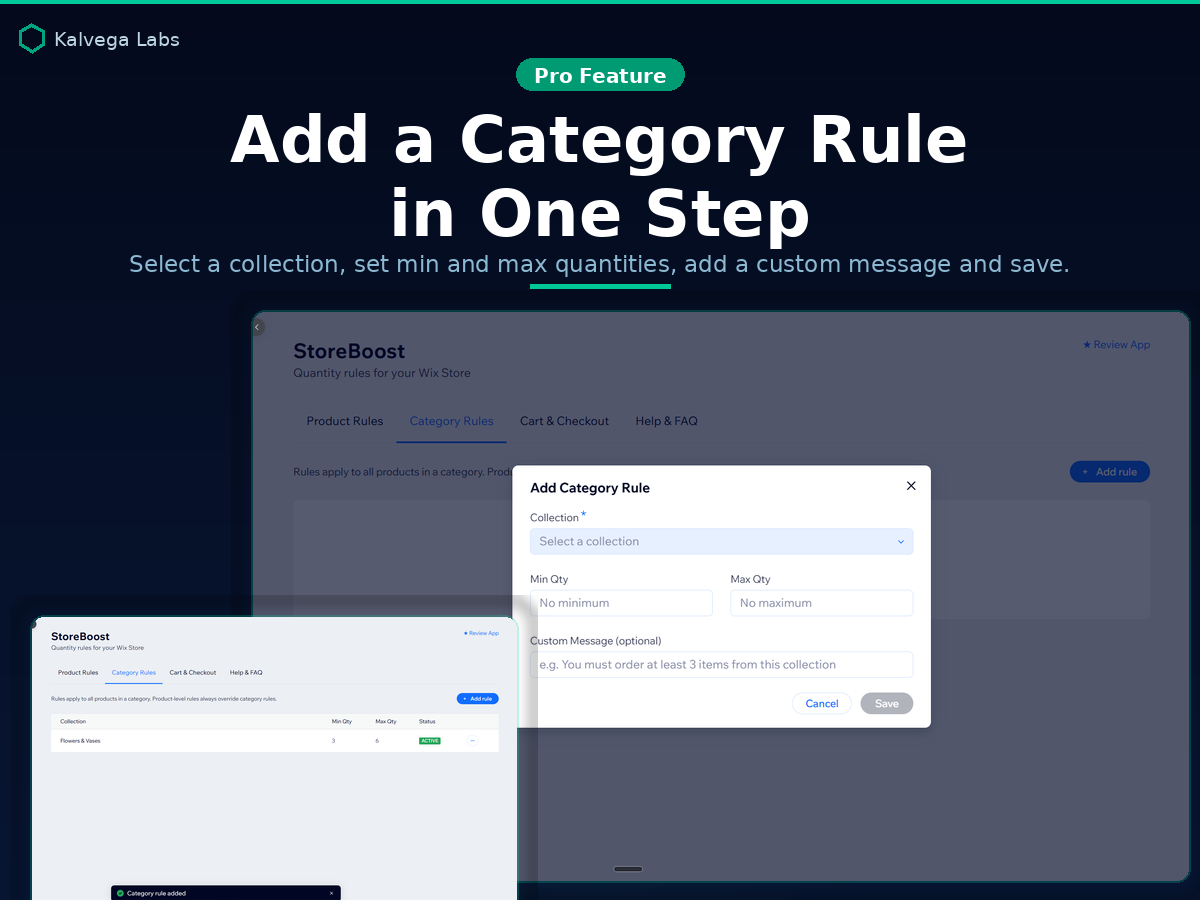
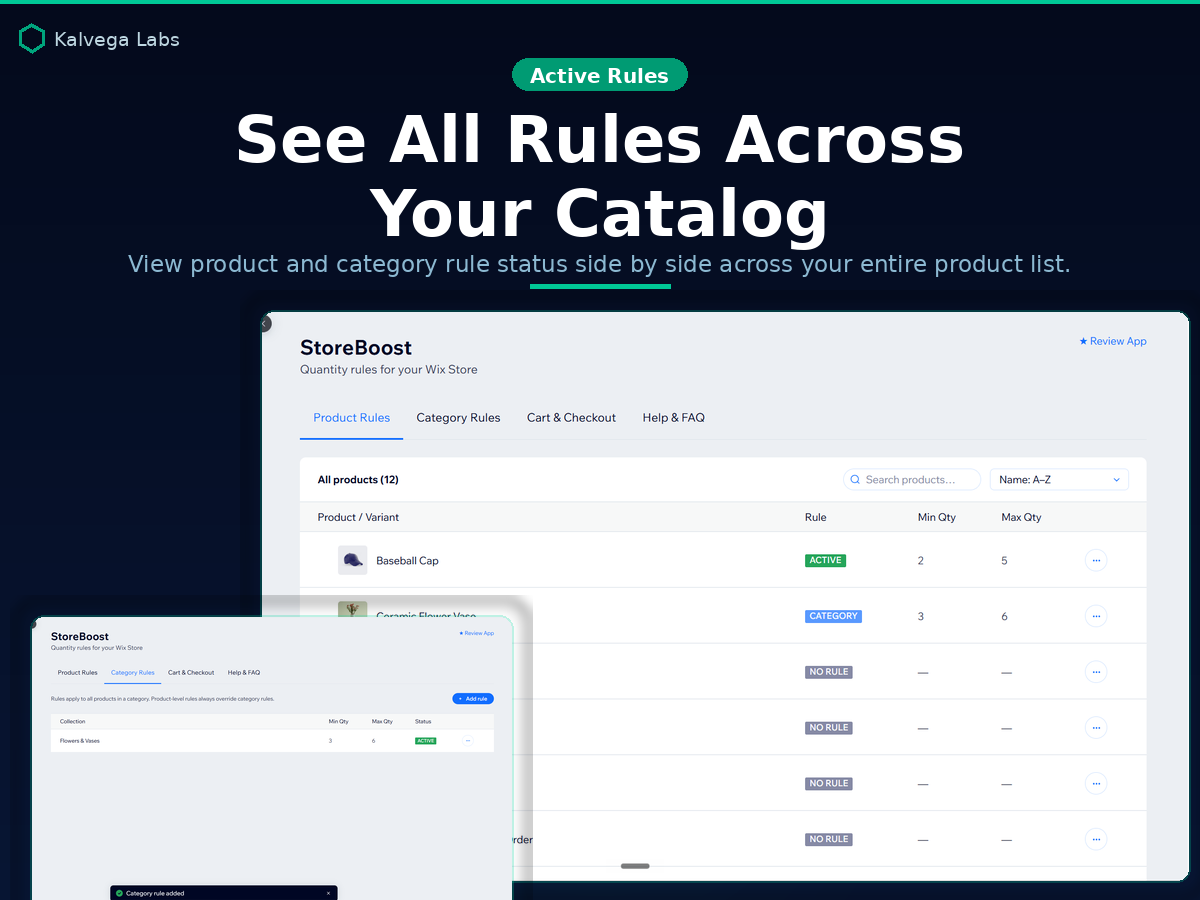
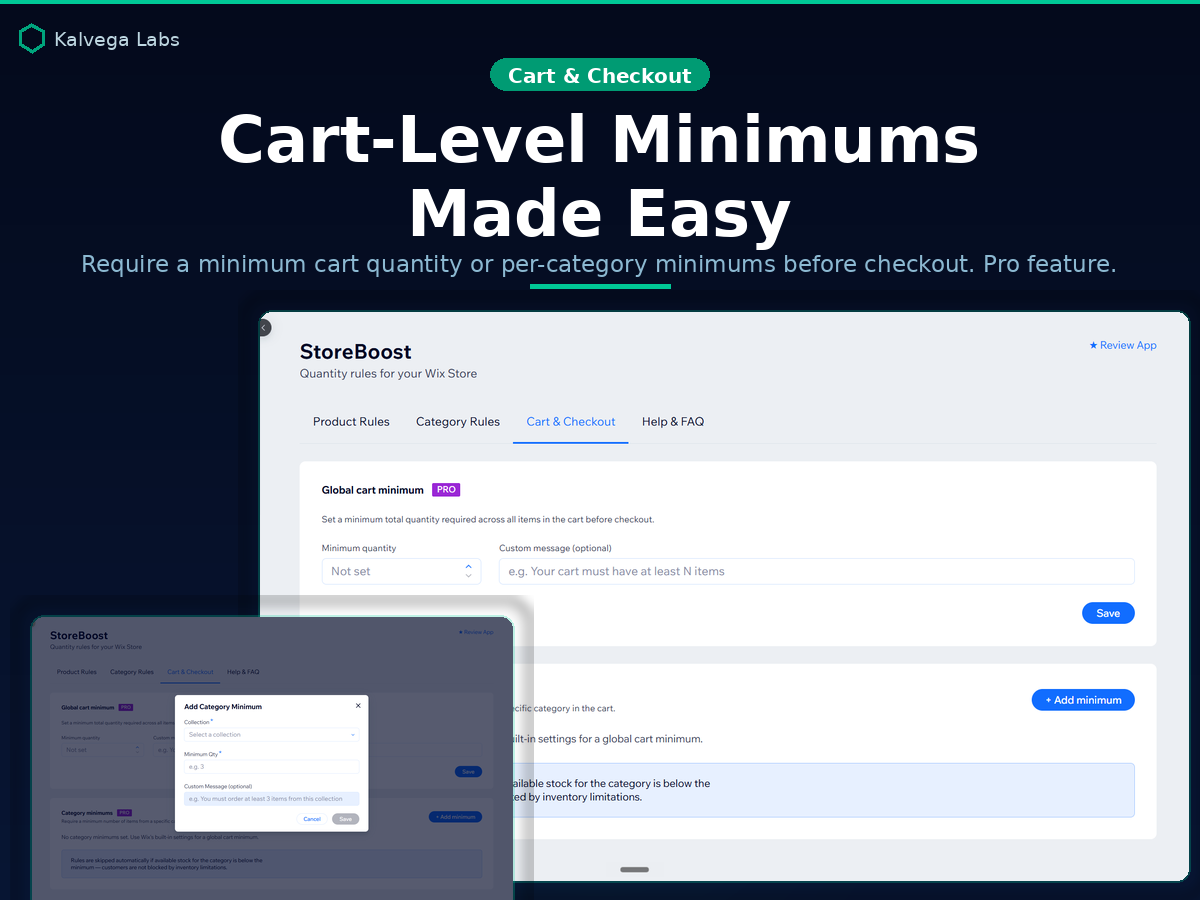
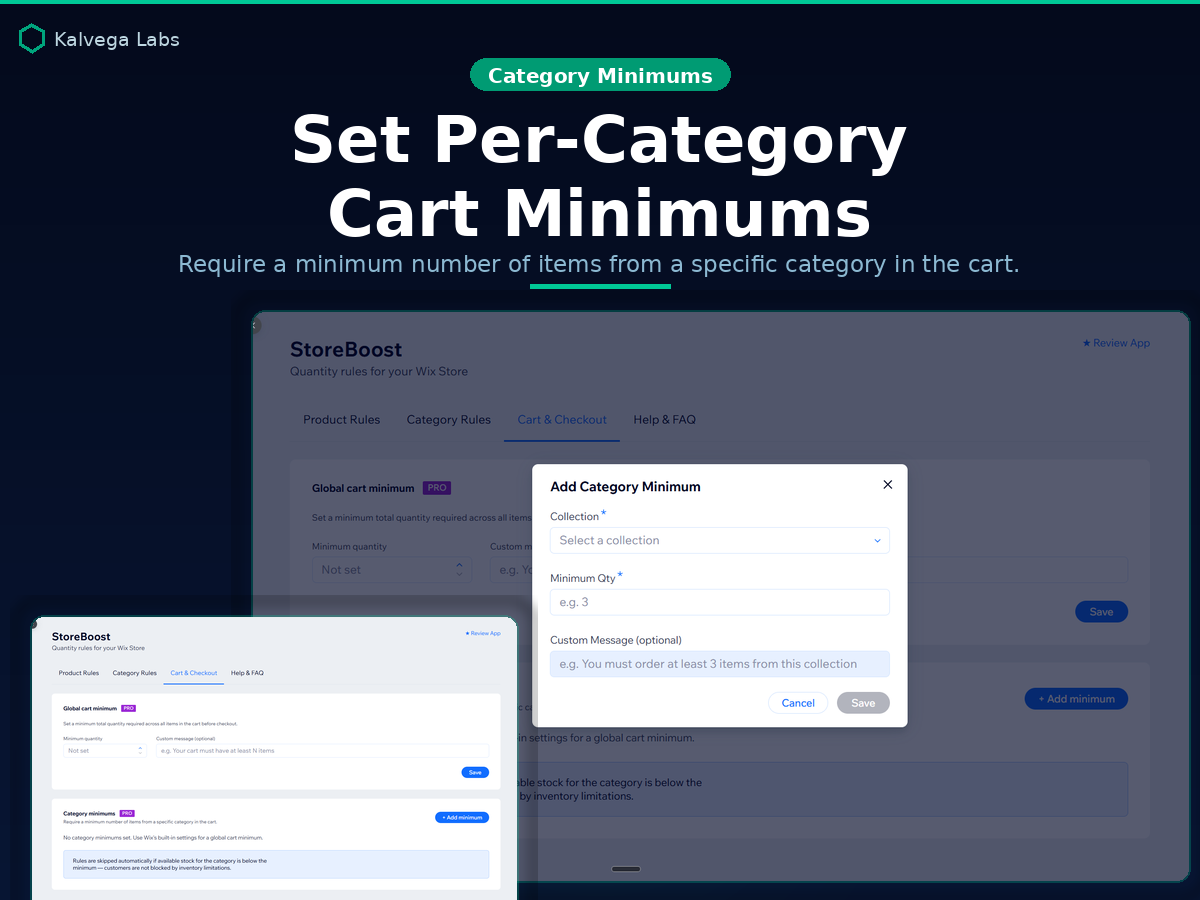
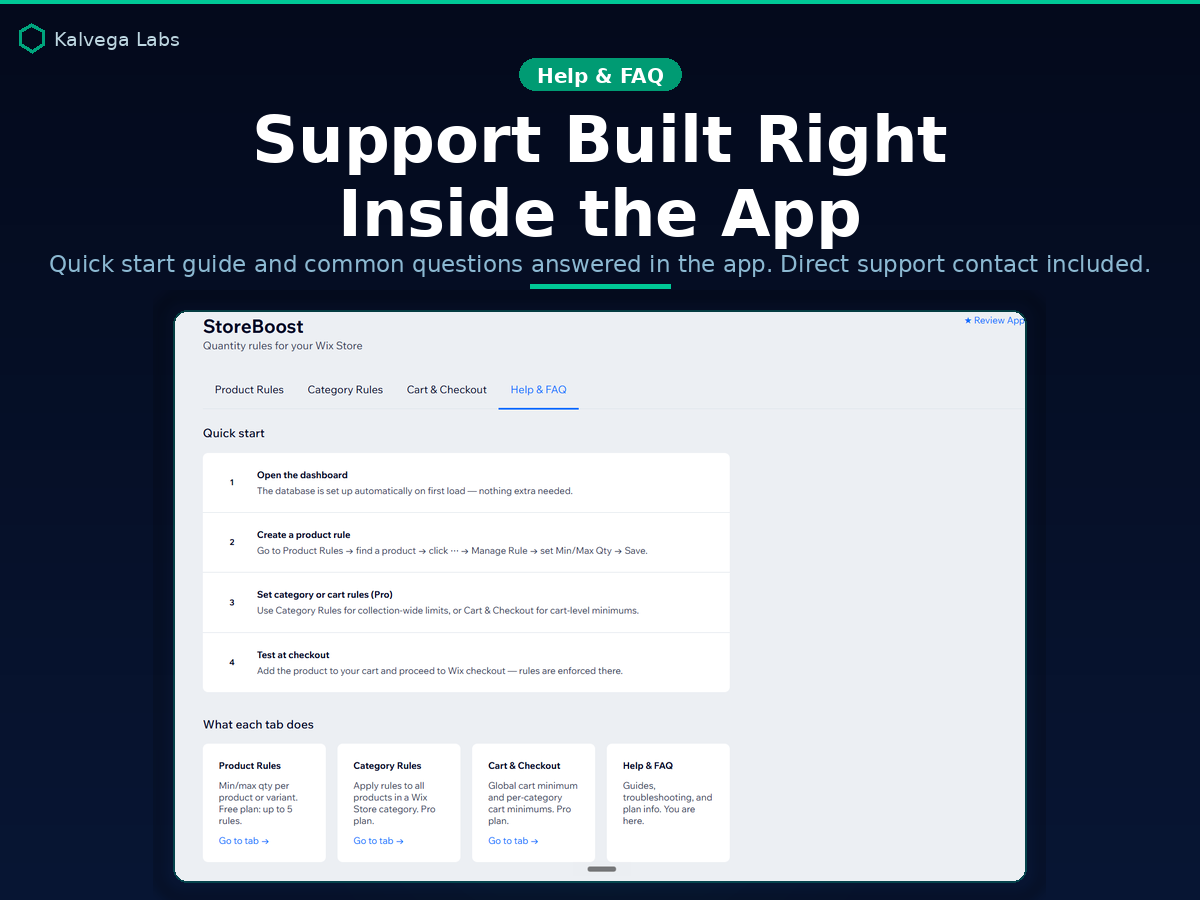
Panoramica StoreBoost
- Set min & max order quantities per product or variant
- Category rules apply limits to entire collections (Pro)
- Cart minimums global and per-category checkout limits (Pro)
- Custom error messages and full dashboard rule visibility
Categorie
Disponibilità:
L'app è disponibile in tutto il mondo.Lingue dell'app:
Inglese
Requisiti del sito:
-
KL
App sviluppata daKalvega Labs
Valutazione e Recensioni
Questa app non ha ancora ricevuto recensioni: valutala prima di tutti.Piani e prezzi
Pacchetto Basic
Gratis
Set minimum order quantity per product
Set maximum order quantity per product
Manage rules from your store dashboard
Up to 5 active product rules
Pacchetto Pro
$
2
70
/mese
Unlimited product order rules
Priority email support
category rules options
global cart rule option
* Il prezzo è in USD.