

negozio online
prenotazioni
eventi
popup

SlotPilot Waitlist
di
Match waitlist requests to newly open time slots
Non ci sono ancora recensioni
Piano gratuito disponibile

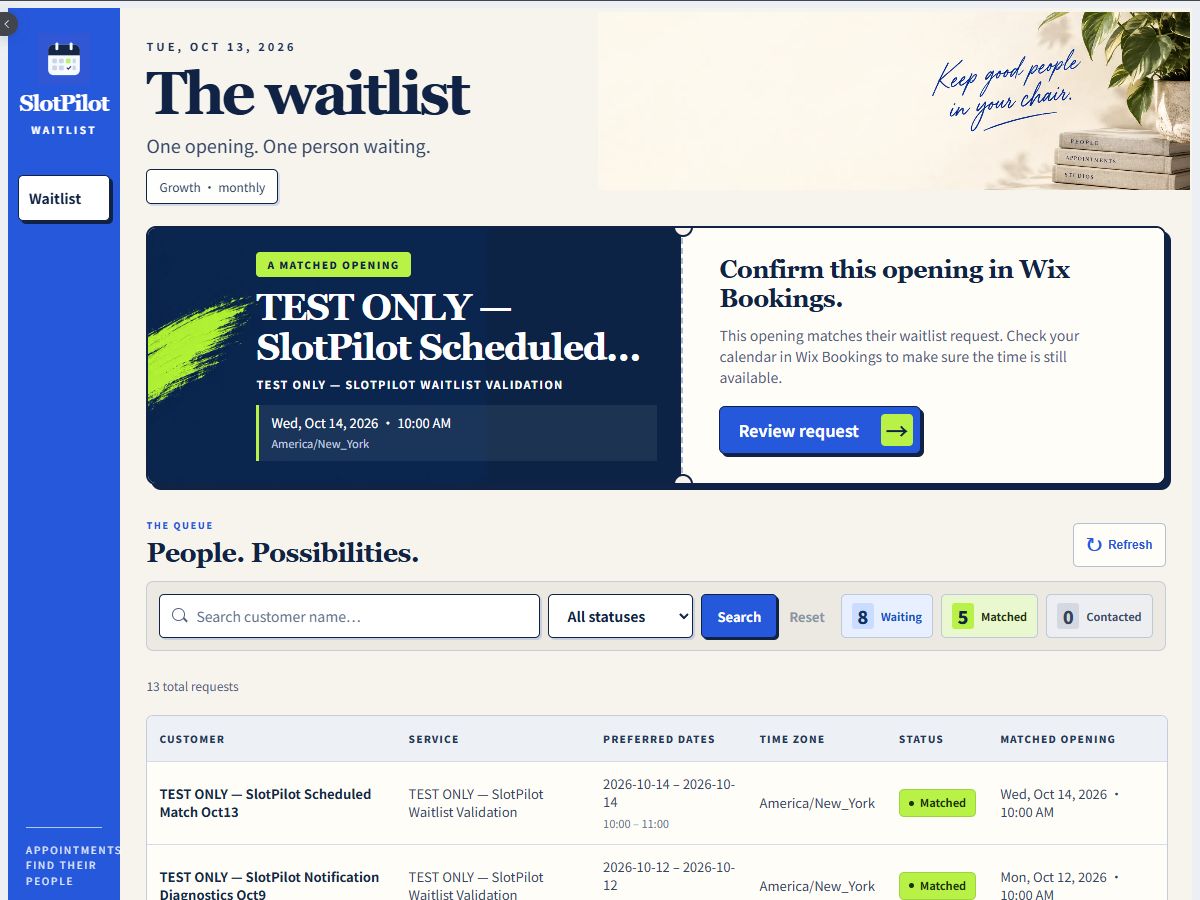
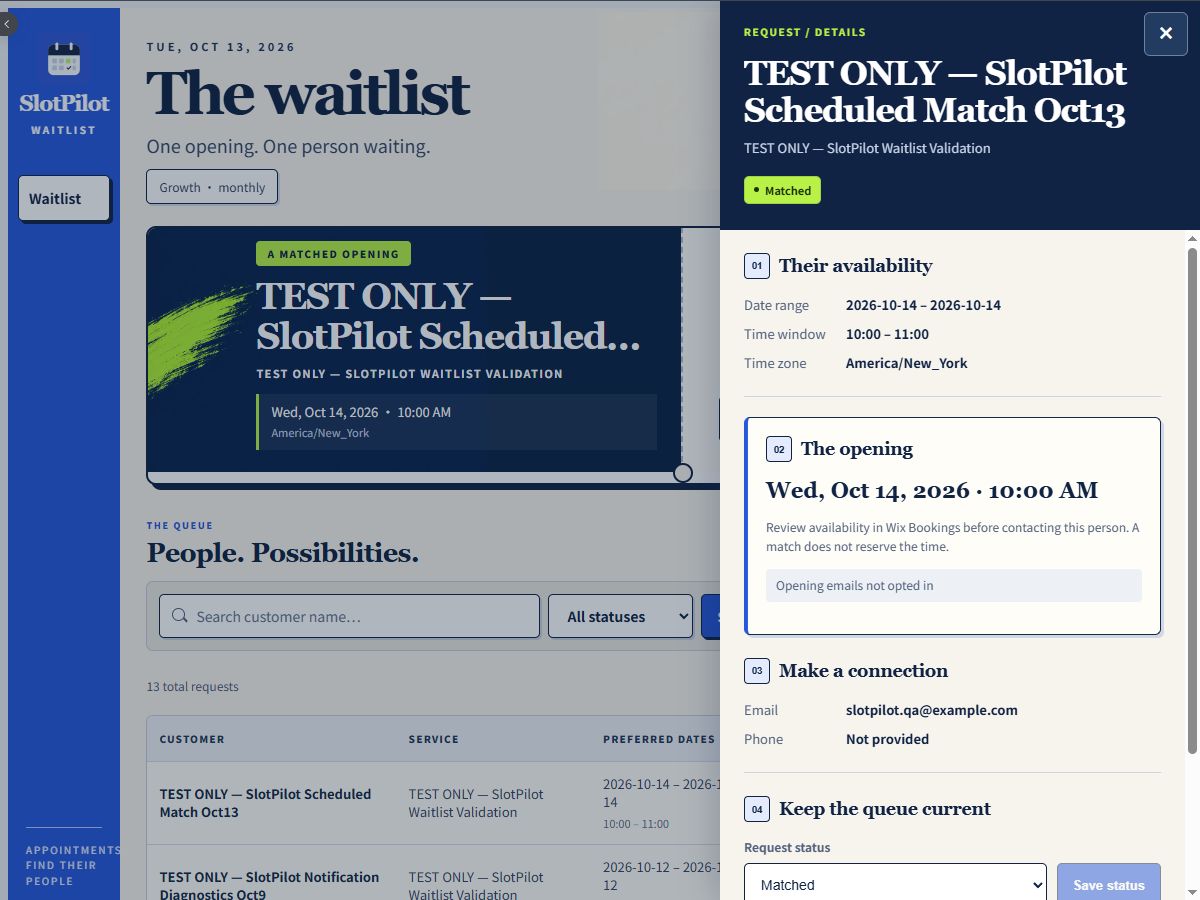
Panoramica SlotPilot Waitlist
- Collect preferred appointment dates, times, and services through a waitlist form
- Search and manage waitlist requests in your site dashboard
- Match one-to-one cancellations against current bookable availability
- Send opt-in opening invitations with Growth and Scale
Valutazione e Recensioni
Questa app non ha ancora ricevuto recensioni: valutala prima di tutti.Piani e prezzi
Pacchetto Free
Gratis
5 waitlist requests per month
Automatic cancellation matching
Owner dashboard and alerts
Customer invitations in paid plans
Pacchetto Growth
$
8
25
/mese
Unlimited waitlist requests
Live availability checks
Owner-approved email invitations
Matching and queue tools
Pacchetto Scale
$
24
17
/mese
Unlimited requests & queue management
Consent-based sequence invitations
Two-hour booking windows
Recheck before each next invitation
* Il prezzo è in USD.