

negozio online
prenotazioni
eventi
popup

Calendly Appointment Booking
di
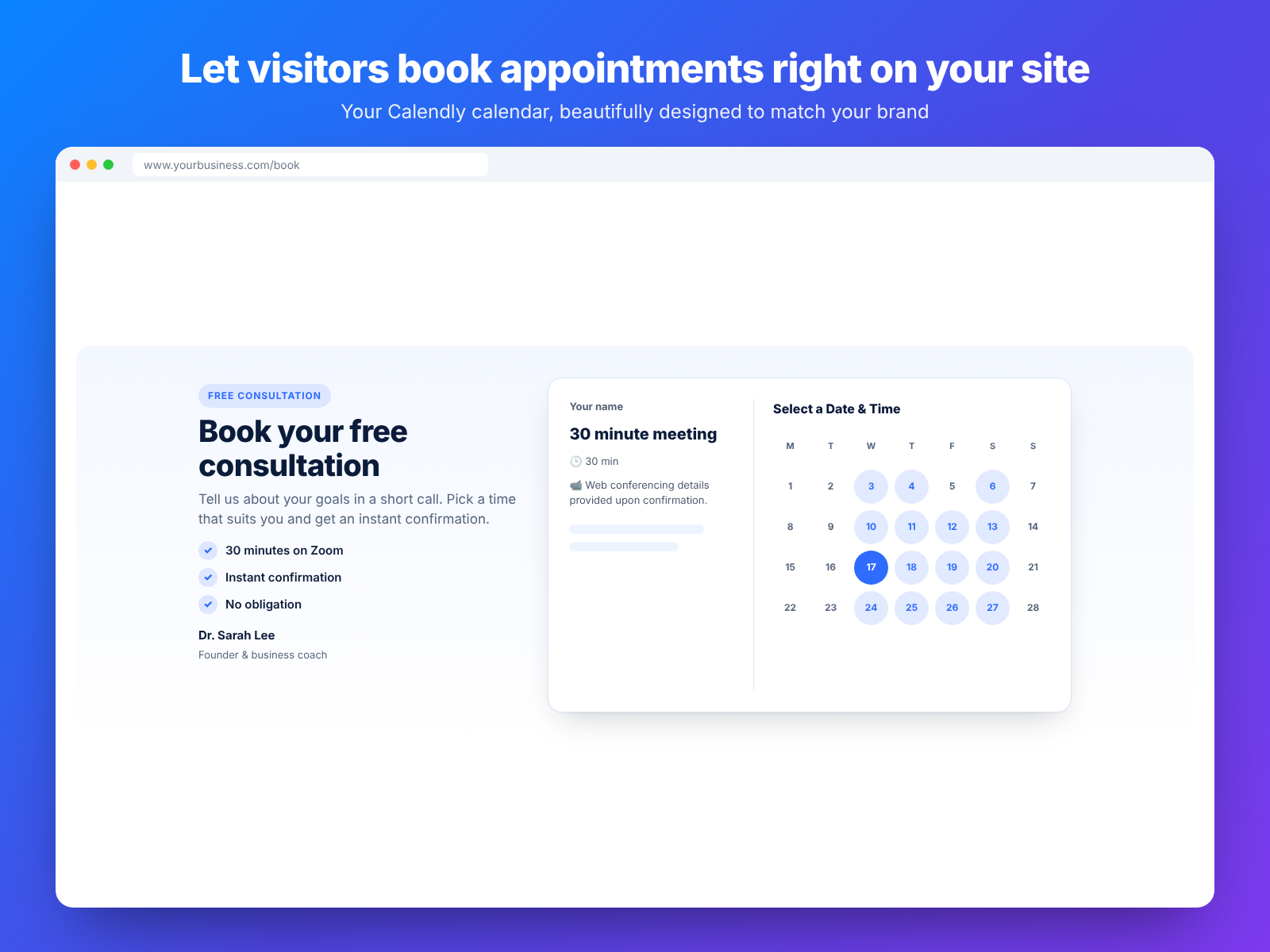
Let visitors book Calendly meetings on your site
Non ci sono ancora recensioni
Piano gratuito disponibile

Panoramica Calendly Appointment Booking
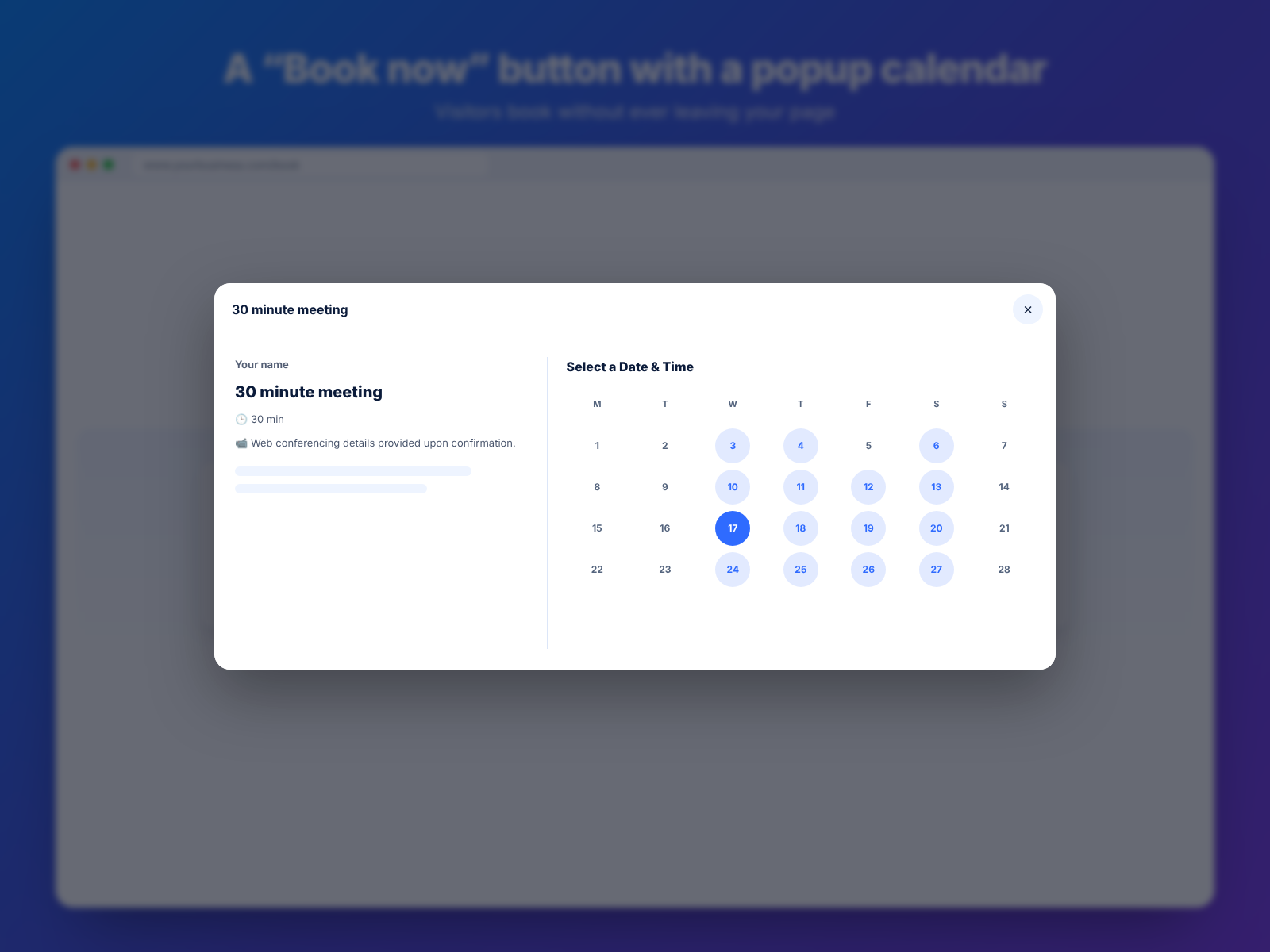
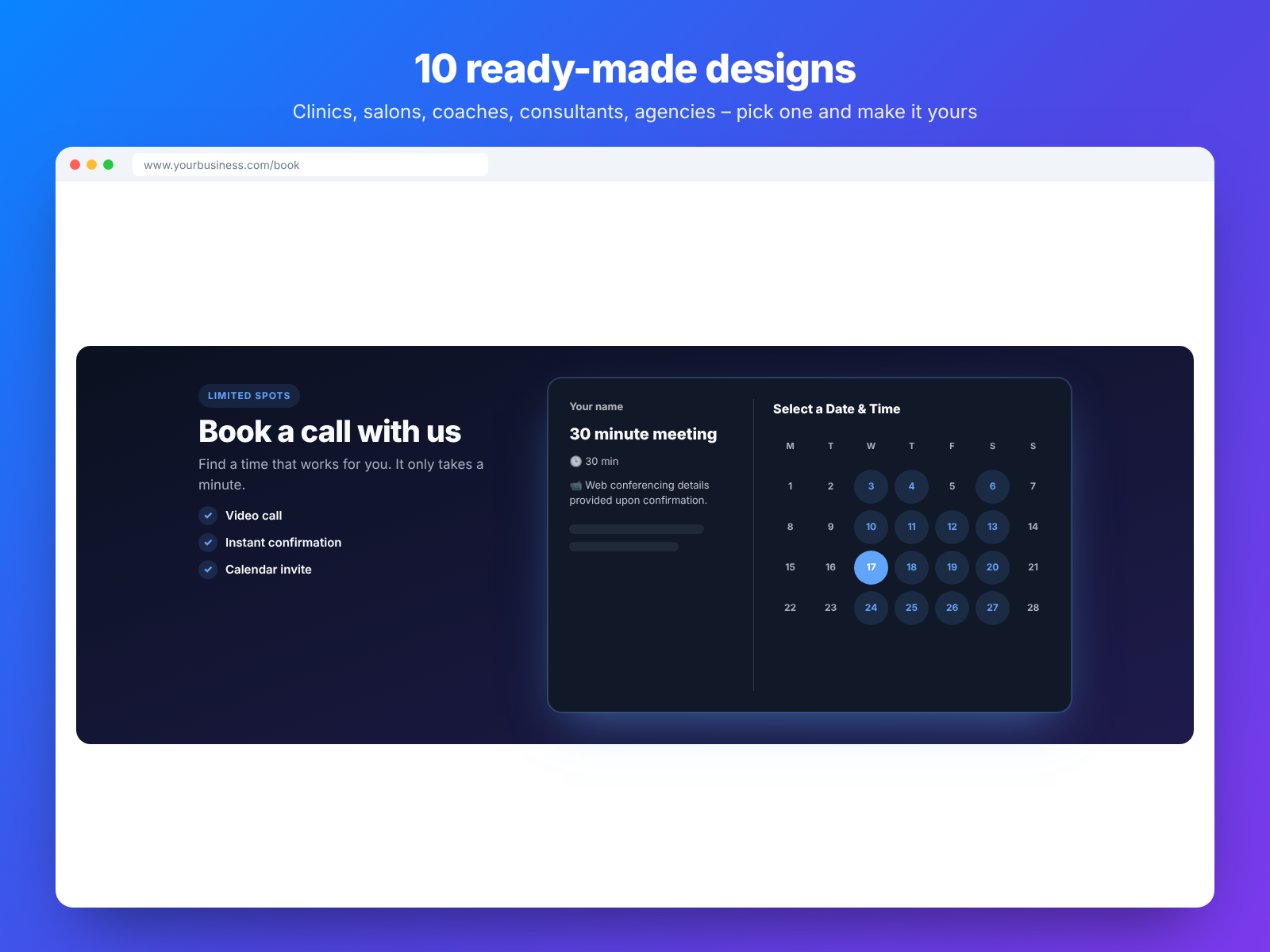
- Show your Calendly calendar inline, next to your text or in a popup
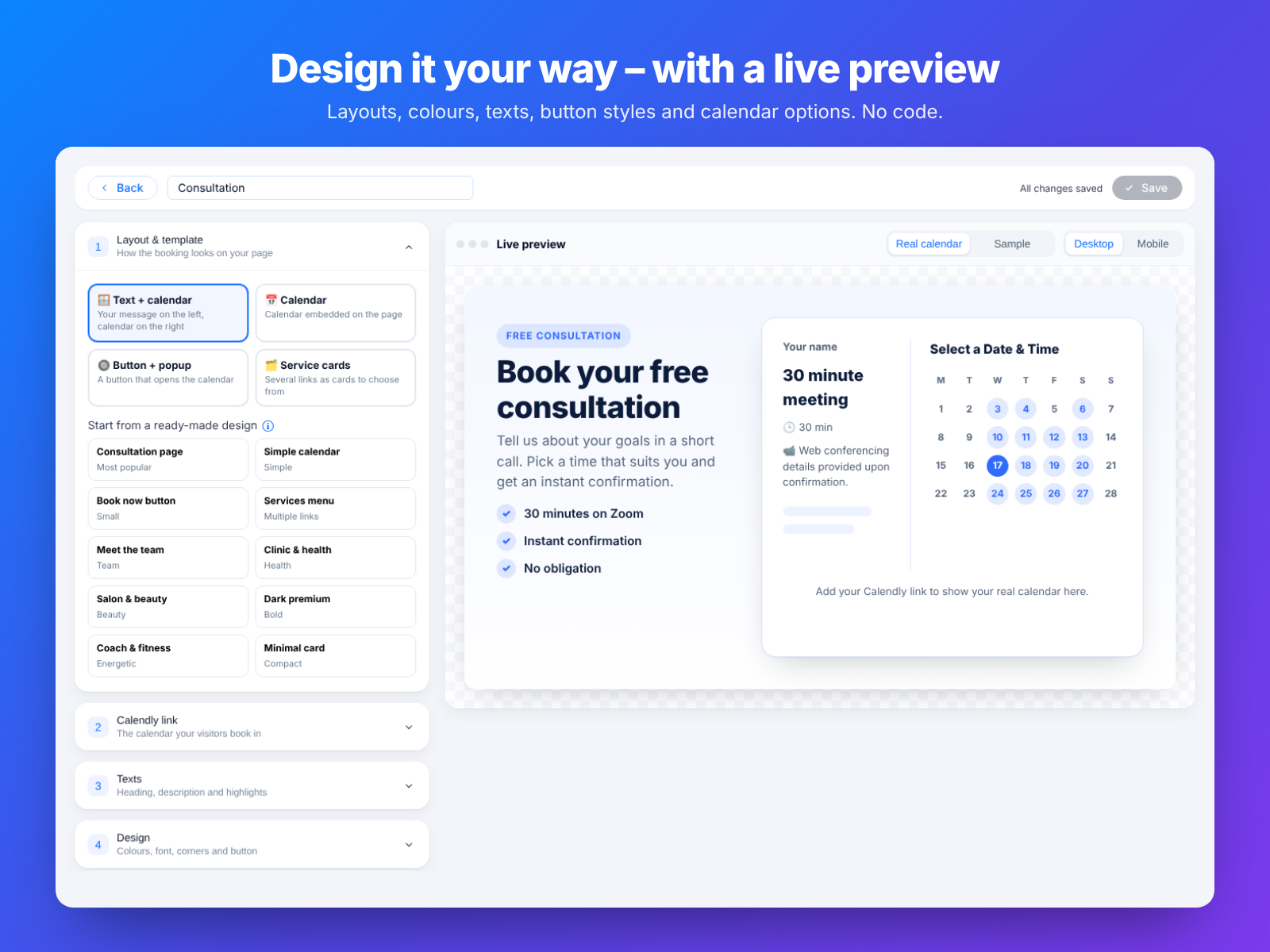
- 10 ready-made designs, colour themes and a live preview editor
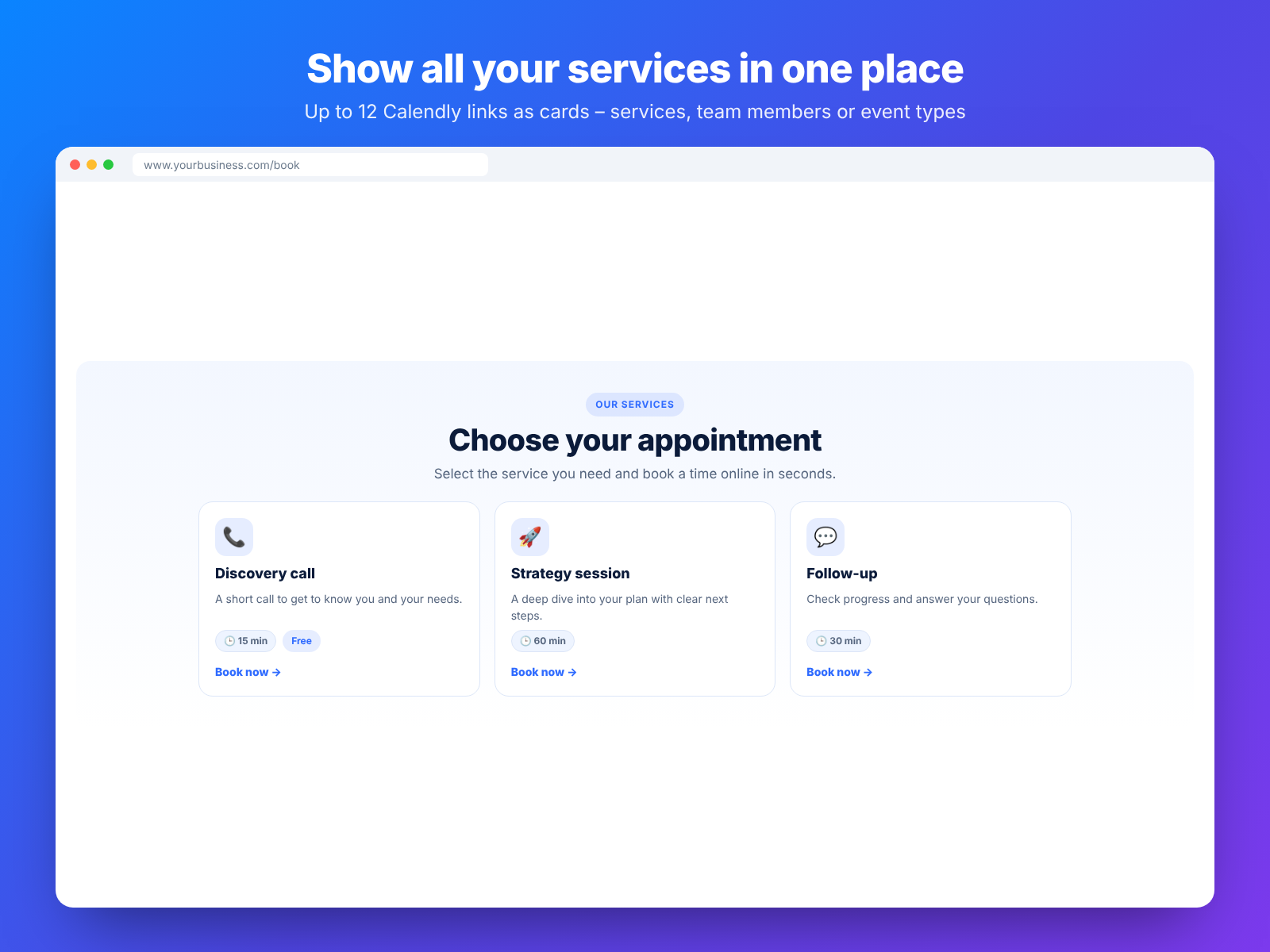
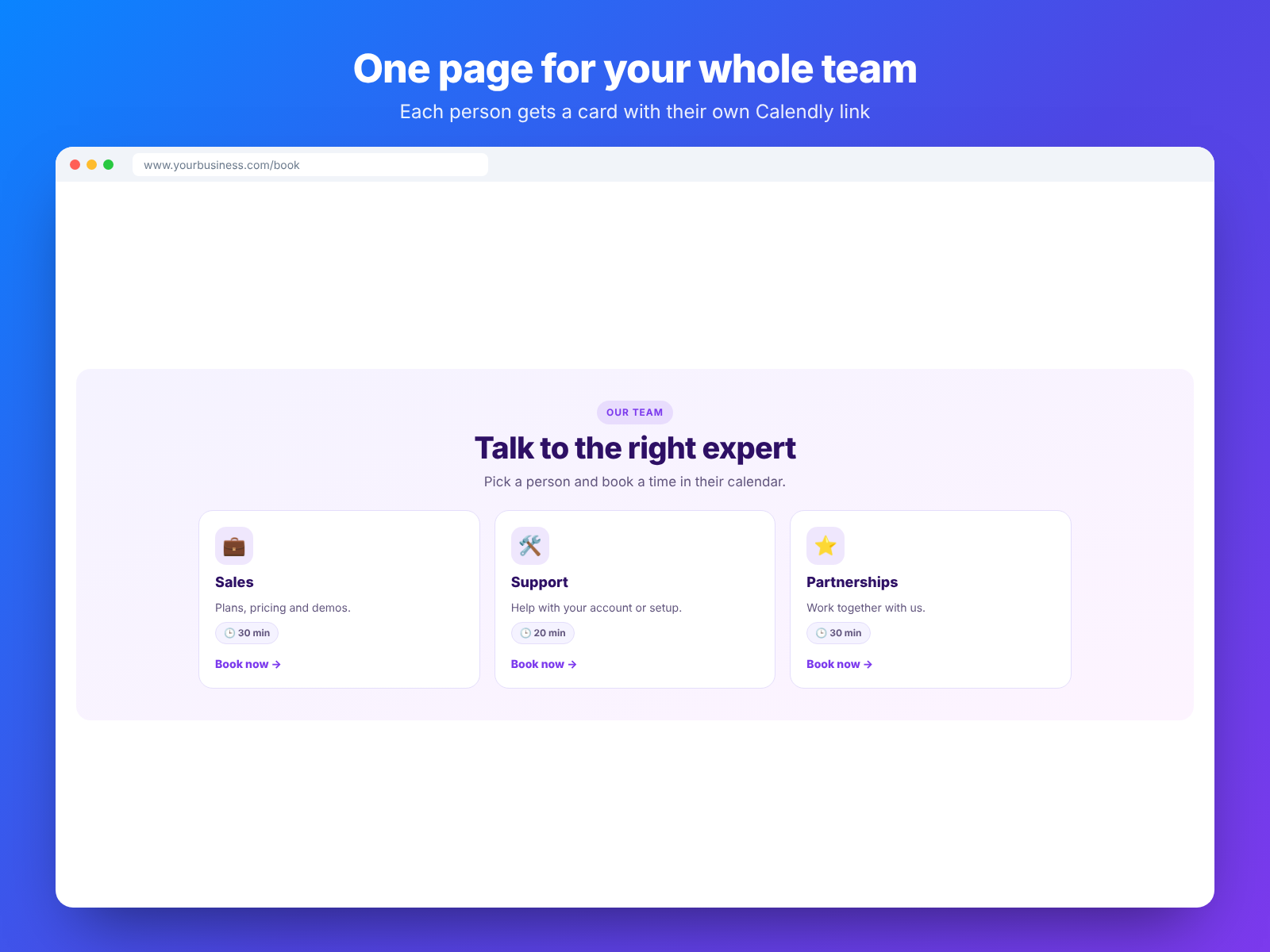
- List services or team members as cards, each with its own link
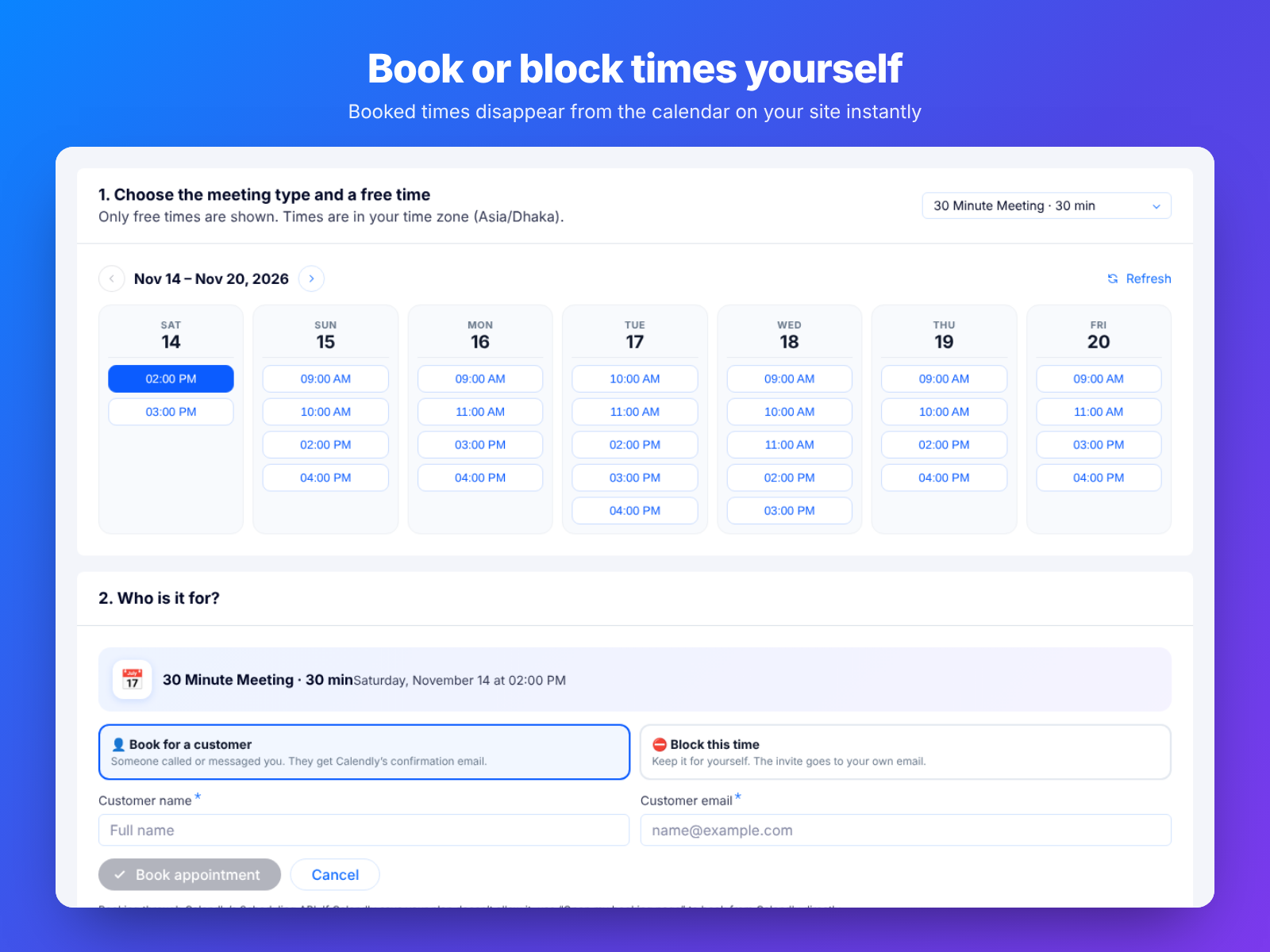
- Track bookings and book or block times from your dashboard
Valutazione e Recensioni
Questa app non ha ancora ricevuto recensioni: valutala prima di tutti.Piani e prezzi
Pacchetto Free
Gratis
5 free bookings
10 designs and 4 layouts
Booking stats and CSV export
Pacchetto Premium
$
2
49
/mese
Unlimited bookings
Book or block times yourself
All designs, layouts and stats
Priority WhatsApp support
* Il prezzo è in USD.