

negozio online
prenotazioni
eventi
popup

Before After Slider | Revealio
di
Let visitors compare two images with one drag
Non ci sono ancora recensioni
Piano gratuito disponibile

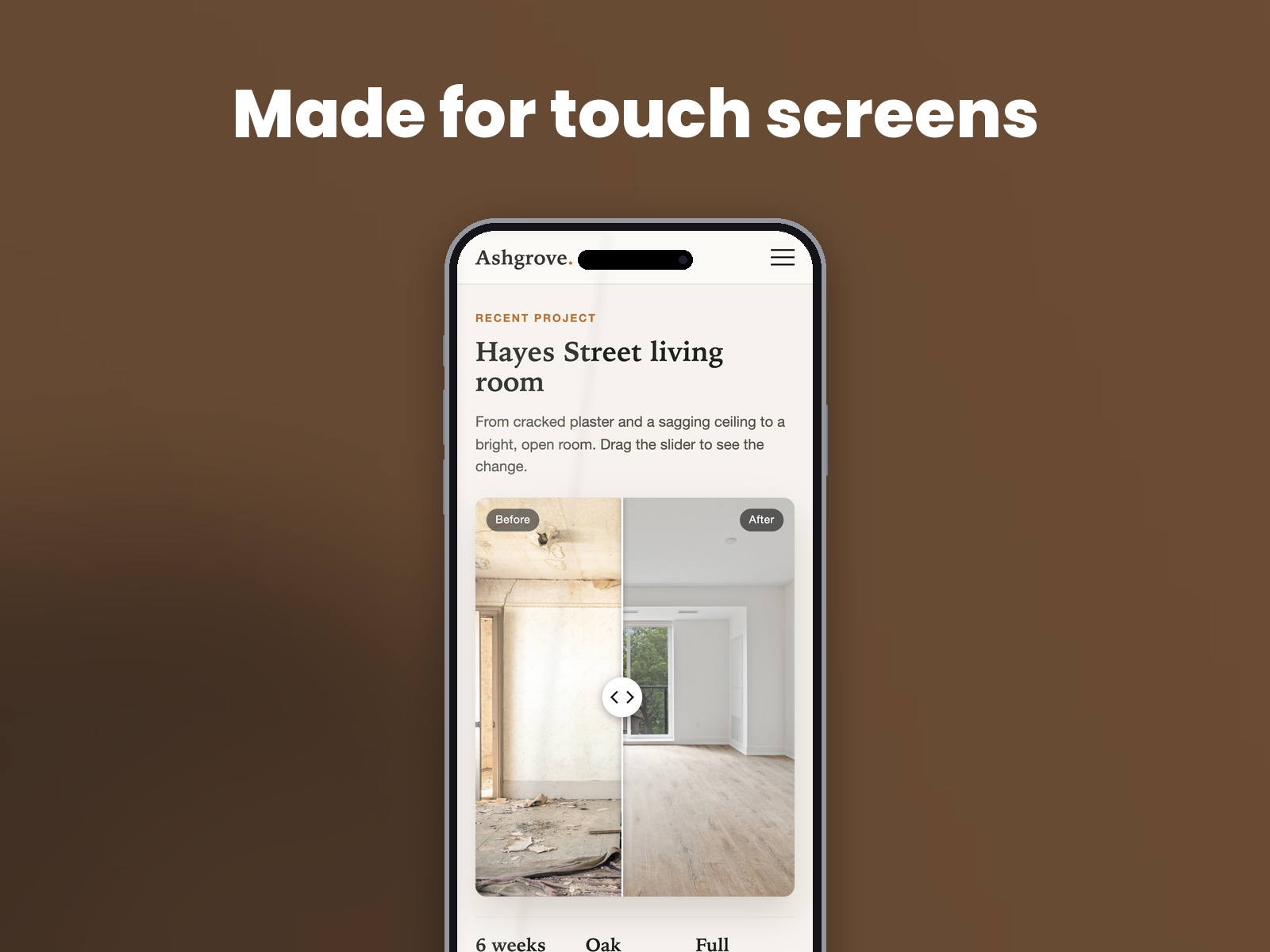
Panoramica Before After Slider | Revealio
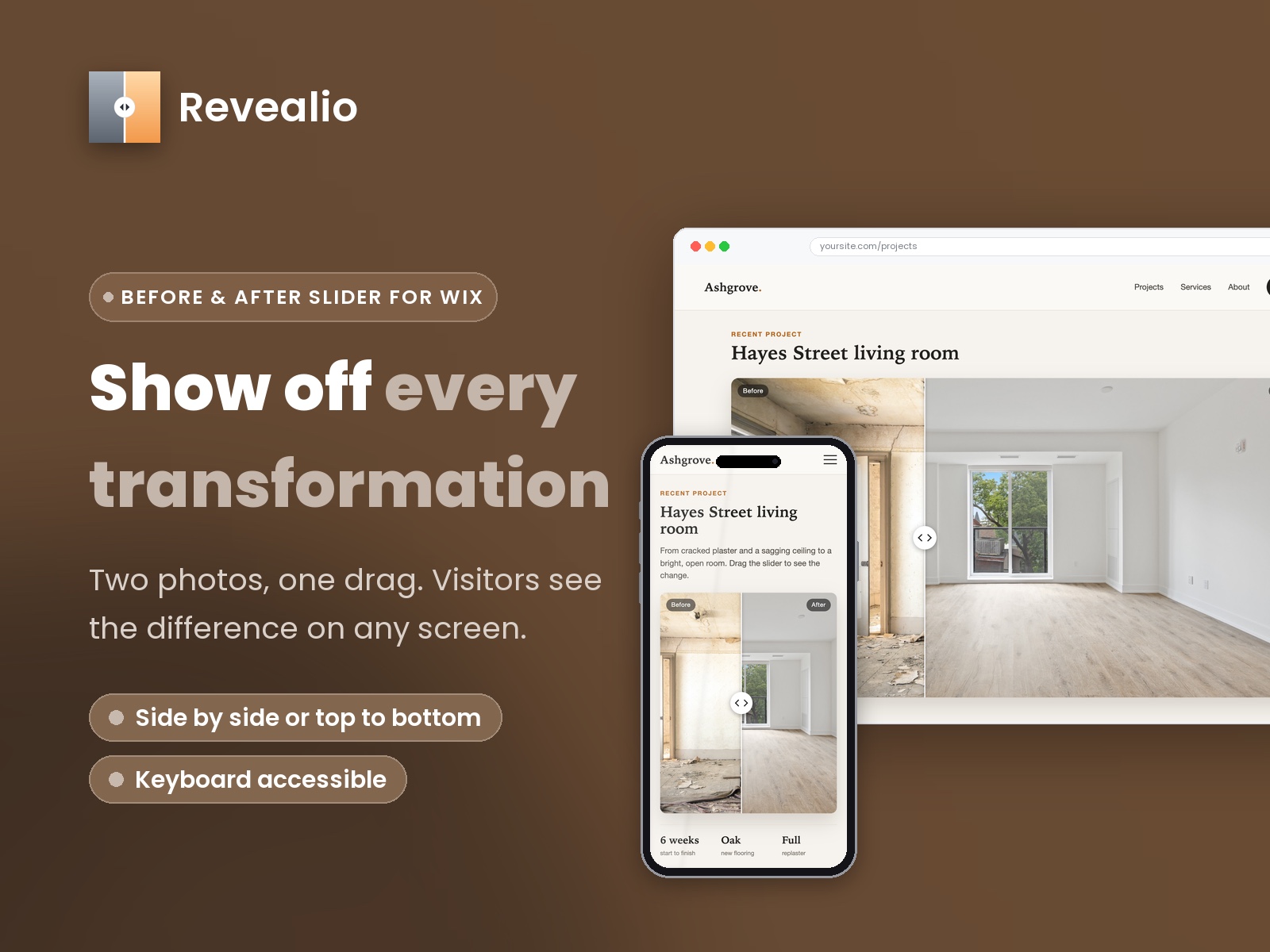
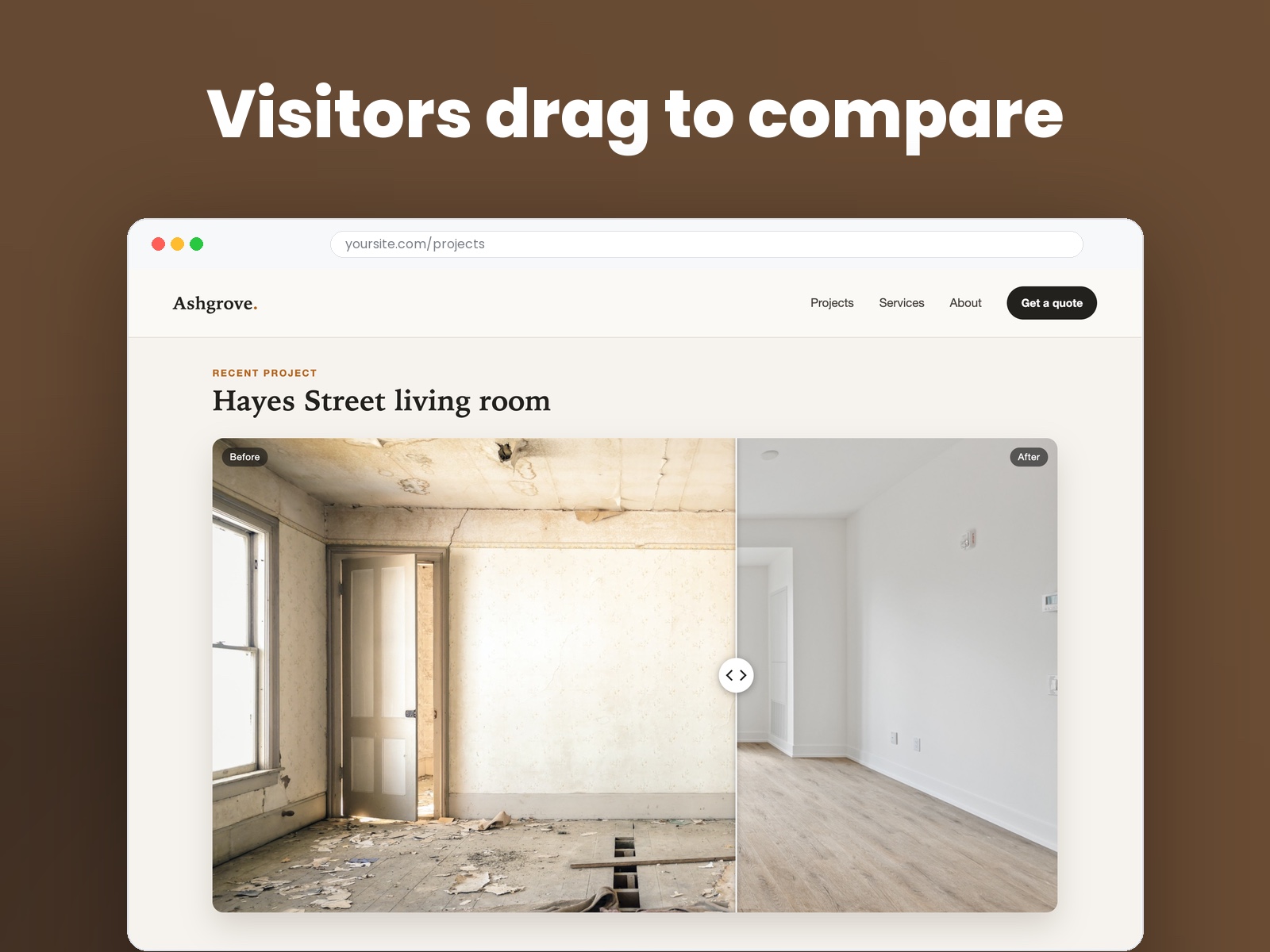
- Drag, tap or use the keyboard to compare
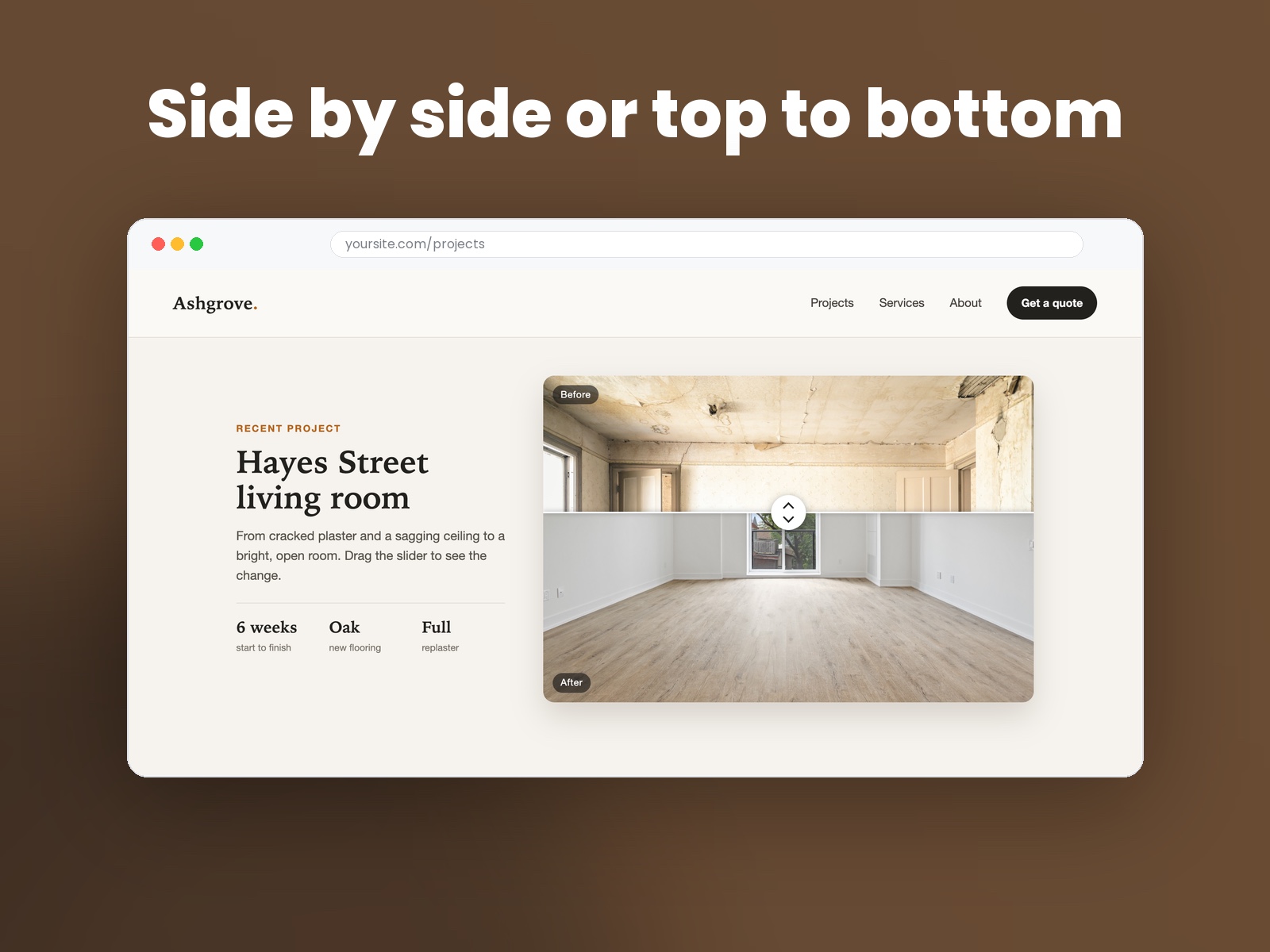
- Side-by-side or top-and-bottom layouts
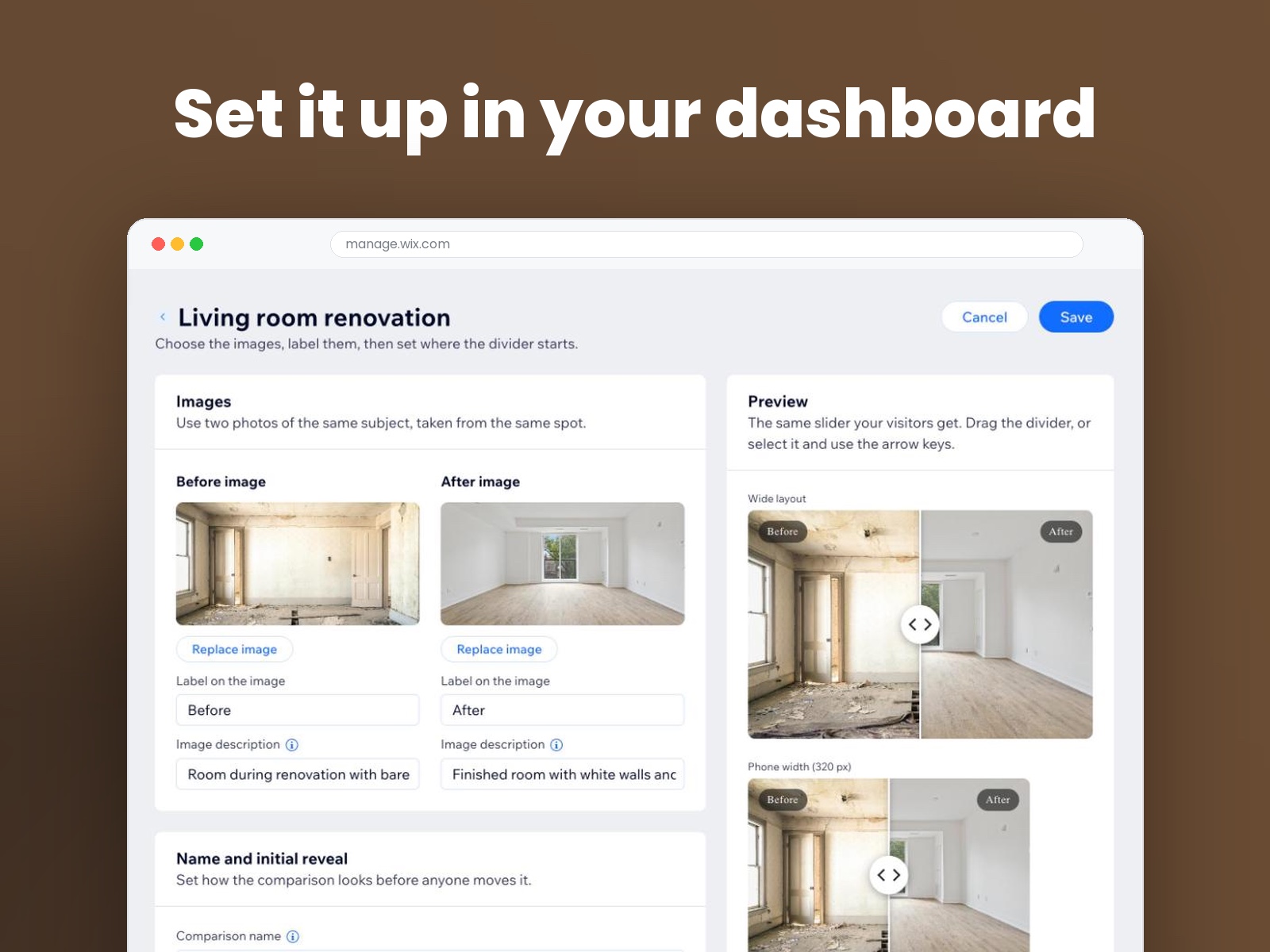
- Labels and image descriptions for each side
- Live preview while you set it up
Valutazione e Recensioni
Questa app non ha ancora ricevuto recensioni: valutala prima di tutti.Piani e prezzi
Pacchetto Free
Gratis
1 saved comparison
Mouse, touch and keyboard controls
Side-by-side or top-and-bottom layout
Pacchetto Pro
$
3
32
/mese
$416
Up to 100 saved comparisons
A different slider on every page
All Free features included
* Il prezzo è in USD.