

negozio online
prenotazioni
eventi
popup

Store Backup & Restore
di
Automatic backups for your online store
Non ci sono ancora recensioni
Piano gratuito disponibile

Panoramica Store Backup & Restore
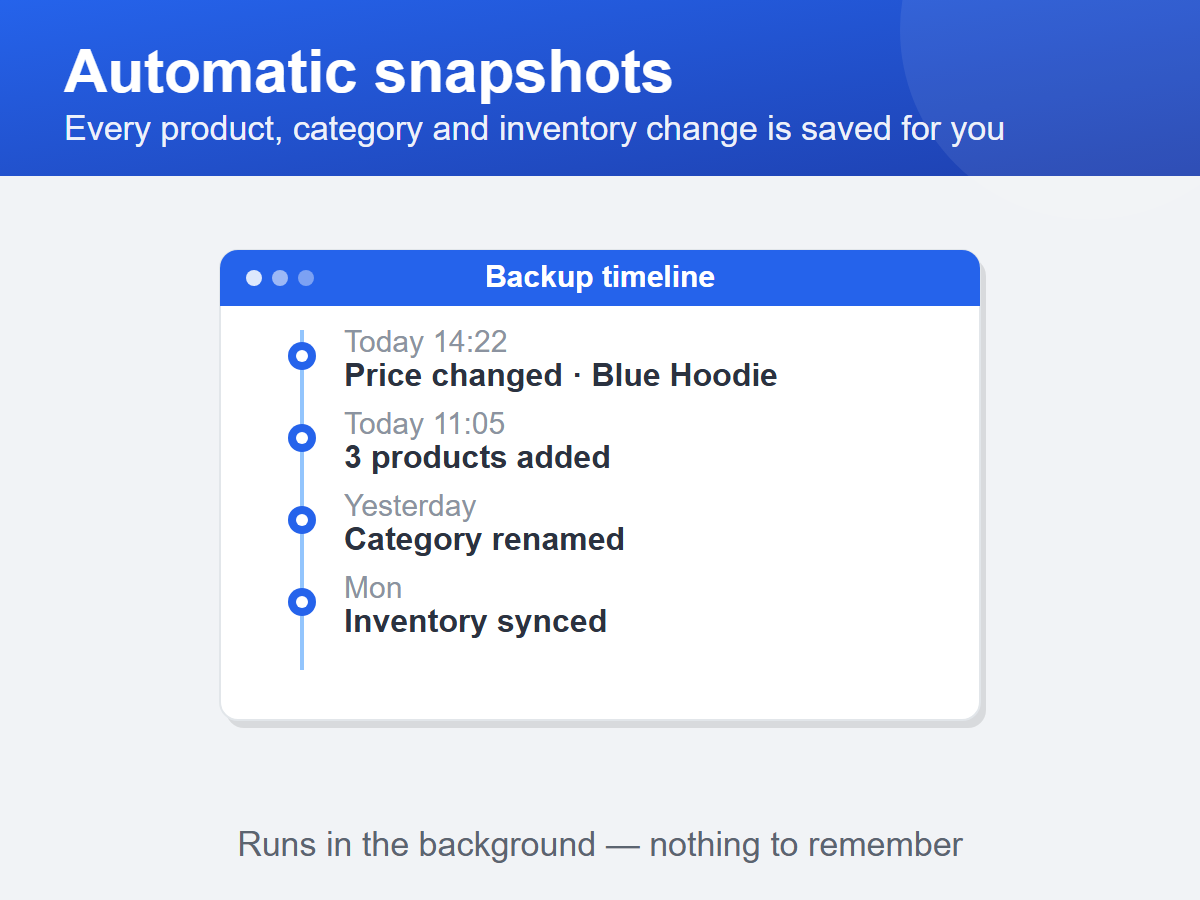
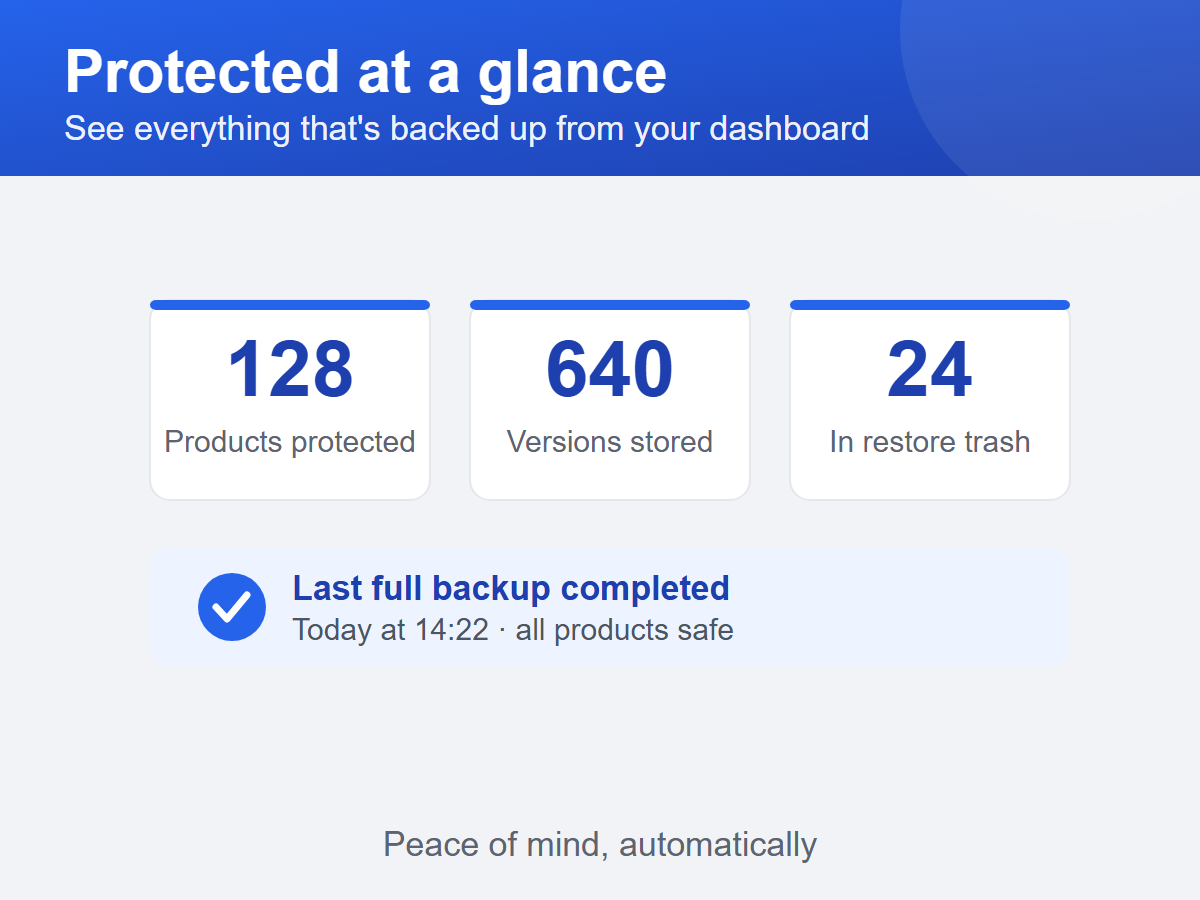
- Automatic version snapshots of every product change
- Stock levels and category assignments stored with every version
- Runs in the background — nothing to schedule
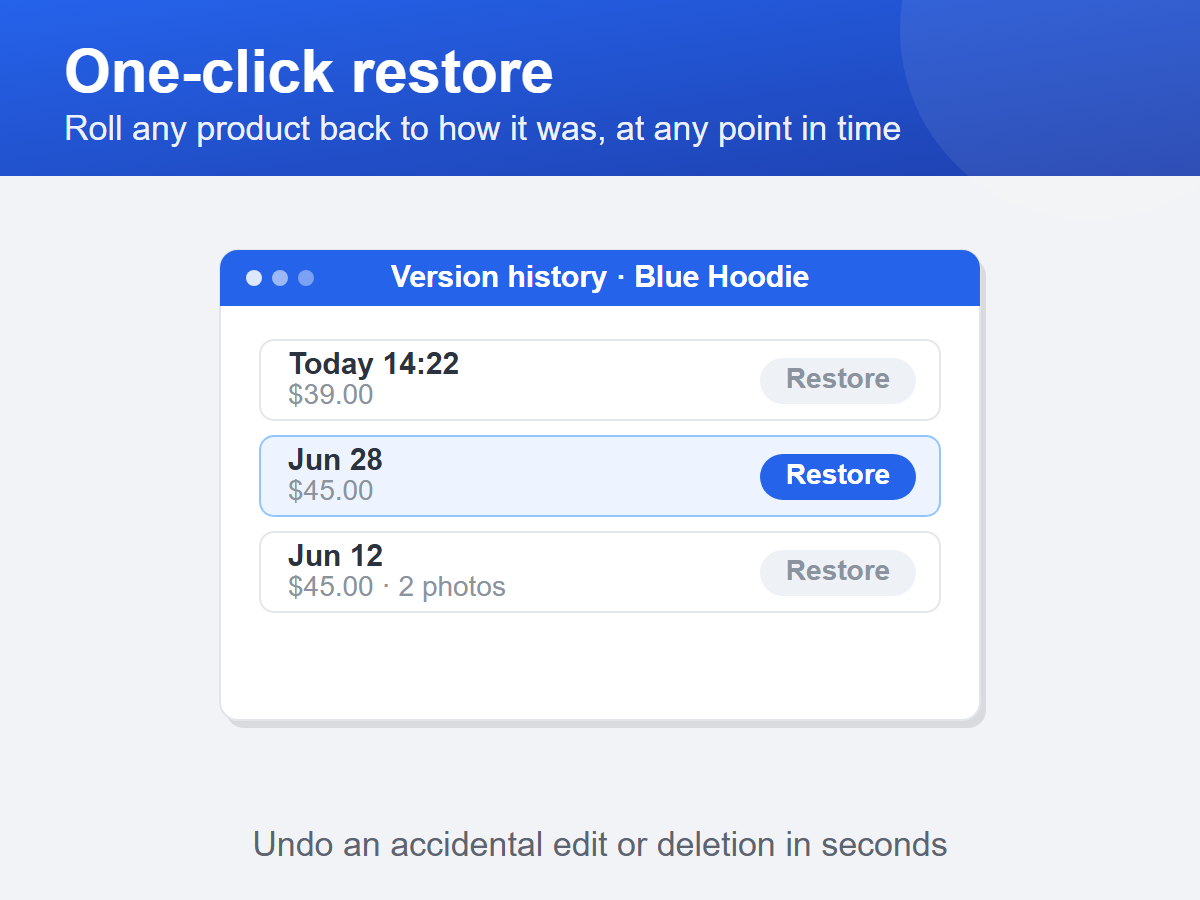
- One-click restore to any earlier version
Categorie
Disponibilità:
L'app è disponibile in tutto il mondo.Lingue dell'app:
Inglese
Requisiti del sito:
-
In evidenza in
GT
App sviluppata daGlimm Tech
Visita il nostro sito webContatta l'AssistenzaInformativa sulla privacy
Glimm AS garantisce il rispetto delle leggi commerciali UE.
Valutazione e Recensioni
Questa app non ha ancora ricevuto recensioni: valutala prima di tutti.Piani e prezzi
Pacchetto Basic
Gratis
Protects up to 10 products
5 versions per product
7-day version history
One-click restore included
Pacchetto Pro
$
9
00
/mese
Unlimited products protected
Up to 50 versions per product
90-day version history
Priority email support
* Il prezzo è in USD.