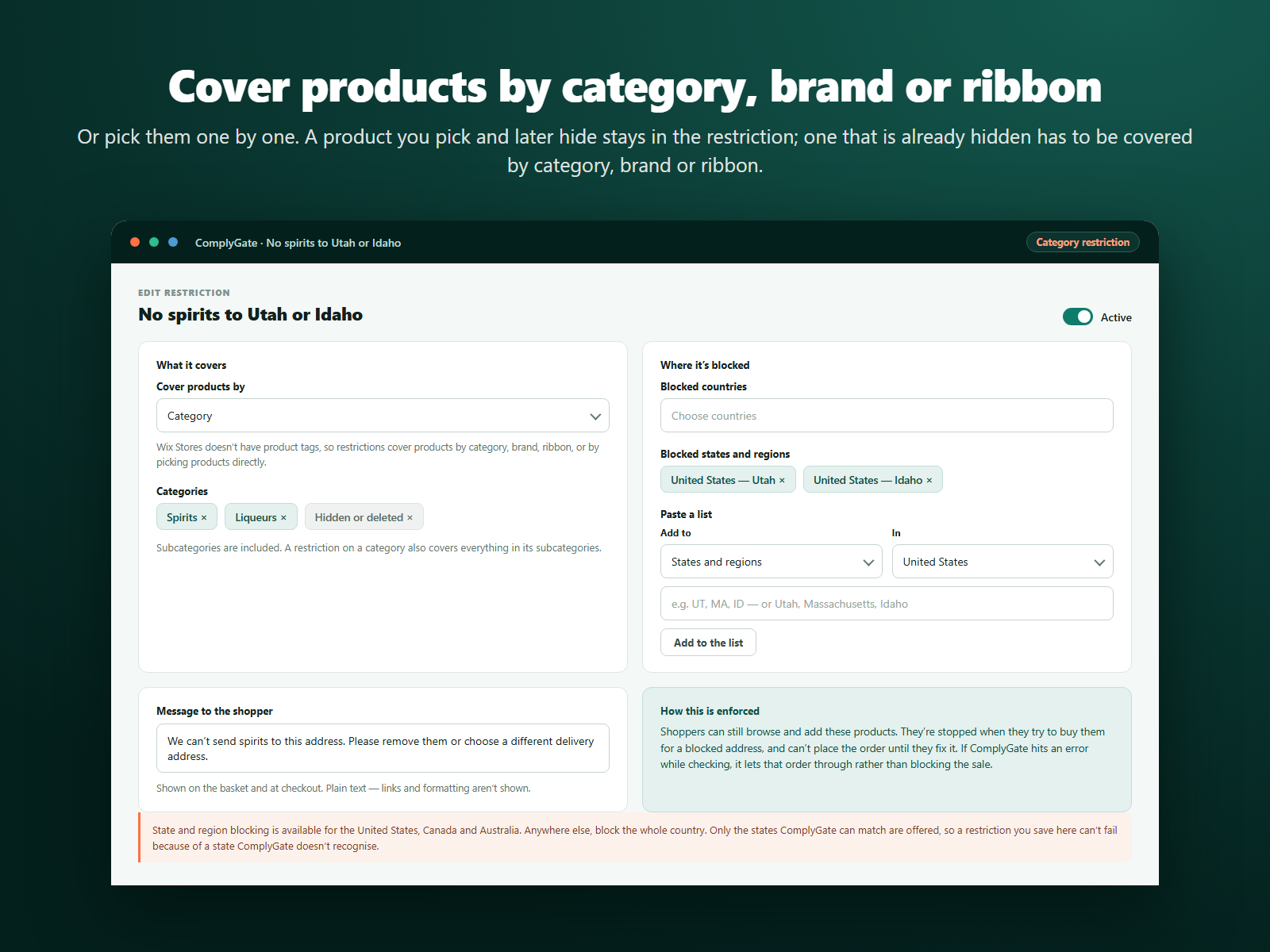
Cover products by category, brand, ribbon, or pick them one by one
Block whole countries, or states in the US, Canada and Australia
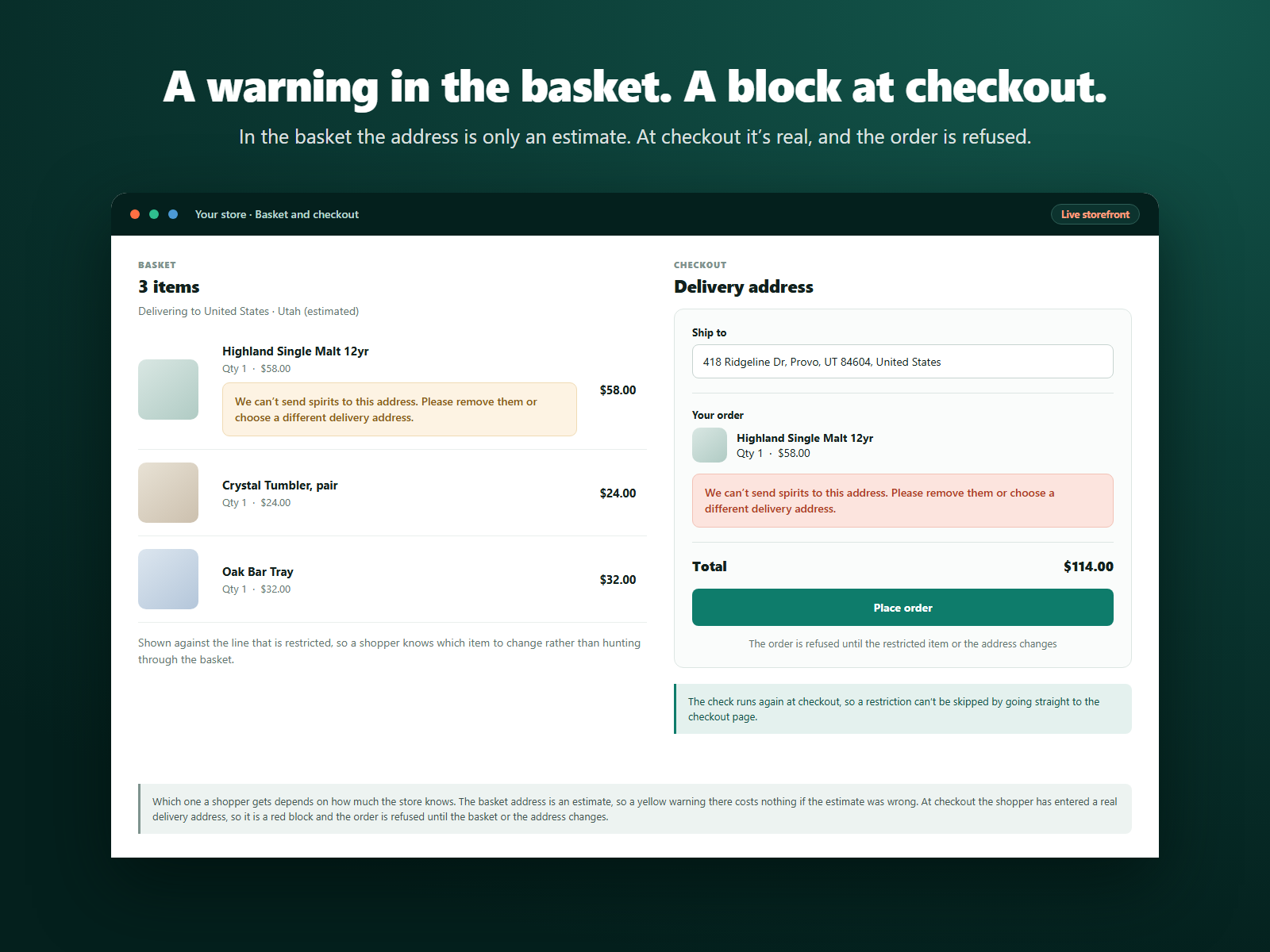
Warns in the basket, blocks the order at checkout
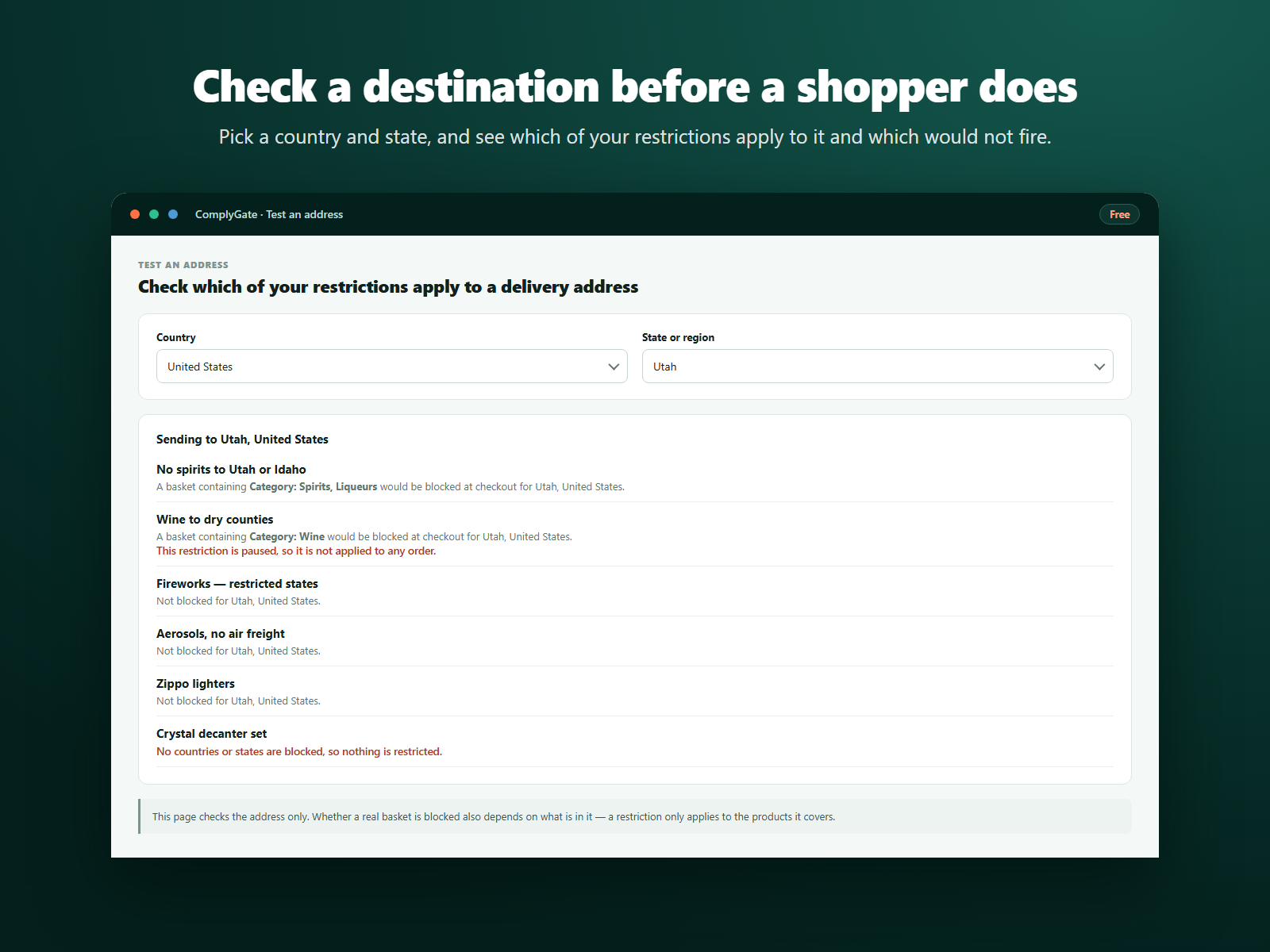
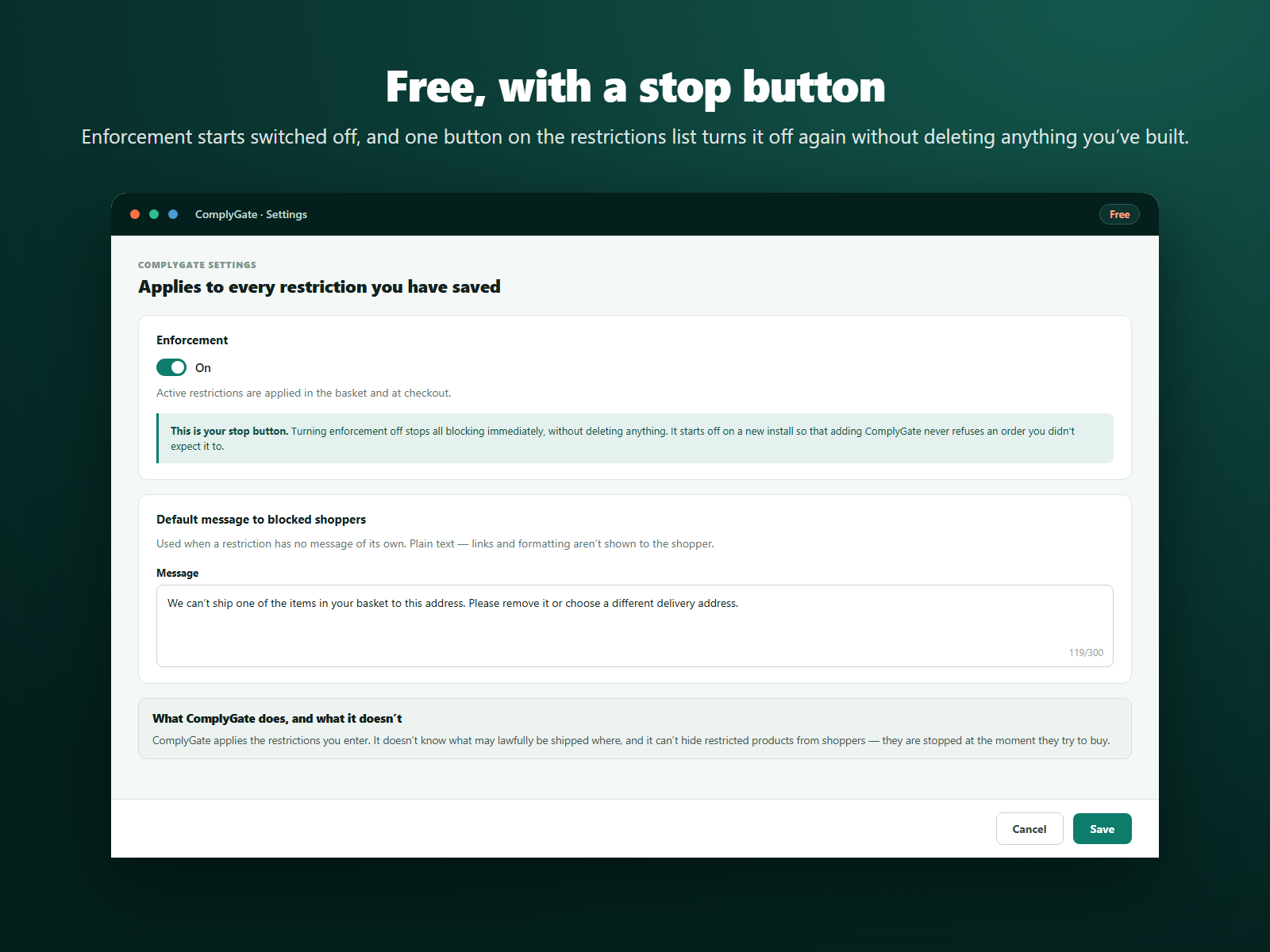
Test a destination before a shopper does, and switch it all off in one click
ComplyGate stops products being bought for delivery to places you can't send them to. You choose what a restriction covers, either a category, a brand, a ribbon, or products you pick yourself, and where it applies: a whole country, or a state or region in the United States, Canada or Australia.
A shopper heading for a blocked address sees your message. In the basket, where the address is only an estimate, it is a warning. At checkout, where the address is real, the order is refused until the basket or the address changes. Only store products are covered: bookings, plans and restaurant orders in the same basket are ignored.
It runs on the server, inside the checkout validation your store already does. No script or widget is added to your site's pages, and no shopper data is stored. Both store catalogue versions are supported.
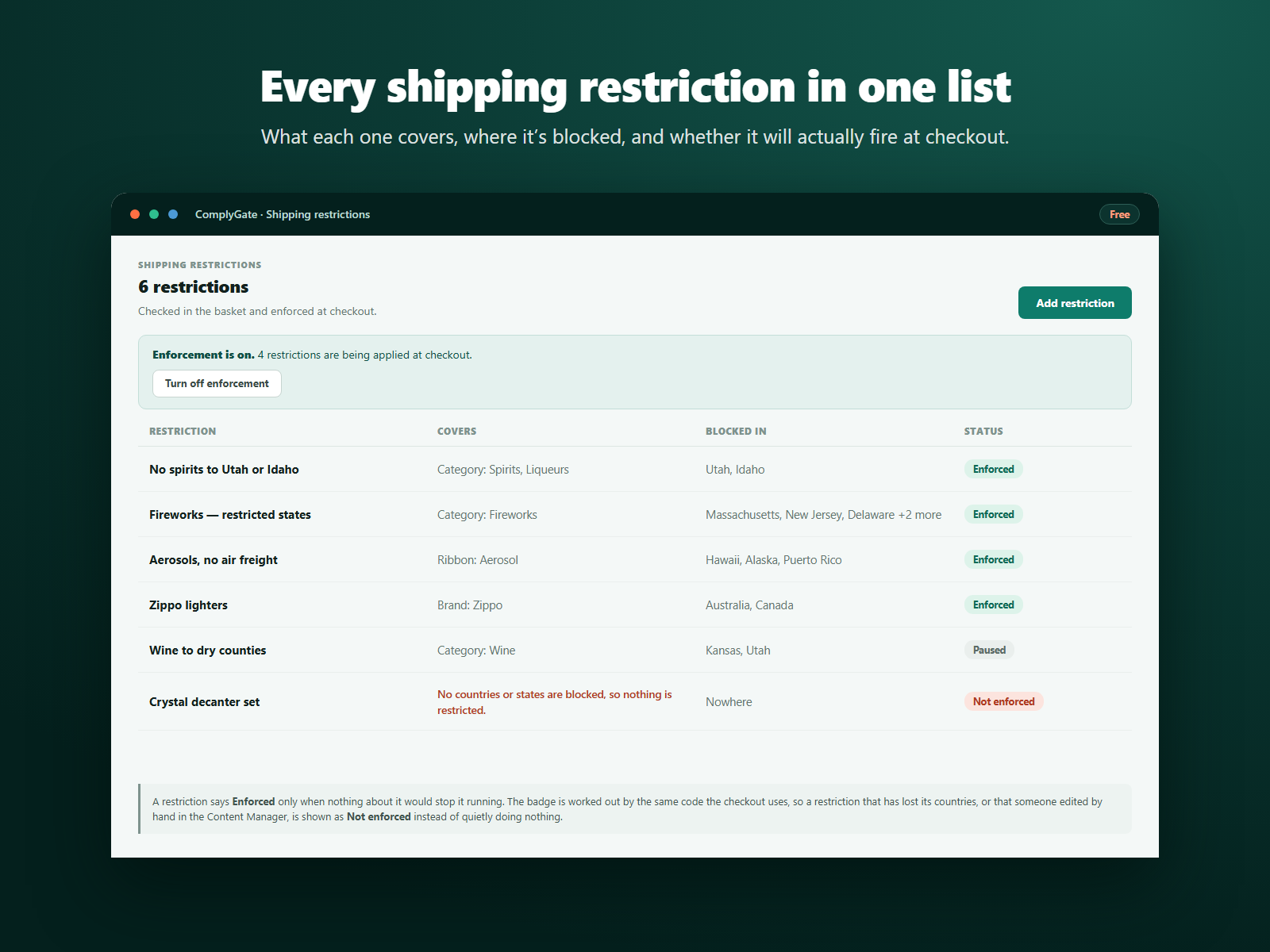
The restrictions list shows what each one covers, where it is blocked, and whether it will really run, using the same code the checkout uses. You can test a destination without placing an order. Enforcement starts switched off, and one switch stops it.
ComplyGate applies the restrictions you enter. It does not advise on what may lawfully be shipped where.