

negozio online
prenotazioni
eventi
popup

Pricing Tables & Comparison
di
Pricing tables that never vanish from a page
Non ci sono ancora recensioni
Piano gratuito disponibile

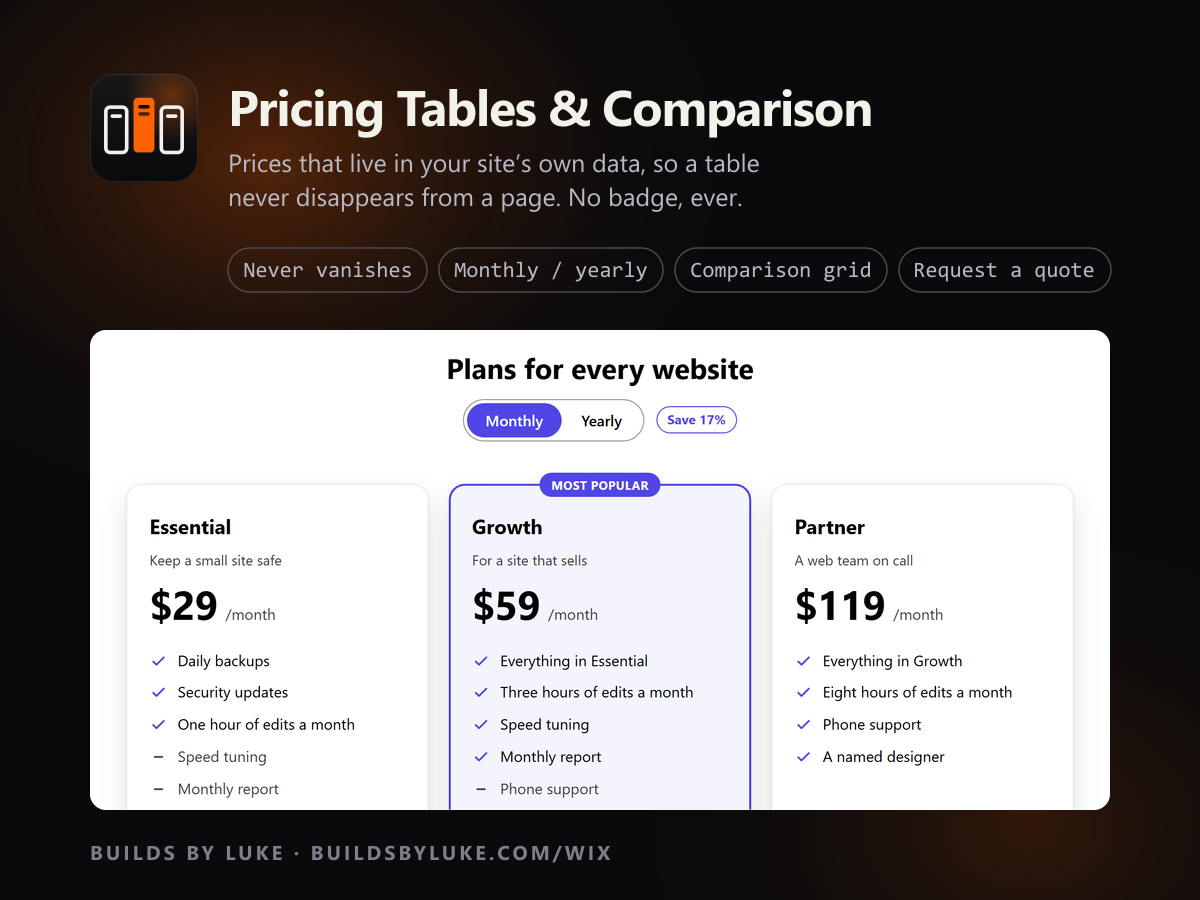
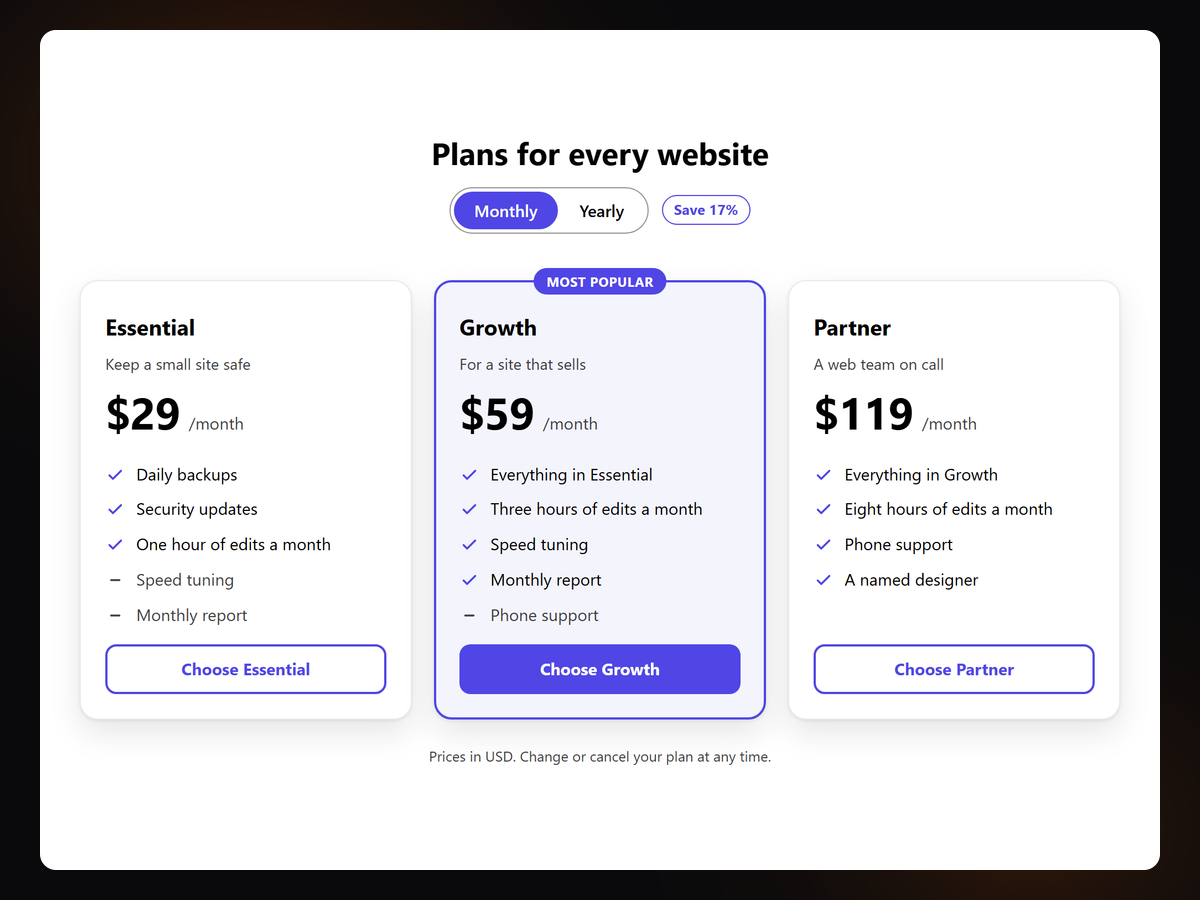
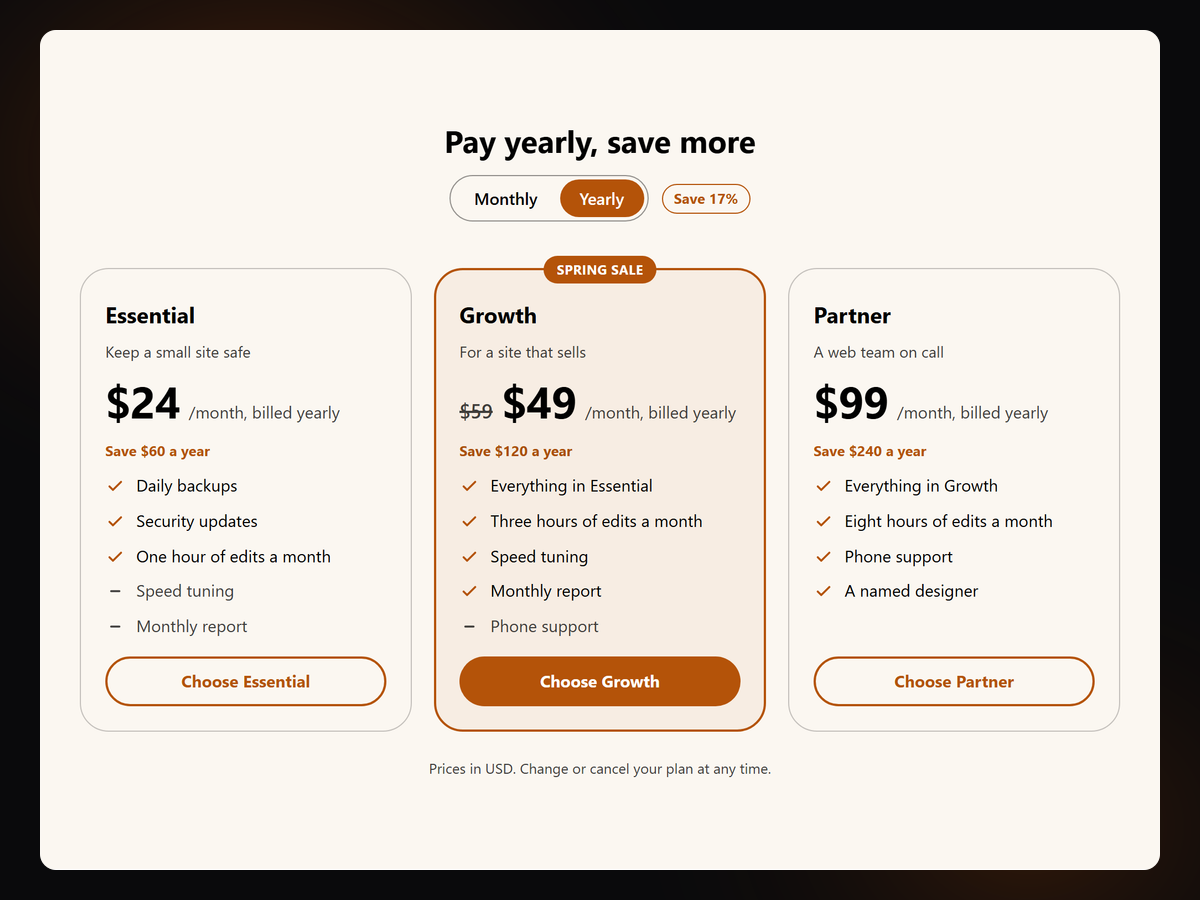
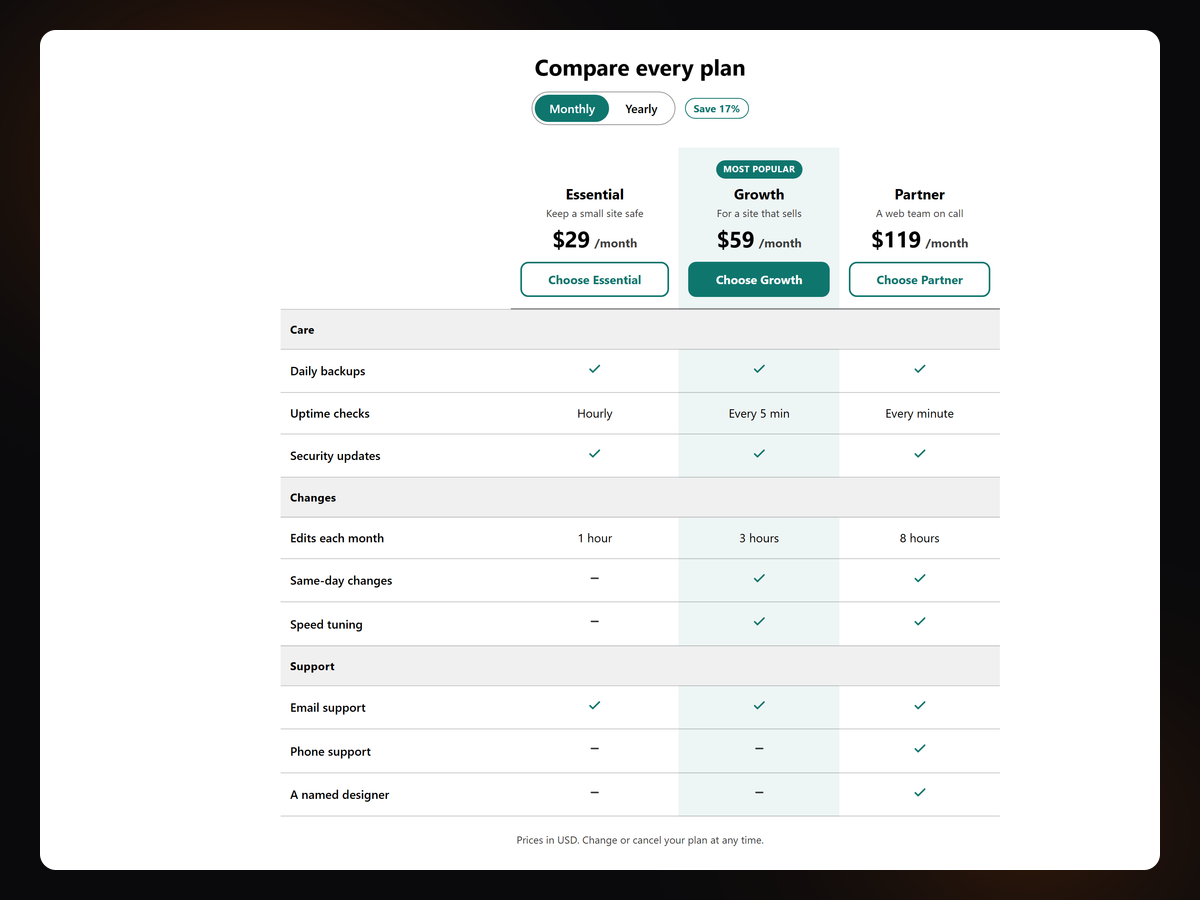
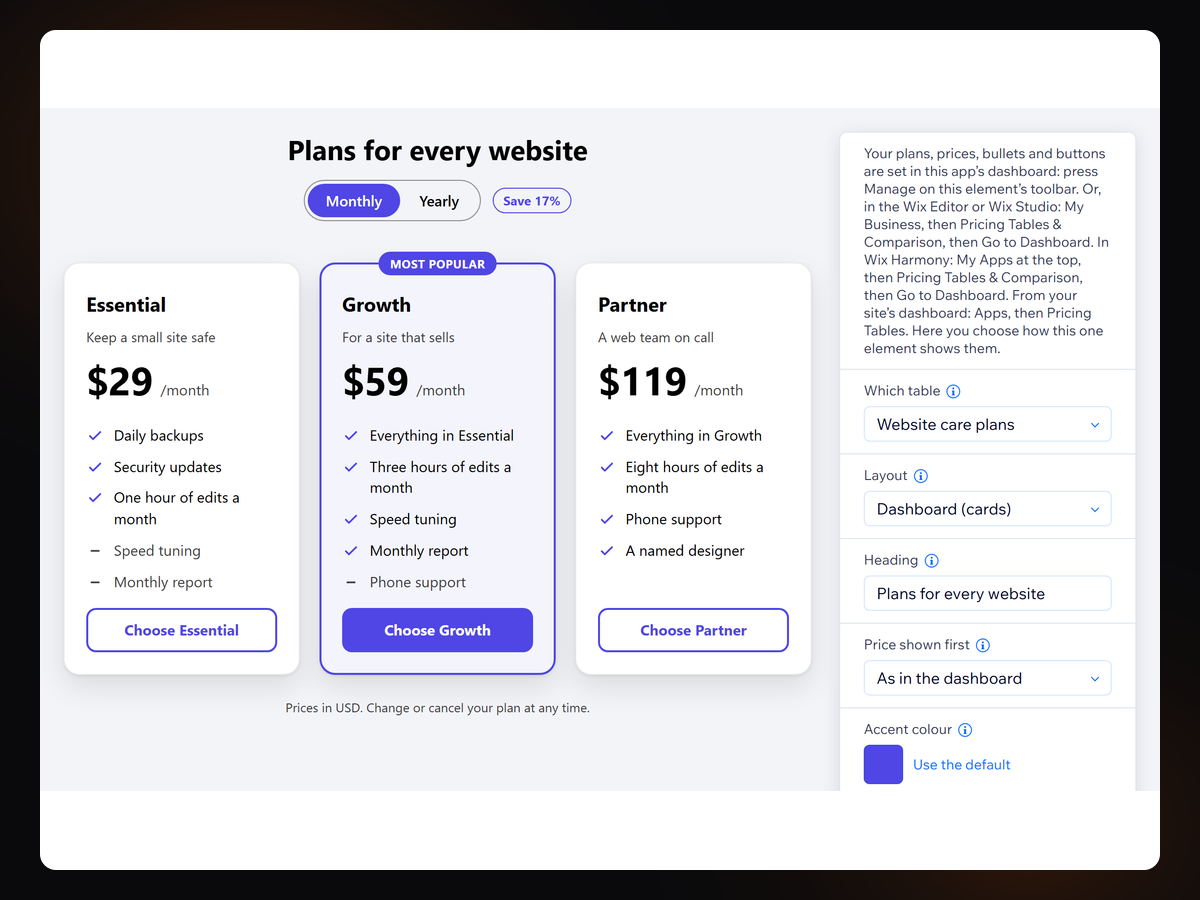
Panoramica Pricing Tables & Comparison
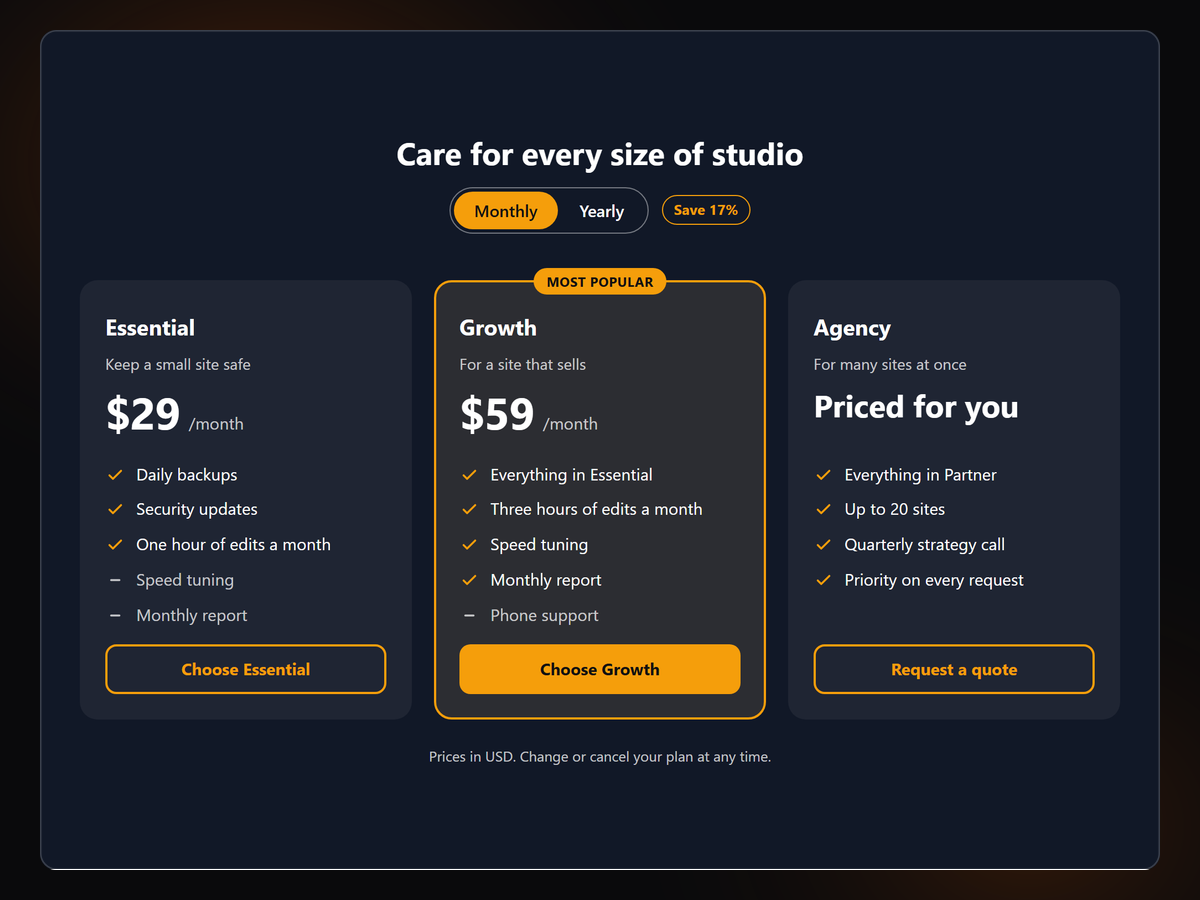
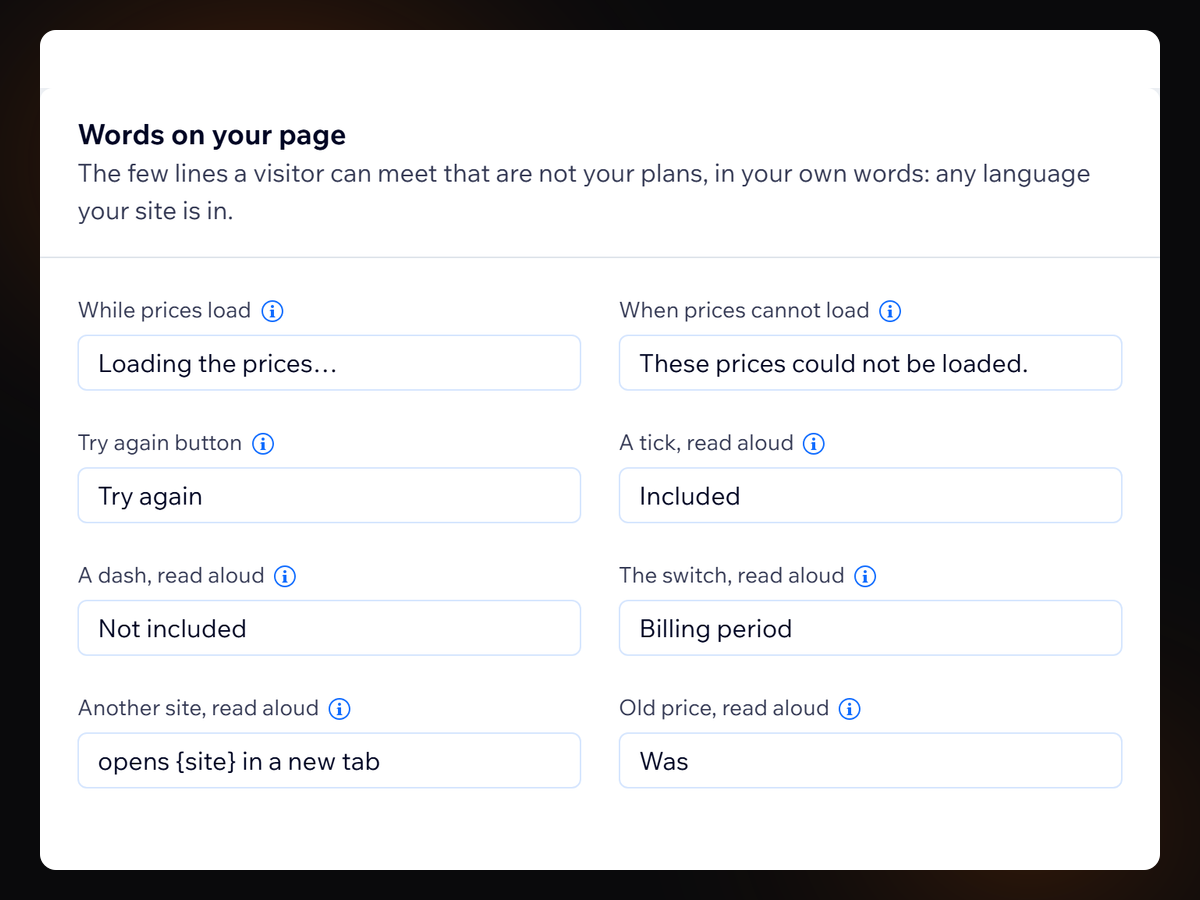
- Your prices live in your site's own data, not the widget
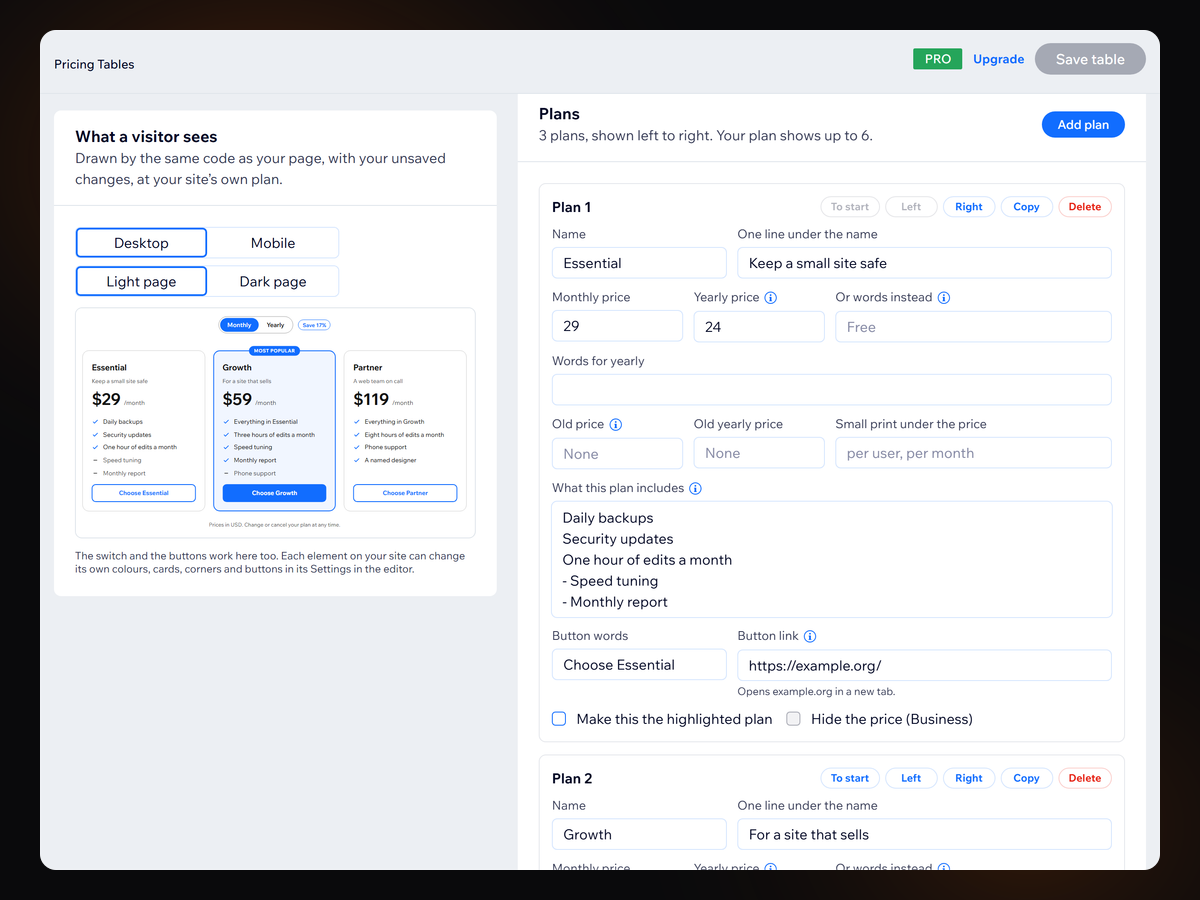
- Every price and button lines up, with a live preview
- Monthly and yearly switch, savings and sale prices
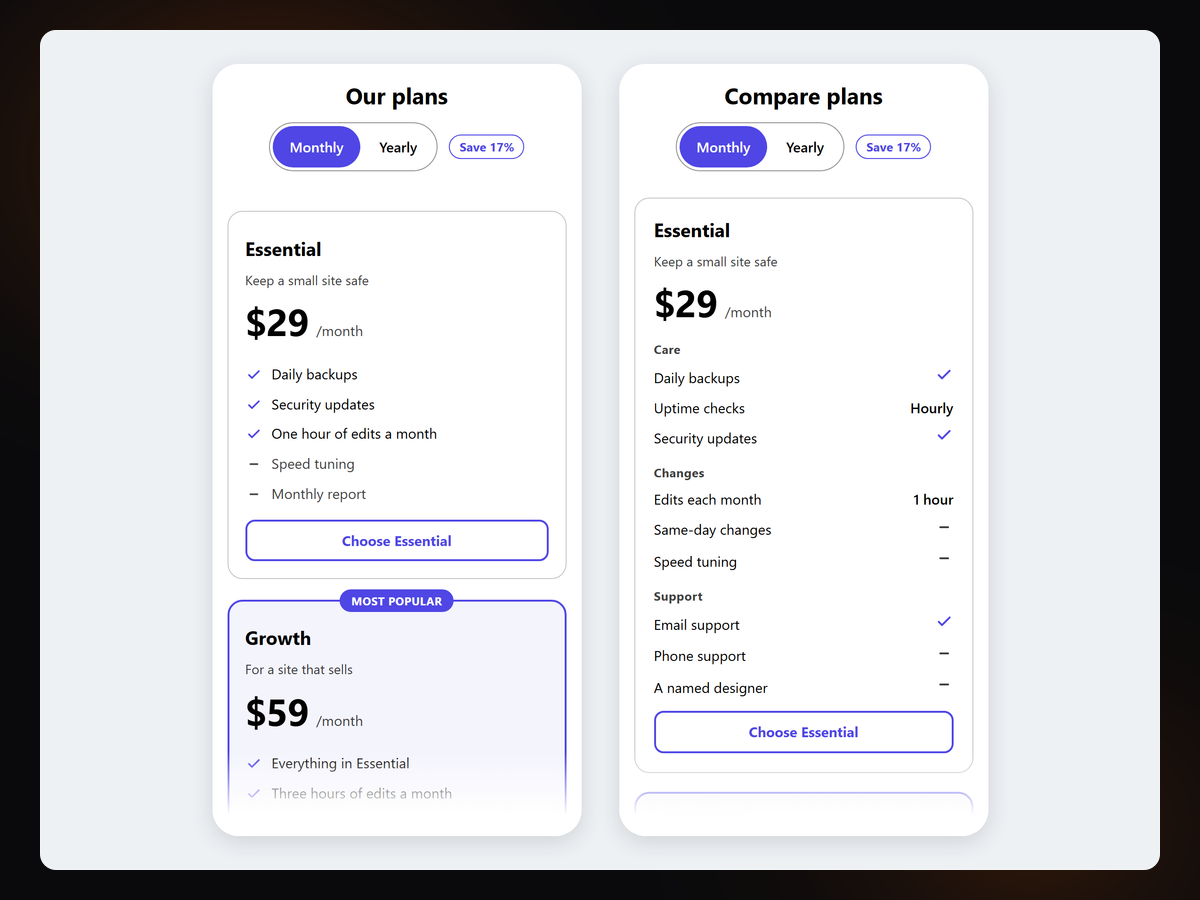
- Comparison grid, and a quote button in place of a price
Valutazione e Recensioni
Questa app non ha ancora ricevuto recensioni: valutala prima di tutti.Piani e prezzi
Pacchetto Basic
Gratis
One table, up to 3 plans
Up to 20 bullets in each plan
Every design control, your fonts
Buttons link anywhere, no badge
Pacchetto Pro
$
7
99
/mese
Up to 100 tables, on any page
Up to 6 plans in a table
Yearly switch, savings, sale prices
Side-by-side comparison grid
Pacchetto Business
$
15
99
/mese
Hide a price, ask for a quote
Currency pinned to one locale
Up to 8 plans in a table
Grouped sections in the grid
* Il prezzo è in USD.