

negozio online
prenotazioni
eventi
popup

Booking Form Hub
di
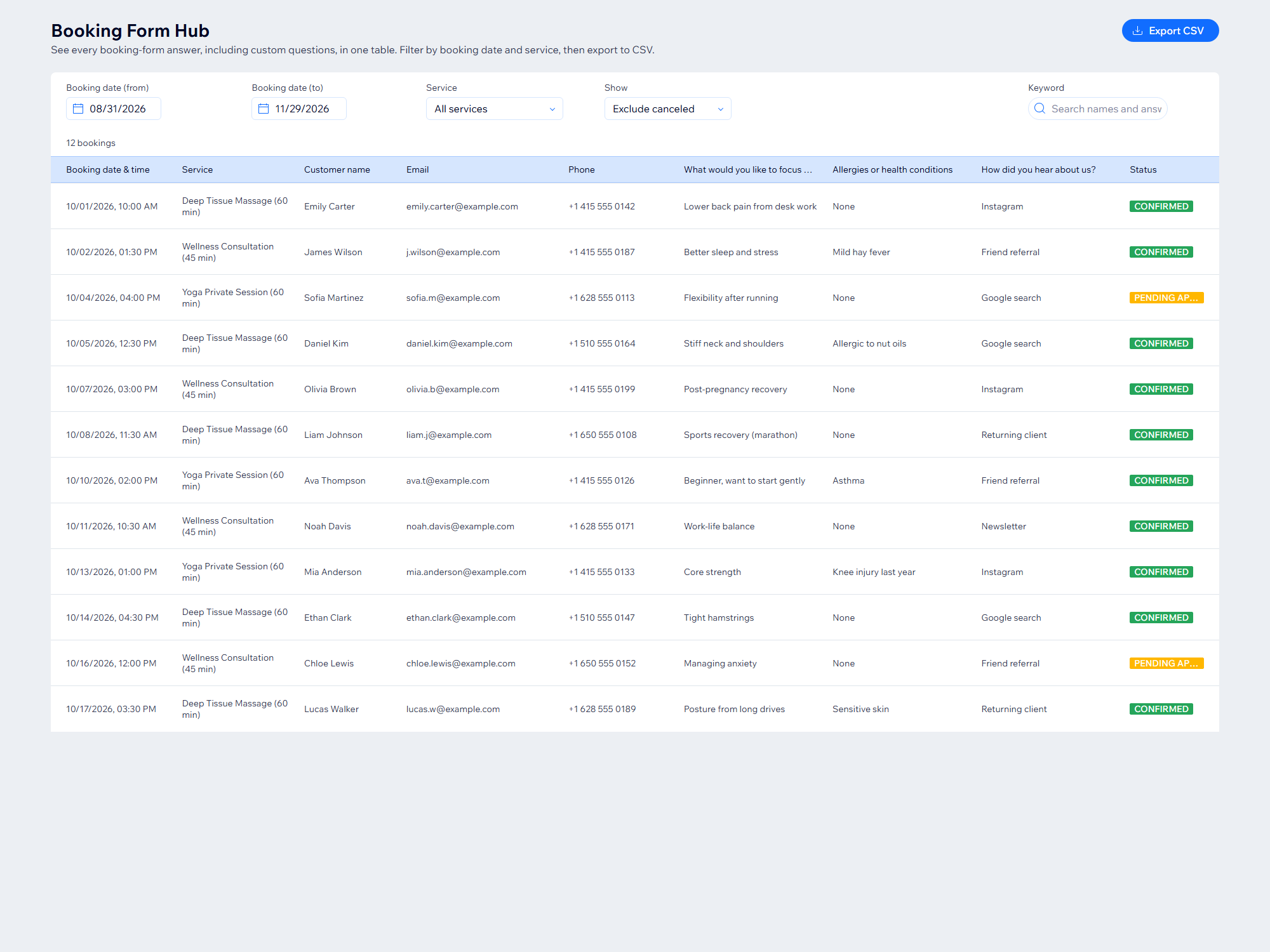
All booking form answers in one table, CSV ready
Non ci sono ancora recensioni
Piano gratuito disponibile

Panoramica Booking Form Hub
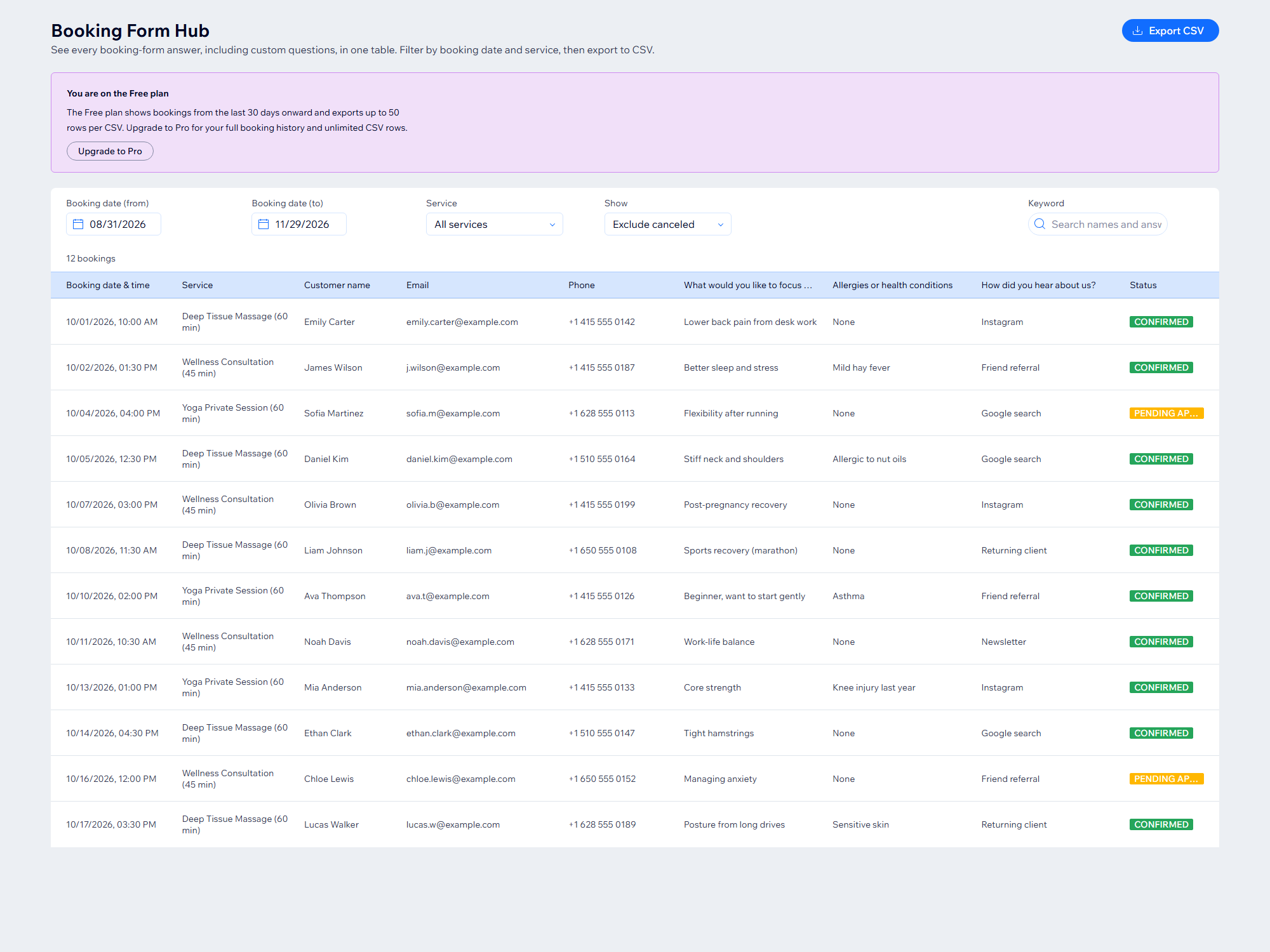
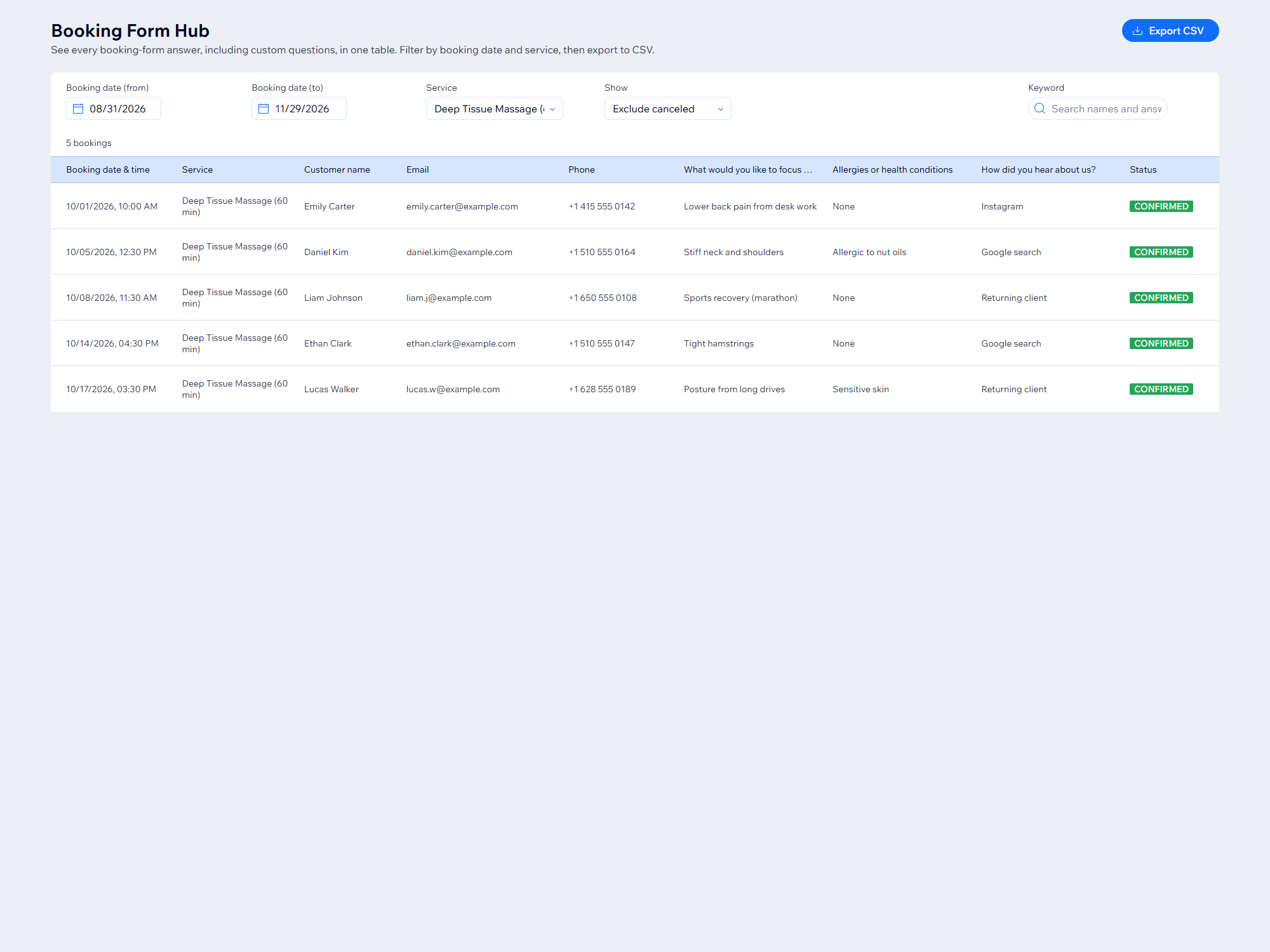
- Every booking-form answer in one table, one column per question
- Filter by booking date, service and status, or search by keyword
- Export to CSV for any spreadsheet app in one click
Valutazione e Recensioni
Questa app non ha ancora ricevuto recensioni: valutala prima di tutti.Piani e prezzi
Pacchetto Basic
Gratis
Bookings from the last 30 days
CSV export up to 50 rows
Filter and keyword search
Pacchetto Pro
$
5
58
/mese
Unlimited booking history
Unlimited CSV export
Filter and search all bookings
* Il prezzo è in USD.