

negozio online
prenotazioni
eventi
popup

Panora: 360 Panorama Viewer
di
Show 360 panorama photos and virtual tours
Non ci sono ancora recensioni
Piano gratuito disponibile

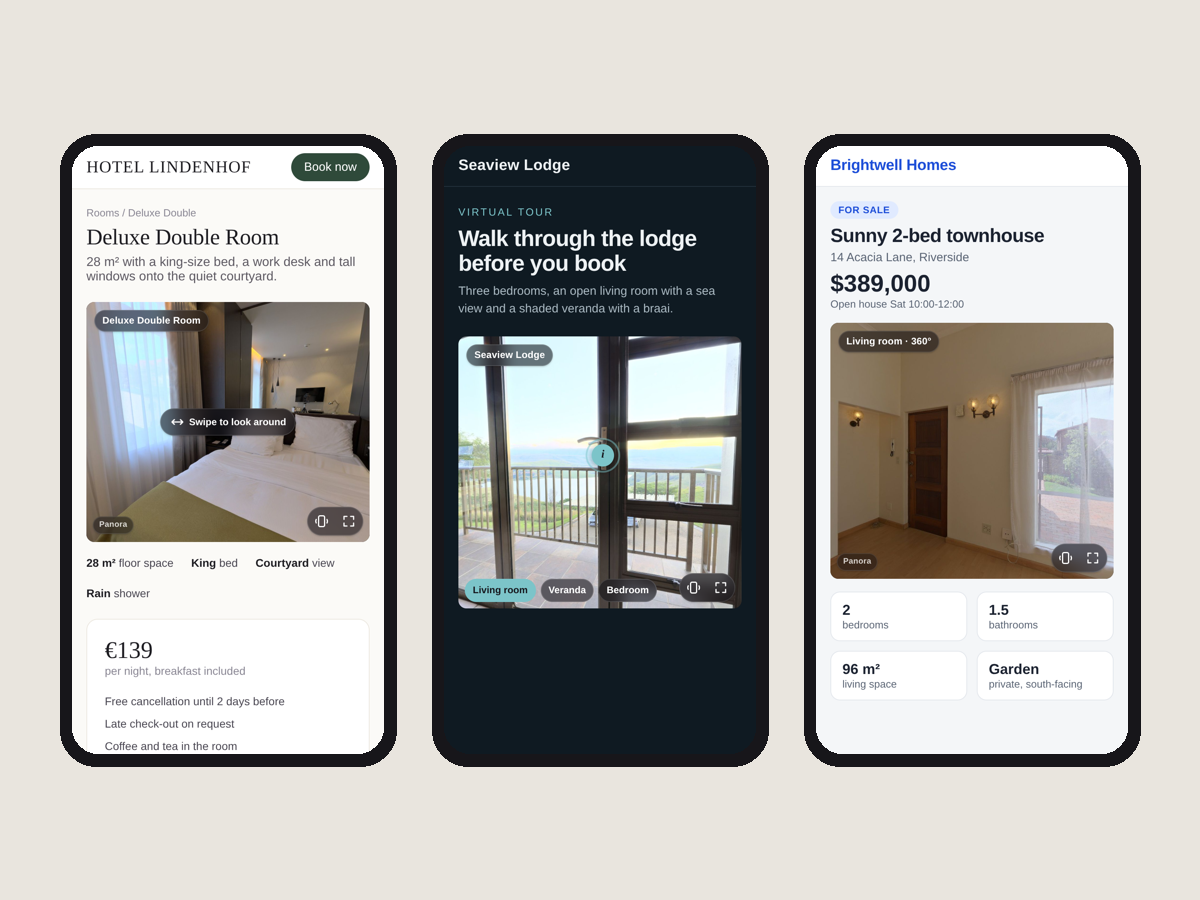
Panoramica Panora: 360 Panorama Viewer
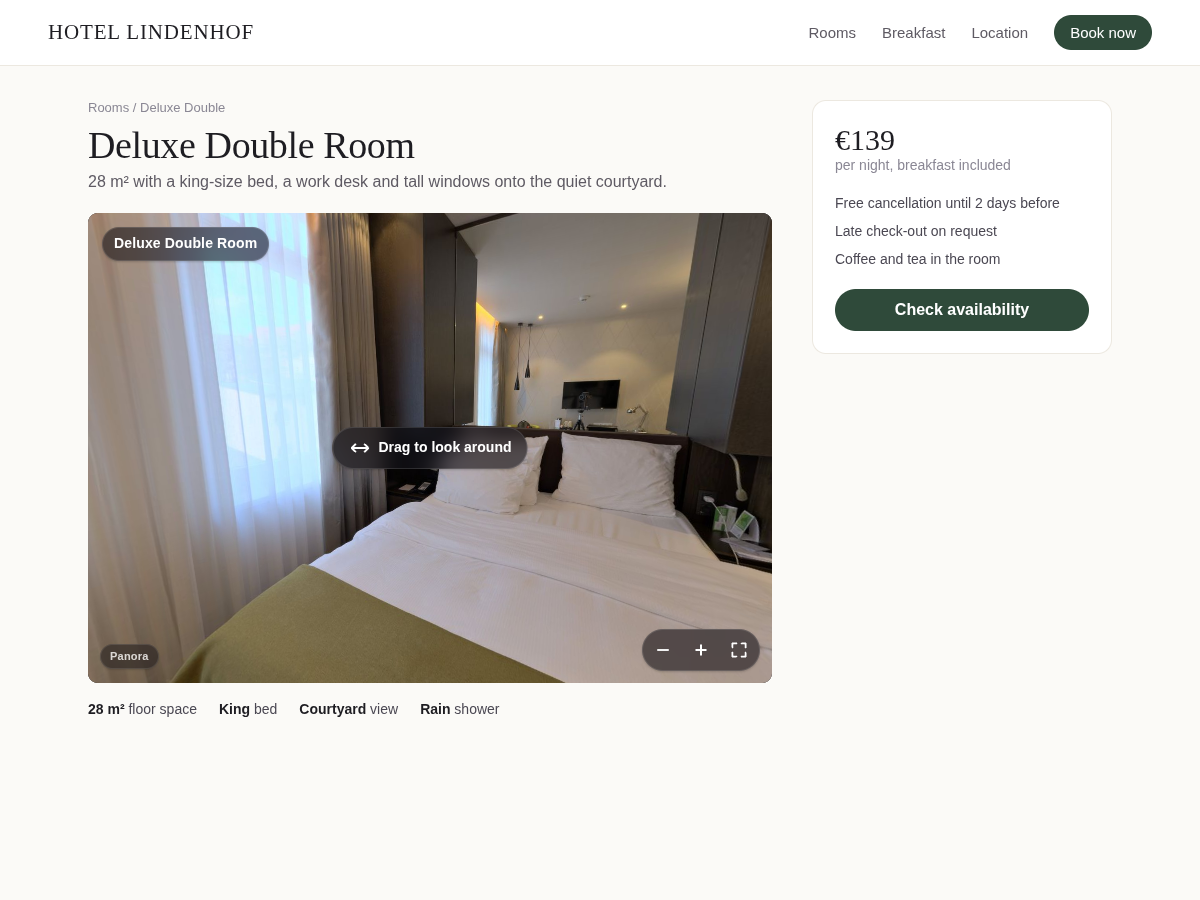
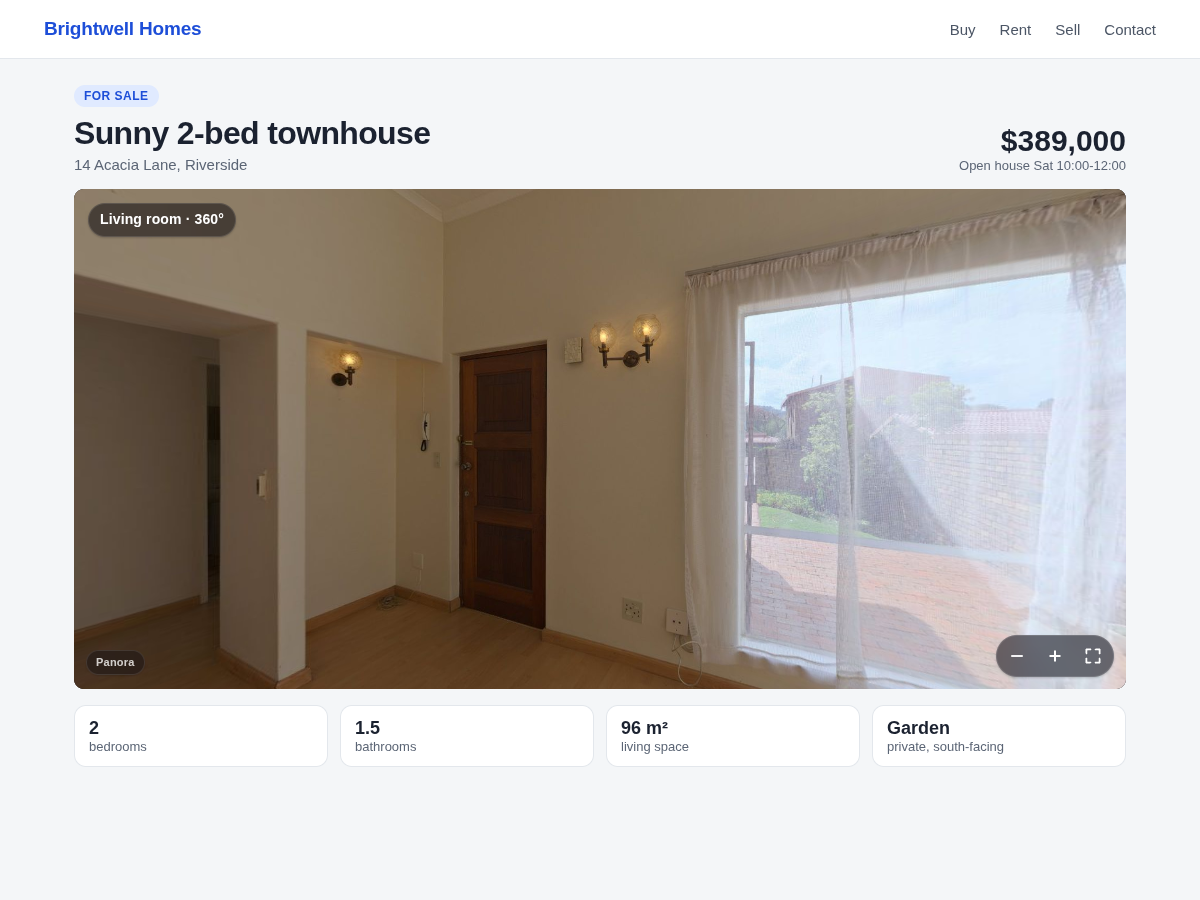
- Drag, pinch, zoom and full screen on any page
- Visitors on phones can turn the phone to look
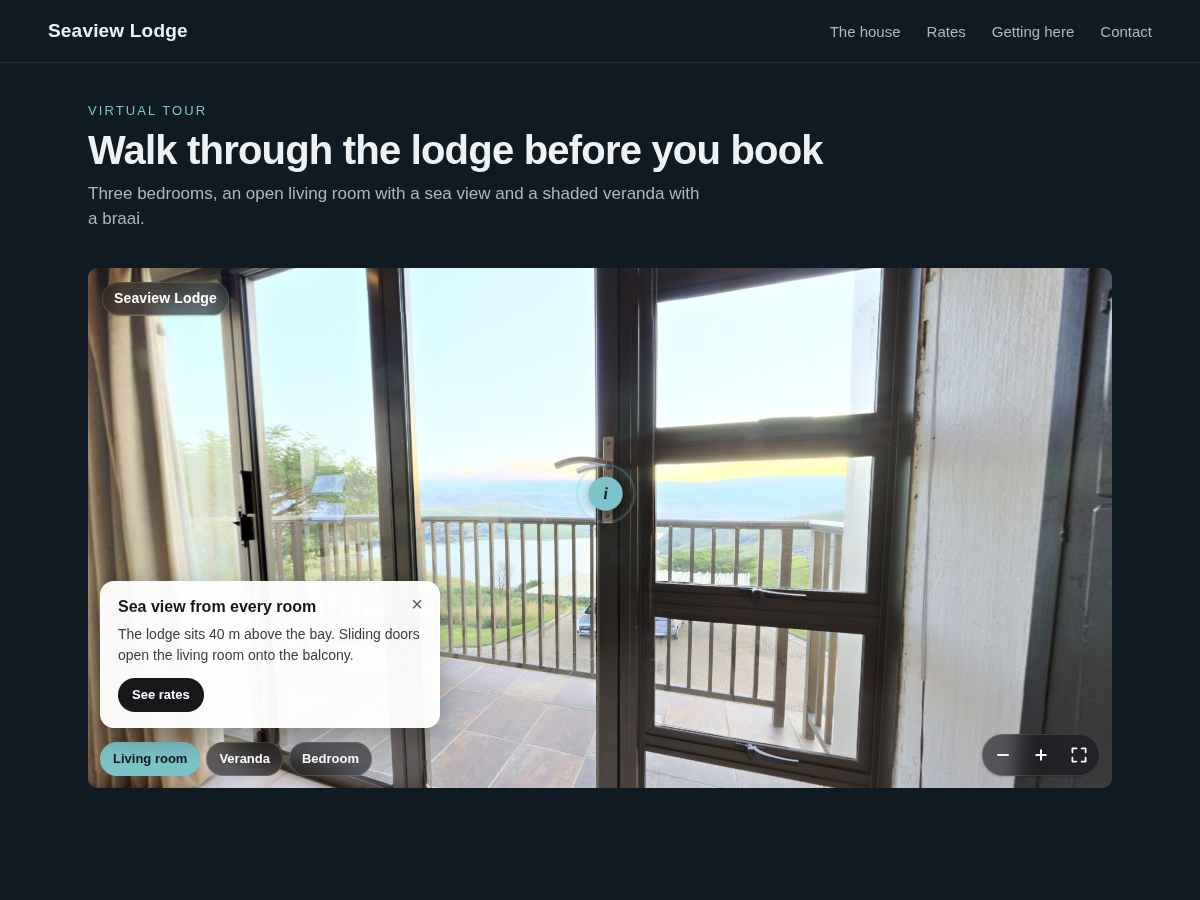
- Virtual tours with arrows from room to room
- Info points with a title, text and a button
Valutazione e Recensioni
Questa app non ha ancora ricevuto recensioni: valutala prima di tutti.Piani e prezzi
Pacchetto Basic
Gratis
One 360° photo per viewer
Drag, pinch, zoom and full screen
Phone motion and a slow auto-turn
Title, colours, corners and font
Pacchetto Premium
$
4
00
/mese
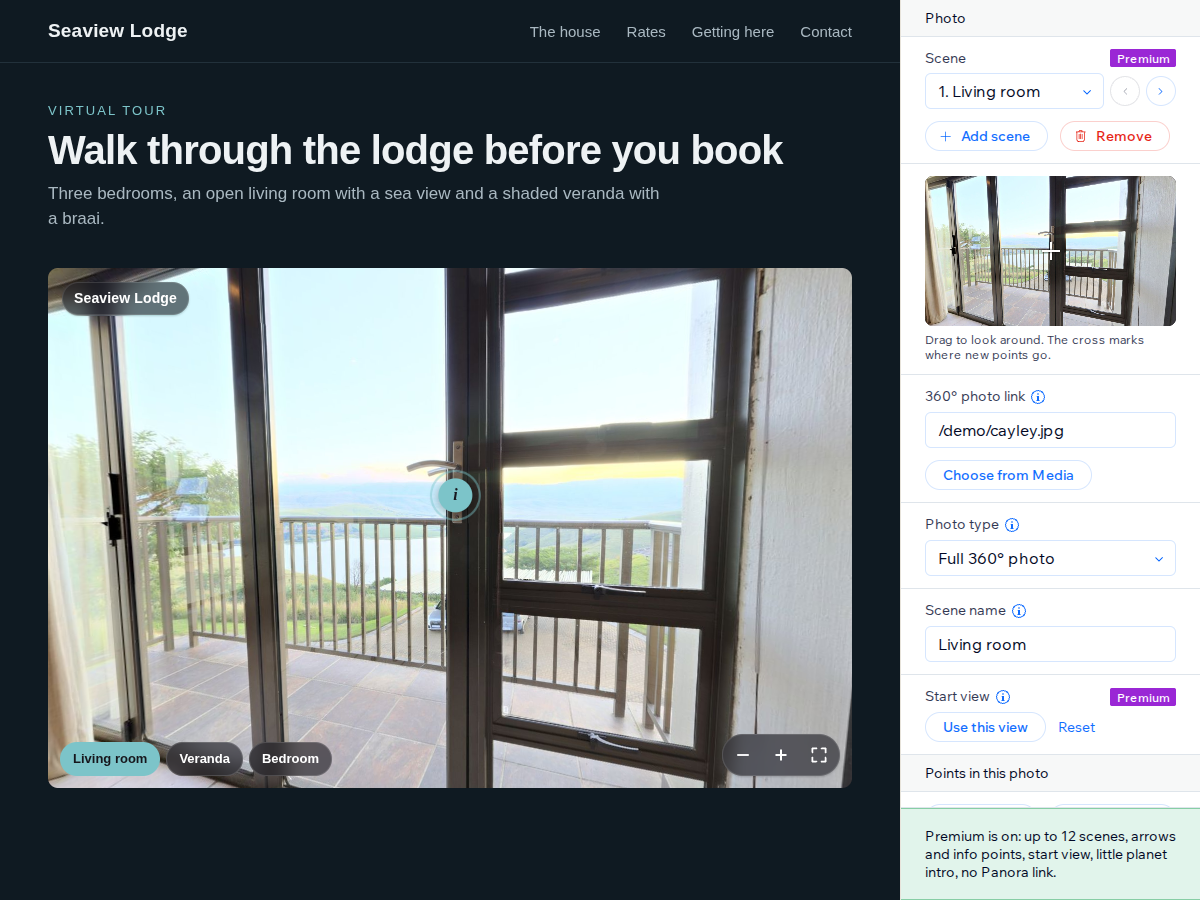
Virtual tours with up to 12 scenes
Arrows between scenes
Info points with text and links
Start view, intro, no Panora link
* Il prezzo è in USD.